
 2Lvodka Cataclysm86 aalle99 Cmonstar07 Tenidro Obitommygun Napoleon_2B 777Obito Kawazy WarriorEvan22 ist0leyour_toast precica666 JPleb_ DoQuan pack224 Steelymcbeemer The_Colonel1 Paris_99x ObitoUchiha1467 SantosDELA Geapi8k BradBayy CrazyBabua1234 nokichau Dary974 xViipz tothemax90 Elperas02 Downs_syndromet Stelios__ methen2003 FreshCheetoDust bobyboucher MysterHeisenberg MarkalovInwza008 Afrizel Technoblade7967 Kourax56 NervousFish69 Fireking246810 Minhnhut1234VN CarlimPvP AMGA_9 ALIBTW_ slayzix1 Yoruyi Betitocreeper Shintar0f Nakkath DrLab_ Actros12 RoadTo_Elite08 Long31erz CHAU7 Hello_Birthday XDeatX HYlordris Deniskas43 LuizPedro1501 LYorki
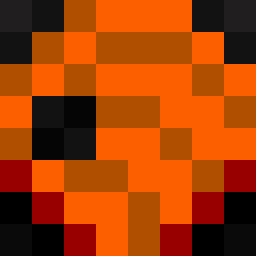
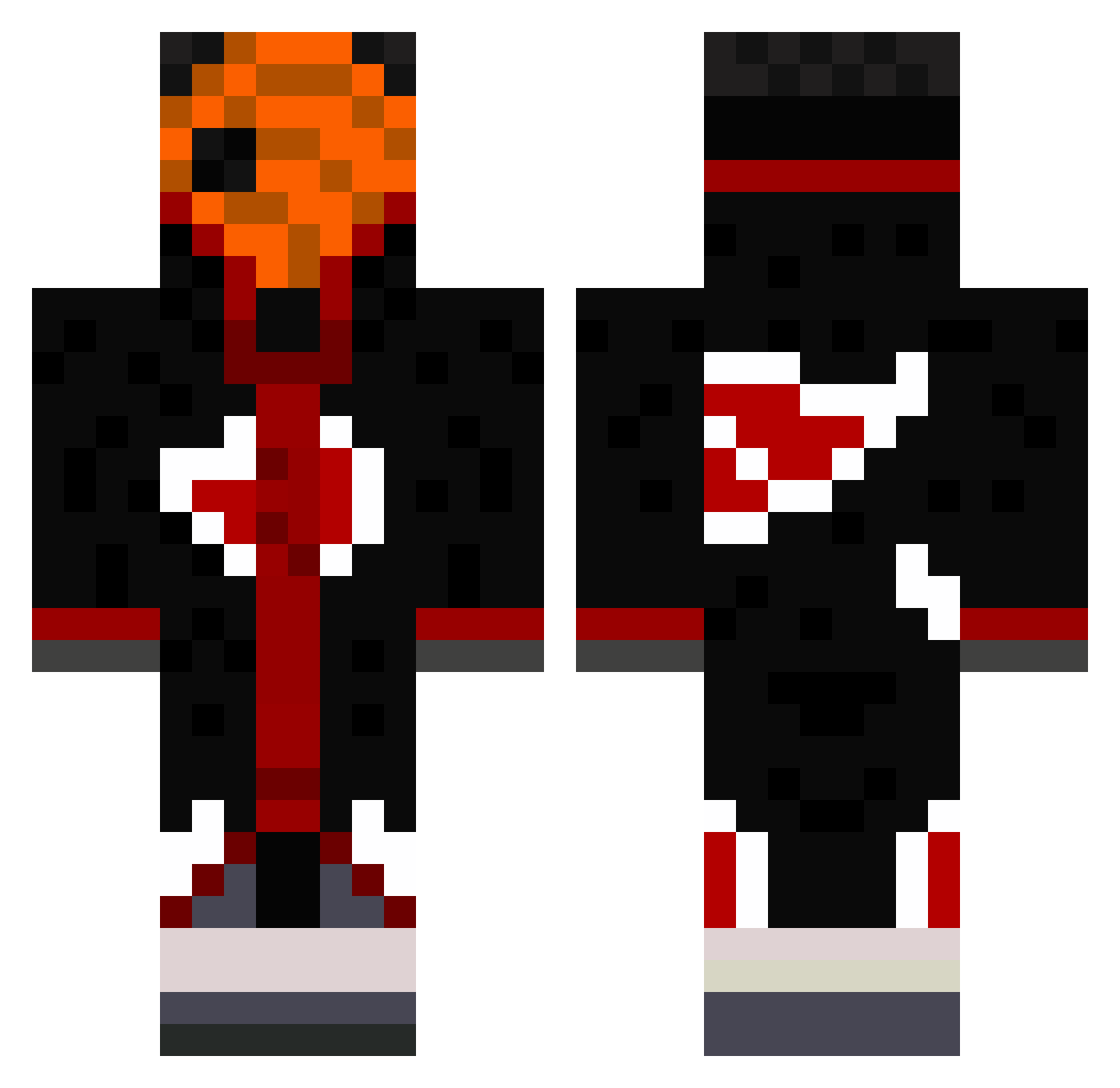
Minecraft skin of Zexro1. Rotate the 3D model with your mouse or finger to view the skin from every angle, then download it as a PNG file and use it in Minecraft: Bedrock Edition or Java Edition for free. Rate the skin with stars to help other players find the best skins in our collection.
How to install the Zexro1 skin
- Press the Download button above to save the skin as a PNG file.
- Minecraft: Bedrock Edition (PE): open the Dressing Room from the main menu (or tap your character → Edit Character), go to Classic Skins → Owned, press the + (new skin) button, choose the downloaded PNG and pick the Classic (Steve) model. Works on PC and mobile; consoles cannot import custom skins.
- Minecraft: Java Edition: open the Minecraft Launcher, go to the Skins tab, click New Skin, load the PNG, pick the Classic (Steve) model and press Save & Use. You can also upload it at minecraft.net → Profile → Change Skin.
The skin does not show up after import - what should I do?
Restart Minecraft and open the Dressing Room again - imported skins sometimes appear only after a restart. Also make sure you selected the imported skin and picked the Classic (Steve) model.
Which model should I choose, Classic or Slim?
This skin is designed for the Classic (Steve) model. If you pick the wrong model, the arms of the skin will look stretched or squeezed.
Is this skin free to use?
Yes. Press Download, save the PNG file and use it in Minecraft: Bedrock Edition or Java Edition - no payment or registration needed. The skin also works on multiplayer servers and Realms.
More Obito Uchiha Minecraft skins
See all 171 Obito Uchiha skins
More skins
Looking for more? Go back to all Minecraft skins and check the top skins of the week, month and all time, or find any player's skin by nickname.