
 DungeonPhantom Aalejo_ Boranssy weriisjr salim77772 NatalieIsDog19 Tomtendolive N4anashi FryderykFazber Coretemp55 JoaoGhost Tamik0410 knightskill Joimator SoulMoi RonWhiski vegetta767 chai1234 Chevy0819 Kushnirvee Fro_Bro23 MacHaebi Celosie99 Nonox_233 Kamikiz _Shadow360 Serterano yanjunbu Balder_07 MrP_13 Luckyluc31000 R1vals ElectricAura116 Villalobos1718 Morniningstar666 YoJo_K Yae_miko_enjoyer ZeninTooji Rantkorok MrFro6 NoTime2BeAwesome Slumbero by_T_K BeaterEx SuperPaps18 GiveMEurDIamondZ MickyTo98 DisorientedGuppy AlexisNTY BobbySherma anomaly3182 Boficks Hakuaw Adrun55 T6ys TraderPug Cachalot_ N1NI H_sd7 GUTS64
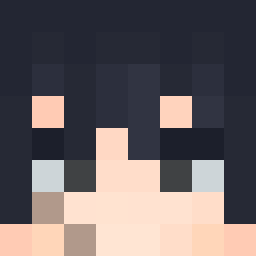
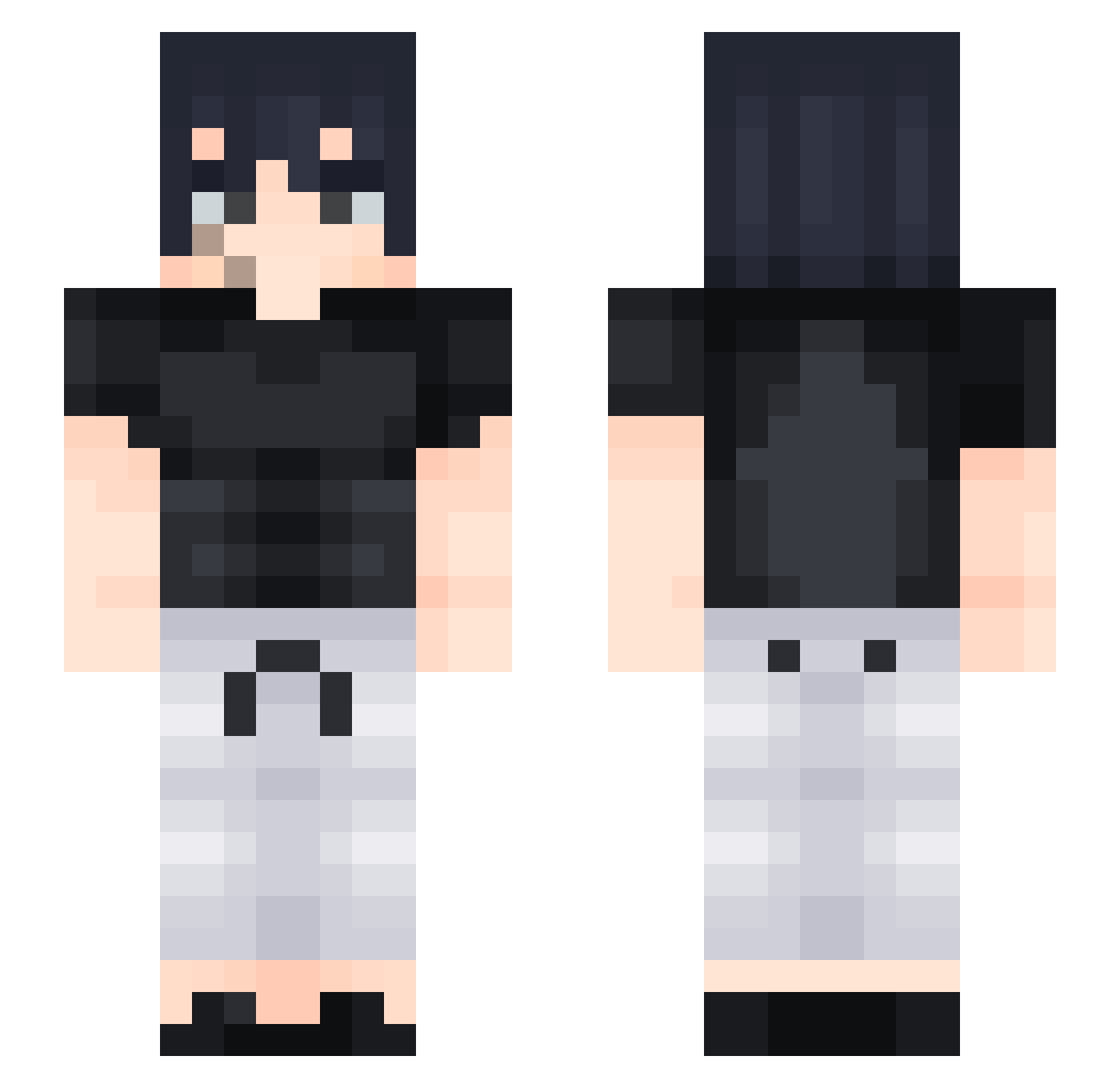
Minecraft skin of JamReeeeee. Rotate the 3D model with your mouse or finger to view the skin from every angle, then download it as a PNG file and use it in Minecraft: Bedrock Edition or Java Edition for free. Rate the skin with stars to help other players find the best skins in our collection.
How to install the JamReeeeee skin
- Press the Download button above to save the skin as a PNG file.
- Minecraft: Bedrock Edition (PE): open the Dressing Room from the main menu (or tap your character → Edit Character), go to Classic Skins → Owned, press the + (new skin) button, choose the downloaded PNG and pick the Slim (Alex) model. Works on PC and mobile; consoles cannot import custom skins.
- Minecraft: Java Edition: open the Minecraft Launcher, go to the Skins tab, click New Skin, load the PNG, pick the Slim (Alex) model and press Save & Use. You can also upload it at minecraft.net → Profile → Change Skin.
The skin does not show up after import - what should I do?
Restart Minecraft and open the Dressing Room again - imported skins sometimes appear only after a restart. Also make sure you selected the imported skin and picked the Slim (Alex) model.
Which model should I choose, Classic or Slim?
This skin is designed for the Slim (Alex) model. If you pick the wrong model, the arms of the skin will look stretched or squeezed.
Is this skin free to use?
Yes. Press Download, save the PNG file and use it in Minecraft: Bedrock Edition or Java Edition - no payment or registration needed. The skin also works on multiplayer servers and Realms.
More Sasuke Uchiha Minecraft skins
See all 727 Sasuke Uchiha skins
More skins
Looking for more? Go back to all Minecraft skins and check the top skins of the week, month and all time, or find any player's skin by nickname.