
 soksam yeikooo b_y_b_y italiauno104 ReganoTheGreat LinkZulu3300 Inquisitivepig sigurjonG Karlito_Mc Quvasz appo6666 tripledeee InaDilemma_ Duars Machuuu08 cadrejfrson FoRZ1Q schadamer Suchypesss VegetaFRL foriza Beastmster69 Eckesh Fizzizles Papalote_ ordeRR11 Kr3ttan Balu0713 ChaxsCJ Sheridan1906 ReusjeNLgames Wiquizl claritinnn 2krisp gockuinfinito tqlia ssb_skr EnesD NEKOPL rdog528 Vladosichek123 persannnn Zena07 Maciekzdresscode Insendary_shark ekremgny2033 Kelrios Chickenmonkey480 Klahibi Bogdanbmwsas wokboddis chapetoide vaanysh ZuZZkA Zazary Funderpantz JuwanaCraft Fortenn Camomille1707 chernyycherep
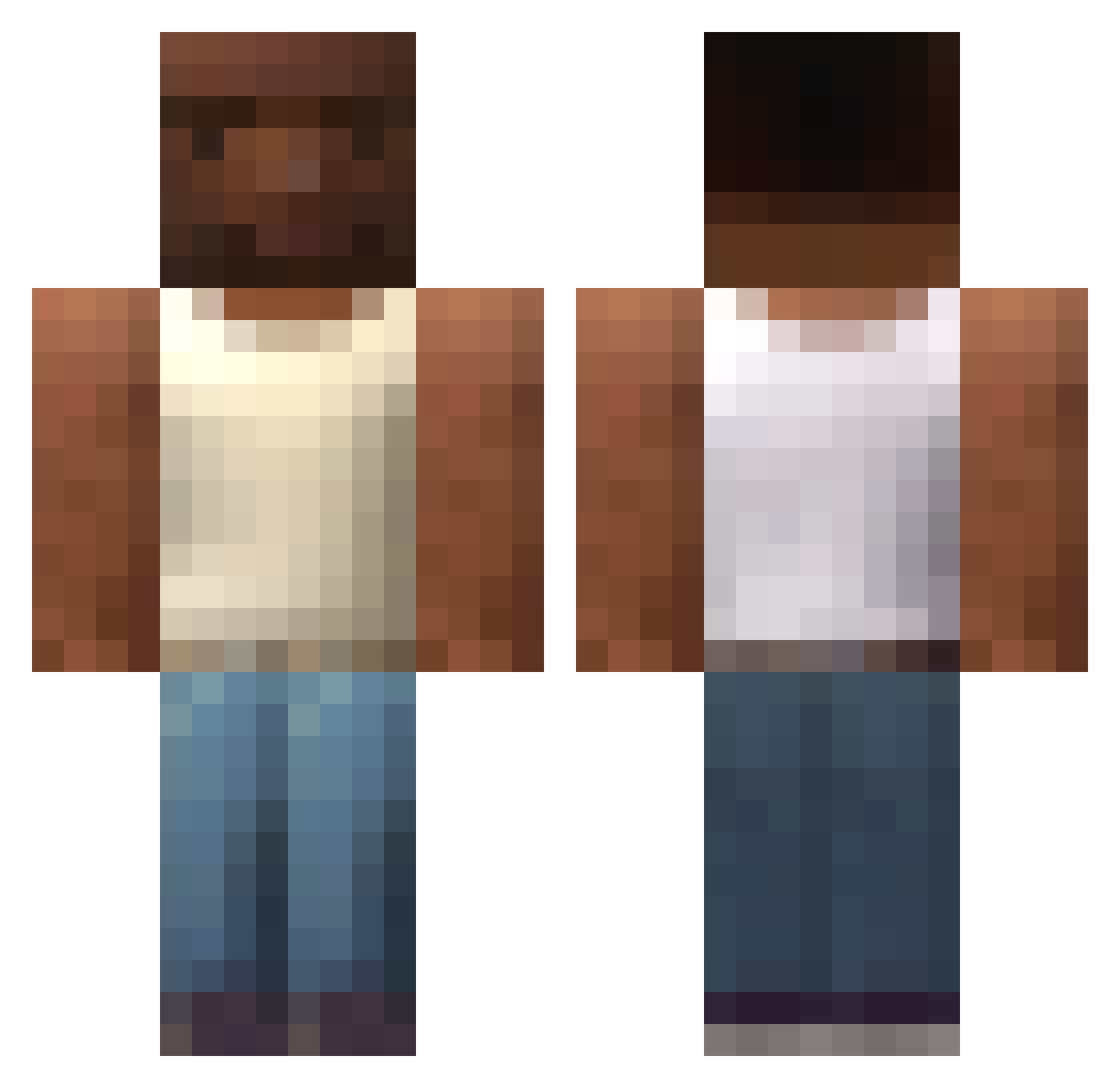
Minecraft skin of GermanyWinsWC. Rotate the 3D model with your mouse or finger to view the skin from every angle, then download it as a PNG file and use it in Minecraft: Bedrock Edition or Java Edition for free. Rate the skin with stars to help other players find the best skins in our collection.
How to install the GermanyWinsWC skin
- Press the Download button above to save the skin as a PNG file.
- Minecraft: Bedrock Edition (PE): open the Dressing Room from the main menu (or tap your character → Edit Character), go to Classic Skins → Owned, press the + (new skin) button, choose the downloaded PNG and pick the Classic (Steve) model. Works on PC and mobile; consoles cannot import custom skins.
- Minecraft: Java Edition: open the Minecraft Launcher, go to the Skins tab, click New Skin, load the PNG, pick the Classic (Steve) model and press Save & Use. You can also upload it at minecraft.net → Profile → Change Skin.
The skin does not show up after import - what should I do?
Restart Minecraft and open the Dressing Room again - imported skins sometimes appear only after a restart. Also make sure you selected the imported skin and picked the Classic (Steve) model.
Which model should I choose, Classic or Slim?
This skin is designed for the Classic (Steve) model. If you pick the wrong model, the arms of the skin will look stretched or squeezed.
Is this skin free to use?
Yes. Press Download, save the PNG file and use it in Minecraft: Bedrock Edition or Java Edition - no payment or registration needed. The skin also works on multiplayer servers and Realms.
More skins
Looking for more? Go back to all Minecraft skins and check the top skins of the week, month and all time, or find any player's skin by nickname.