
 Axkri SigmaGosling chipaguazu Power_crafter Marrkyboi Lexren3082 keianboi420 Edijs FacelessOddity Villa_Jah BJ_Bruhovic 0Litchie SakAttaack Mega682 Albert_Elias KIwiHow Fr4rion JosBSC UncleVans_ FAFNIR545 Gr4Ham246 Rocketboii420 Admoji GabbyCrowe Minecrafter2027 Arya187 TanieDragi milkoaty zemzale Stappien YoghurtDaddy wienerfrog Donnamor Meepdeep bigdog_nick fuad14 Scaroo777 Subtrude banociarz mattx29x YadaTheFifth EdwardL0717 KiwiSn0w cerealcheese banker1212 Perctrick Hous25 paperbox_ouo konczel2006 AngusLai7 Caboom1337 ttttttaleka Moyashiro__ JJbinks5 Pot__Sticker MUSHALIEN ikqr Milito11able_ ErPelusa IIIEPIIIEHb
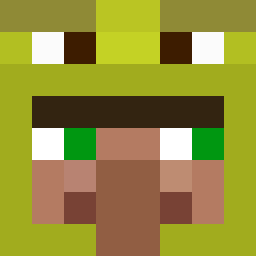
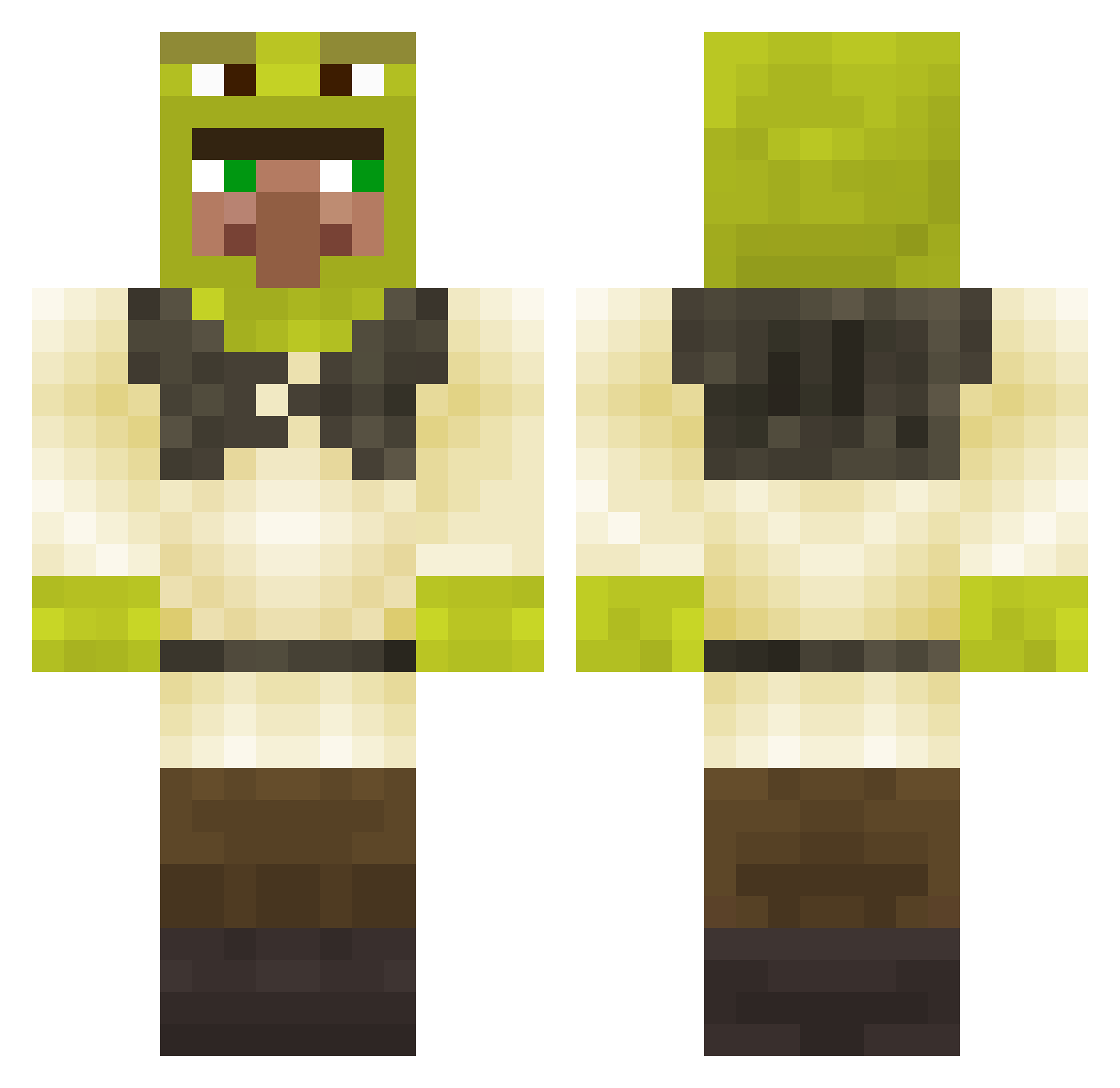
Minecraft skin of Buikvet. Rotate the 3D model with your mouse or finger to view the skin from every angle, then download it as a PNG file and use it in Minecraft: Bedrock Edition or Java Edition for free. Rate the skin with stars to help other players find the best skins in our collection.
How to install the Buikvet skin
- Press the Download button above to save the skin as a PNG file.
- Minecraft: Bedrock Edition (PE): open the Dressing Room from the main menu (or tap your character → Edit Character), go to Classic Skins → Owned, press the + (new skin) button, choose the downloaded PNG and pick the Classic (Steve) model. Works on PC and mobile; consoles cannot import custom skins.
- Minecraft: Java Edition: open the Minecraft Launcher, go to the Skins tab, click New Skin, load the PNG, pick the Classic (Steve) model and press Save & Use. You can also upload it at minecraft.net → Profile → Change Skin.
The skin does not show up after import - what should I do?
Restart Minecraft and open the Dressing Room again - imported skins sometimes appear only after a restart. Also make sure you selected the imported skin and picked the Classic (Steve) model.
Which model should I choose, Classic or Slim?
This skin is designed for the Classic (Steve) model. If you pick the wrong model, the arms of the skin will look stretched or squeezed.
Is this skin free to use?
Yes. Press Download, save the PNG file and use it in Minecraft: Bedrock Edition or Java Edition - no payment or registration needed. The skin also works on multiplayer servers and Realms.
More Shrek Minecraft skins
More skins
Looking for more? Go back to all Minecraft skins and check the top skins of the week, month and all time, or find any player's skin by nickname.