
 Polares100 Rusix1111 MetrOfficial 5uck_0ff MironXCV NotDage TotableComet81 Nocxs_Out _Dream1150P_ Jay21z panQQQQQ Shyzx Gur_yu Tking974 992880 Pokeekop totalgameing94 Yukimakufa Sm0l1k2111 CagyJason Klaymann Guitarblade D_K0n DNF7254 _Boruto_Uzumaki Wotos KripTeXxX ilovechqts Silver061 girthy_pencil adamkoov2 JaKuBw2012 MrDiffyable bbreu Ayyso Aliveczek HoolyWeed AkshayOnceAgain Nikbo_35 queen_andy OstryProsty Unnnn2005 LucasCheetos D1kX spacesnacky Lavishshots immanentTelepat EricNathaniel Nextcall Saturnkarina oKxzor _Scamp_ TJwhitebox10 Vivaan_02 avbisi UpWater Adix_256 Demonicpancake1 Gurjot_Singh Veriaxxx
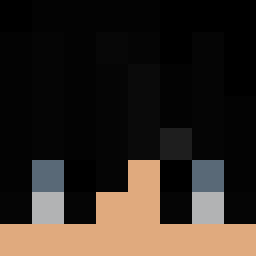
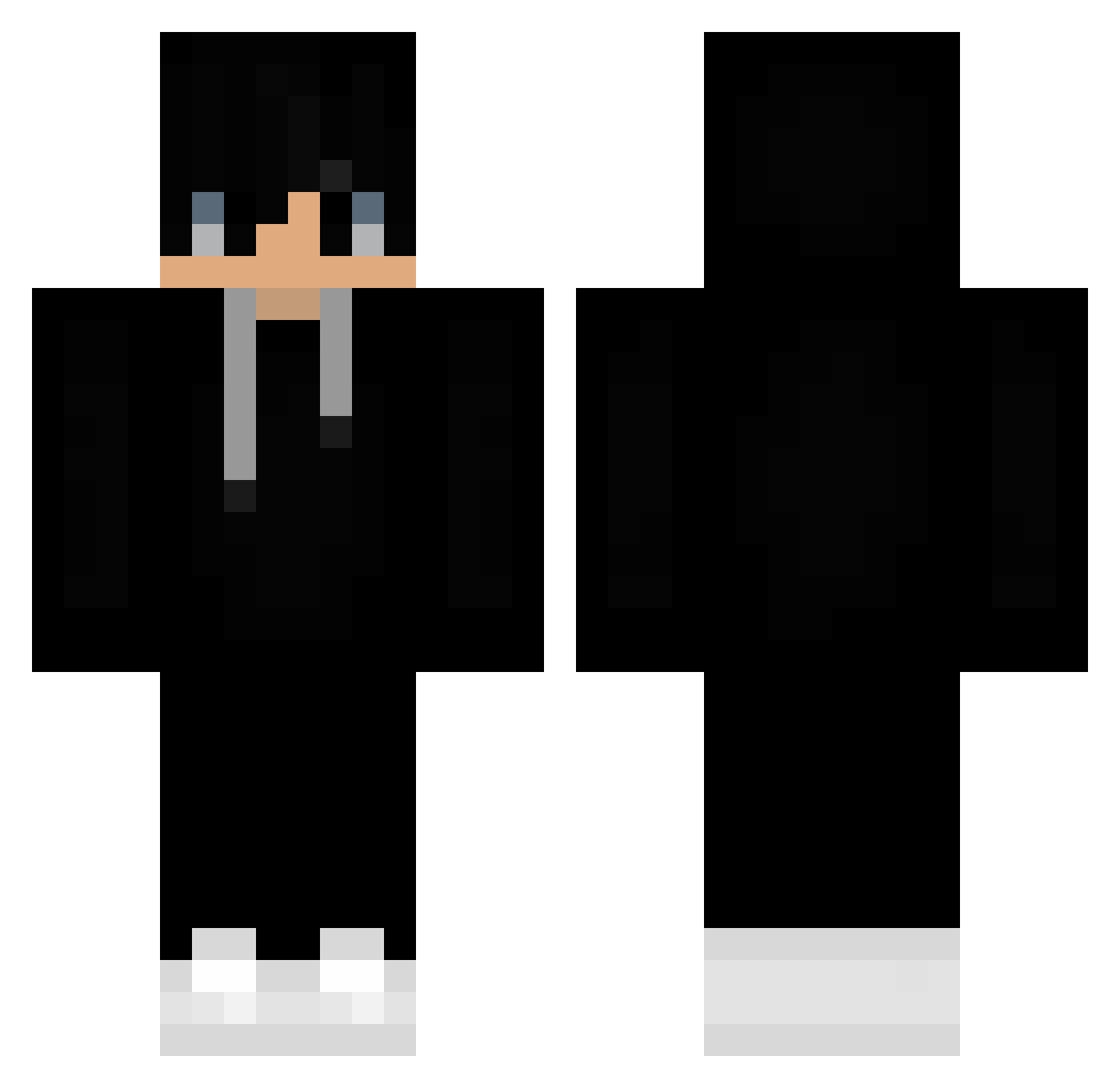
Minecraft skin of maxim055. Rotate the 3D model with your mouse or finger to view the skin from every angle, then download it as a PNG file and use it in Minecraft: Bedrock Edition or Java Edition for free. Rate the skin with stars to help other players find the best skins in our collection.
How to install the maxim055 skin
- Press the Download button above to save the skin as a PNG file.
- Minecraft: Bedrock Edition (PE): open the Dressing Room from the main menu (or tap your character → Edit Character), go to Classic Skins → Owned, press the + (new skin) button, choose the downloaded PNG and pick the Classic (Steve) model. Works on PC and mobile; consoles cannot import custom skins.
- Minecraft: Java Edition: open the Minecraft Launcher, go to the Skins tab, click New Skin, load the PNG, pick the Classic (Steve) model and press Save & Use. You can also upload it at minecraft.net → Profile → Change Skin.
The skin does not show up after import - what should I do?
Restart Minecraft and open the Dressing Room again - imported skins sometimes appear only after a restart. Also make sure you selected the imported skin and picked the Classic (Steve) model.
Which model should I choose, Classic or Slim?
This skin is designed for the Classic (Steve) model. If you pick the wrong model, the arms of the skin will look stretched or squeezed.
Is this skin free to use?
Yes. Press Download, save the PNG file and use it in Minecraft: Bedrock Edition or Java Edition - no payment or registration needed. The skin also works on multiplayer servers and Realms.
More Sneakers Minecraft skins
More skins
Looking for more? Go back to all Minecraft skins and check the top skins of the week, month and all time, or find any player's skin by nickname.