
Profile1_1 - Minecraft Skins & Skin History
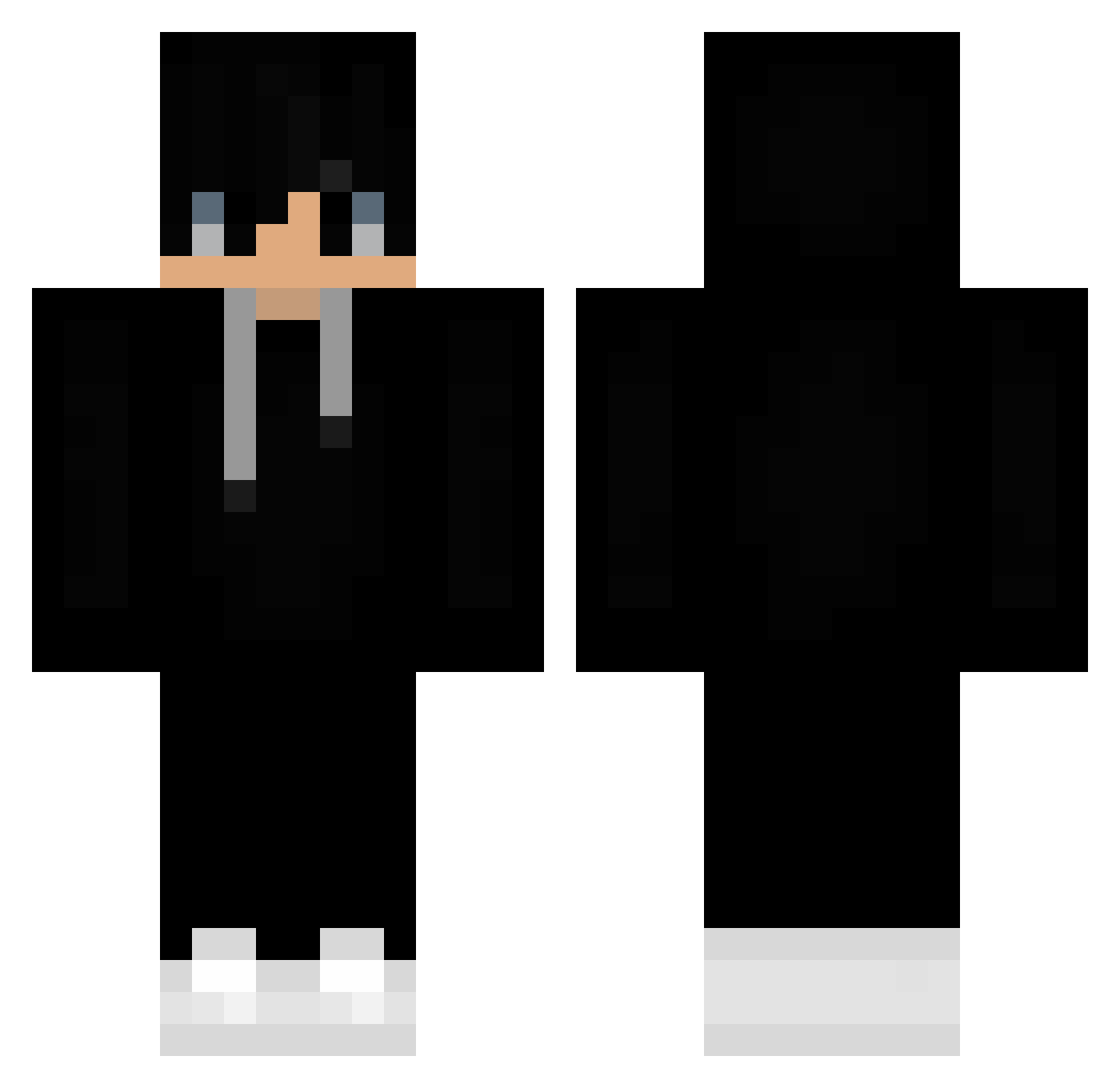
Current Minecraft skin of the player Profile1_1, loaded from the official Mojang API. Rotate the 3D model with your mouse or finger, then download the skin as a PNG file and use it in Minecraft: Bedrock Edition or Java Edition for free. When Profile1_1 changes their skin, this page updates automatically and the old skin stays in the history below.
Other players with this skin (489)
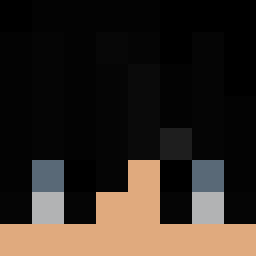
Profile1_1 was the 470th player we have seen with this skin, first spotted on 05.11.2026. The same skin was seen on these players. Open a nickname to see their current skin and skin history.
 zFlawlessZz o089pb Zikfrido BlazeSwift0620 loront FightKingBR RobboxR27 gymnastakb or2humiliating48 iiSkilLz_ _Diego_R ImnotNimda_ HYUKNS Masaaki_Ono bandera91 dlwhddus Fathomas aggeloukos56fore Lucas604 Tracky89 JONJON20 Vinusion Adibilla BluSense Acron1xx HaloXmaN RTGAMING_YT VinnySauce drp528 3tnn oArmqn_ NotSebMC Clear7070 Dezemm Nextlevel0202 Manan_77 Y0ur_Mumy69 Eason11432 Pheonix7208 thomasseino Poulot Shackyyassine xSumr_ iMiguel276 TFDRaphael Syrinaxis s_hyun01 JustTam foxyreverse033 Addrenry Decek321 Crawdad_13 Jihoon1008 BRANDMAI Colinq04 Ahmd552 Retrzyk Ghoststone_ iNuBx martinusak2
More Sneakers Minecraft skins
How to install the Profile1_1 skin
- Press the Download button above to save the skin as a PNG file.
- Minecraft: Bedrock Edition (PE): open the Dressing Room from the main menu (or tap your character → Edit Character), go to Classic Skins → Owned, press the + (new skin) button, choose the downloaded PNG and pick the Classic (Steve) model. Works on PC and mobile; consoles cannot import custom skins.
- Minecraft: Java Edition: open the Minecraft Launcher, go to the Skins tab, click New Skin, load the PNG, pick the Classic (Steve) model and press Save & Use. You can also upload it at minecraft.net → Profile → Change Skin.
The skin does not show up after import - what should I do?
Restart Minecraft and open the Dressing Room again - imported skins sometimes appear only after a restart. Also make sure you selected the imported skin and picked the Classic (Steve) model.
Which model should I choose, Classic or Slim?
This skin is designed for the Classic (Steve) model. If you pick the wrong model, the arms of the skin will look stretched or squeezed.
Is the skin of Profile1_1 free to download?
Yes. Press Download, save the PNG file and use it in Minecraft: Bedrock Edition or Java Edition - no payment or registration needed. The skin also works on multiplayer servers and Realms.
More skins
Looking for more? Go back to all Minecraft skins and check the top skins of the week, month and all time, or find any player's skin by nickname.