
 Fnoigy zzeJumper NotOlvr skip_fire Exspada Vlone2w2 jyuenman gravity442 Telox12 Cactus_Mac GGWPYouKnow Wolfinha JaMorant6969 pl_Milosz Cutter31 deku724 Thicase28 zurimich minibambas himhim524 throwupchicken AlpDemirtas57 Joffy_69 sumo190 Fueg_904 Alexisgarza max393 GrEaTmArCsTeR ozural Vortekk_22 SmashSaimon INitup pander_ sparatroie Papasblessing ragcgrgg Arkan2601 AbbasXP horizons_mayn Amo_Deku Mxthelife Franco_03 ONLY_LUCA Blue_Stitch Medhyou YURILEEX Deep256 kimplix Shojowaru Meliodas2207 YTPerkachu RyanGomez86 Gin_Shiro VirtuousKnight11 Deku_1 TacoViking keys9 ArKa_7 sleppybrownie PirocossauroFex
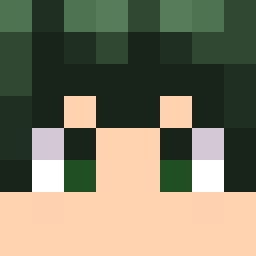
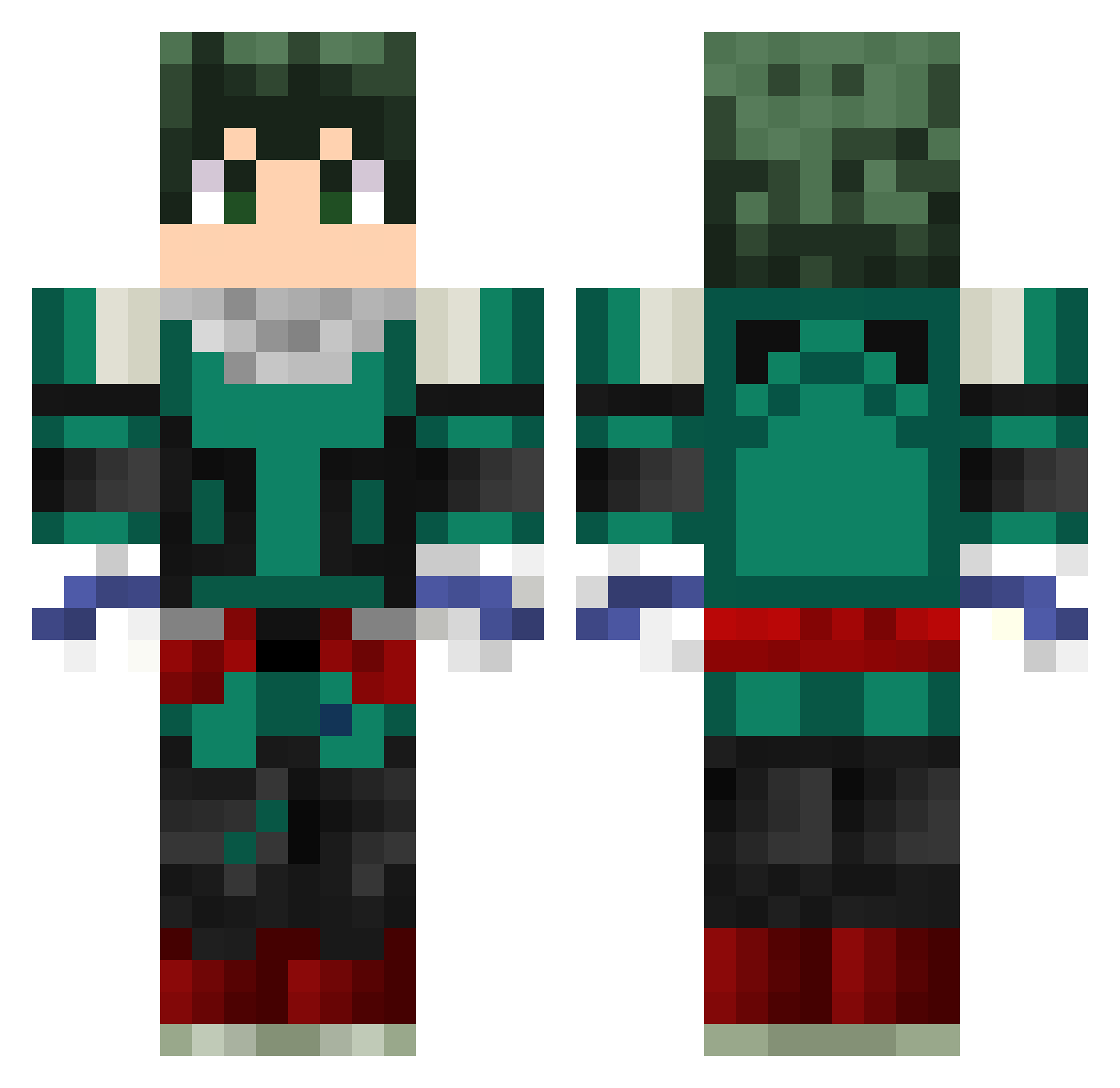
Minecraft skin of Rumblinz. Rotate the 3D model with your mouse or finger to view the skin from every angle, then download it as a PNG file and use it in Minecraft: Bedrock Edition or Java Edition for free. Rate the skin with stars to help other players find the best skins in our collection.
How to install the Rumblinz skin
- Press the Download button above to save the skin as a PNG file.
- Minecraft: Bedrock Edition (PE): open the Dressing Room from the main menu (or tap your character → Edit Character), go to Classic Skins → Owned, press the + (new skin) button, choose the downloaded PNG and pick the Classic (Steve) model. Works on PC and mobile; consoles cannot import custom skins.
- Minecraft: Java Edition: open the Minecraft Launcher, go to the Skins tab, click New Skin, load the PNG, pick the Classic (Steve) model and press Save & Use. You can also upload it at minecraft.net → Profile → Change Skin.
The skin does not show up after import - what should I do?
Restart Minecraft and open the Dressing Room again - imported skins sometimes appear only after a restart. Also make sure you selected the imported skin and picked the Classic (Steve) model.
Which model should I choose, Classic or Slim?
This skin is designed for the Classic (Steve) model. If you pick the wrong model, the arms of the skin will look stretched or squeezed.
Is this skin free to use?
Yes. Press Download, save the PNG file and use it in Minecraft: Bedrock Edition or Java Edition - no payment or registration needed. The skin also works on multiplayer servers and Realms.
More Deku Minecraft skins
More skins
Looking for more? Go back to all Minecraft skins and check the top skins of the week, month and all time, or find any player's skin by nickname.