
command232 - Minecraft Skins & Skin History
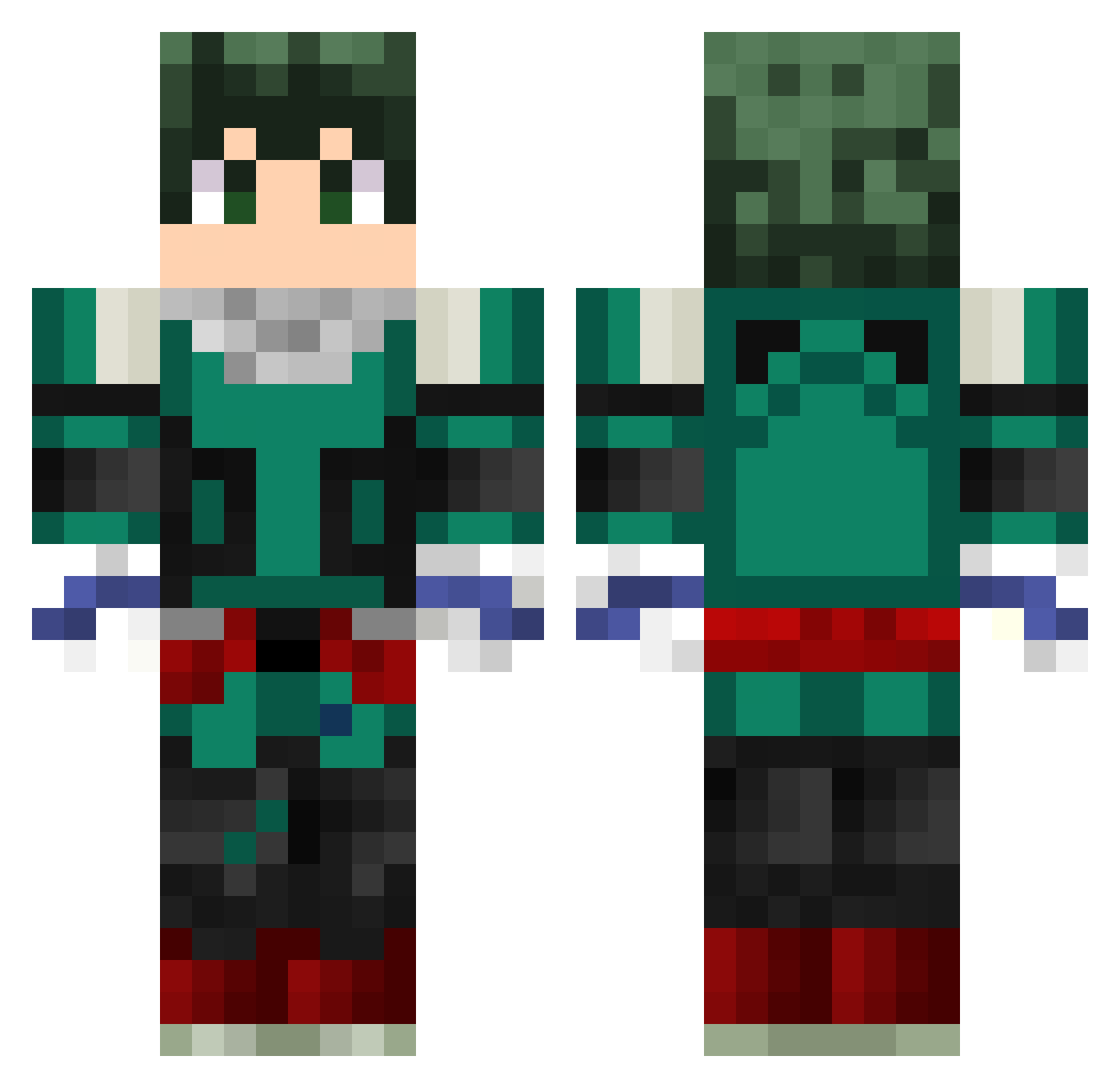
Current Minecraft skin of the player command232, loaded from the official Mojang API. Rotate the 3D model with your mouse or finger, then download the skin as a PNG file and use it in Minecraft: Bedrock Edition or Java Edition for free. When command232 changes their skin, this page updates automatically and the old skin stays in the history below.
Other players with this skin (299)
command232 was the 253rd player we have seen with this skin, first spotted on 25.10.2026. The same skin was seen on these players. Open a nickname to see their current skin and skin history.
 T0X1C_BLAZ3 Viernes_13 Kenethc420 krmcanplt Mikywiky_817 Mrchuy09 crashmind IamNag71 Boomshaka LodKel Jintoky SuperFuryBR Santila23 DekuWasHere teska0312 Arthuzada KorkutAlp natersmith Treyshellz gumiscool dead_insidesk JuninhoZx F4Tboi pvpk1ds Fnoigy angelo_GT masav8 zzeJumper Sixlaudio ArthurReset NotOlvr skip_fire Exspada Vlone2w2 jyuenman gravity442 GamerKevin0610 Telox12 Dageroak Cactus_Mac Wolfinha TheSweeney_1 LGHStorm pl_Milosz Jovictr SSundeeIsHarambe deku724 SillsST Thicase28 TheNoName47 zurimich minibambas himhim524 throwupchicken AlpDemirtas57 Joffy_69 B4lbs sumo190 sliman_z PUlse_LN
More Deku Minecraft skins
How to install the command232 skin
- Press the Download button above to save the skin as a PNG file.
- Minecraft: Bedrock Edition (PE): open the Dressing Room from the main menu (or tap your character → Edit Character), go to Classic Skins → Owned, press the + (new skin) button, choose the downloaded PNG and pick the Classic (Steve) model. Works on PC and mobile; consoles cannot import custom skins.
- Minecraft: Java Edition: open the Minecraft Launcher, go to the Skins tab, click New Skin, load the PNG, pick the Classic (Steve) model and press Save & Use. You can also upload it at minecraft.net → Profile → Change Skin.
The skin does not show up after import - what should I do?
Restart Minecraft and open the Dressing Room again - imported skins sometimes appear only after a restart. Also make sure you selected the imported skin and picked the Classic (Steve) model.
Which model should I choose, Classic or Slim?
This skin is designed for the Classic (Steve) model. If you pick the wrong model, the arms of the skin will look stretched or squeezed.
Is the skin of command232 free to download?
Yes. Press Download, save the PNG file and use it in Minecraft: Bedrock Edition or Java Edition - no payment or registration needed. The skin also works on multiplayer servers and Realms.
More skins
Looking for more? Go back to all Minecraft skins and check the top skins of the week, month and all time, or find any player's skin by nickname.