
 louidlip Joshgy14 Kazutora69 Atti_sk won020403 goondo_12 Erwin1806 Drawing_boy4 NoobChop zzang_jh PeppaSaucisson FBLderechte Louloulepou2311 _partyboy222_ DarrenRG112 S4ndalio PiuPauP Nexu94 clhorng theihy LL__1004 tata0221 Roxonor_L Uncledep nepnepnep Luizgustavog83 QuadChair928736 Robert_Tank Xm800 killerknol NineVIP Ezlime1 mishkatrishka LouisNBest GGR_PHIL JavierMachuca heibaitutu UnknownLebo xuexiaolang Jul0508 ssshoroK Alexis_09 Monster9037 QuincyDMonkey snuske1212 savipro07 KeryaS Pocs51 Cenerek PecoraVolante CrisLex103 luke0578 S__Hoo DaveNr1 MrArnor Arnitey GGGCHGG VC_LO MyMuTpoJIb Garnicks_Gemacht
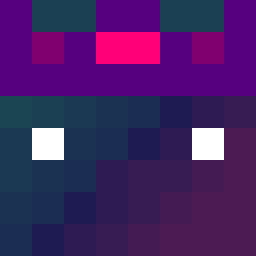
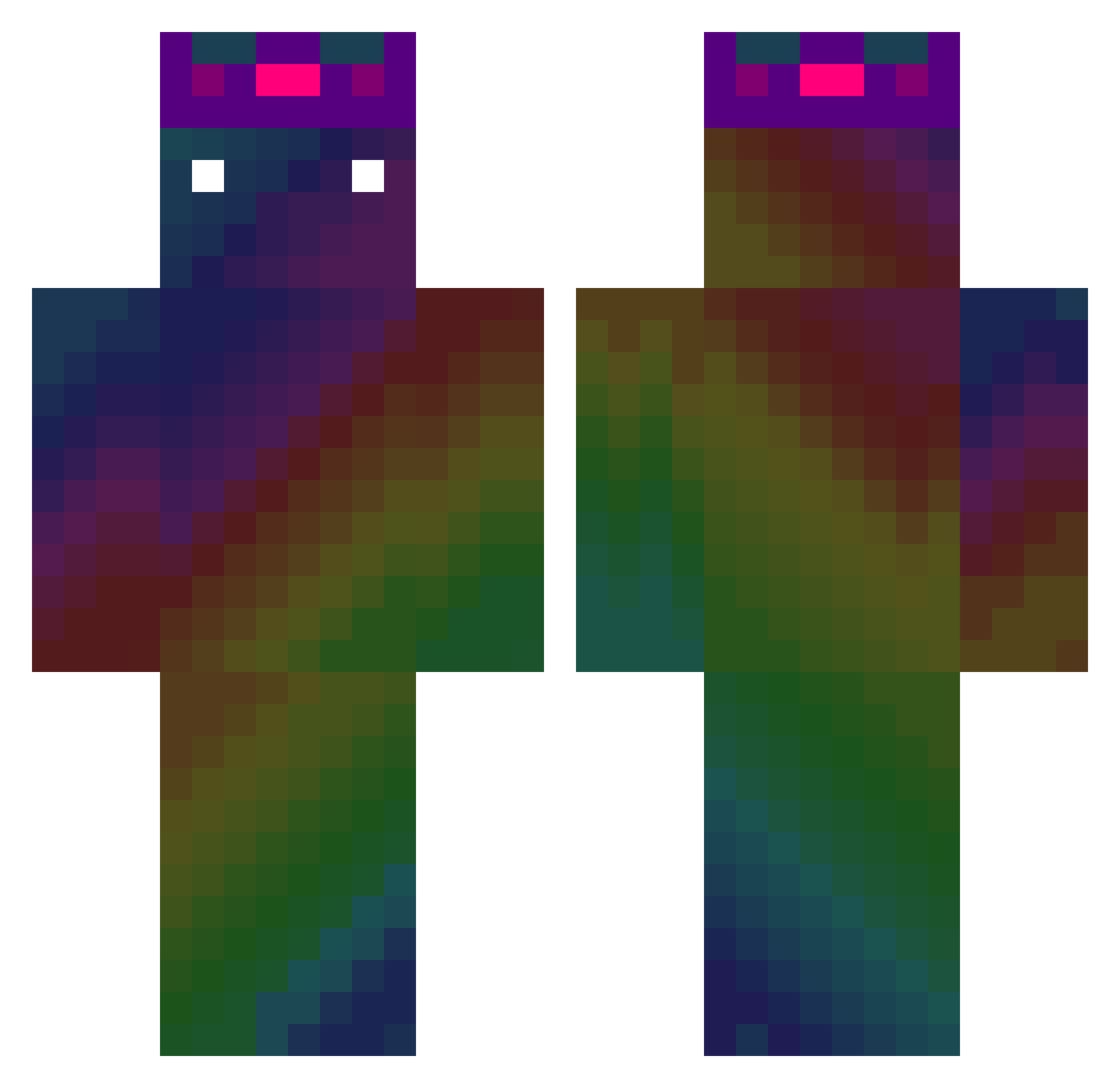
Minecraft skin of KiwiKiwi3000. Rotate the 3D model with your mouse or finger to view the skin from every angle, then download it as a PNG file and use it in Minecraft: Bedrock Edition or Java Edition for free. Rate the skin with stars to help other players find the best skins in our collection.
How to install the KiwiKiwi3000 skin
- Press the Download button above to save the skin as a PNG file.
- Minecraft: Bedrock Edition (PE): open the Dressing Room from the main menu (or tap your character → Edit Character), go to Classic Skins → Owned, press the + (new skin) button, choose the downloaded PNG and pick the Classic (Steve) model. Works on PC and mobile; consoles cannot import custom skins.
- Minecraft: Java Edition: open the Minecraft Launcher, go to the Skins tab, click New Skin, load the PNG, pick the Classic (Steve) model and press Save & Use. You can also upload it at minecraft.net → Profile → Change Skin.
The skin does not show up after import — what should I do?
Restart Minecraft and open the Dressing Room again — imported skins sometimes appear only after a restart. Also make sure you selected the imported skin and picked the Classic (Steve) model.
Which model should I choose, Classic or Slim?
This skin is designed for the Classic (Steve) model. If you pick the wrong model, the arms of the skin will look stretched or squeezed.
Is this skin free to use?
Yes. Press Download, save the PNG file and use it in Minecraft: Bedrock Edition or Java Edition — no payment or registration needed. The skin also works on multiplayer servers and Realms.
More skins
Looking for more? Go back to all Minecraft skins and check the top skins of the week, month and all time, or find any player's skin by nickname.