
 abominablenesses Amoguus2236 Khoa28NM bbblankkk Mrrkoka fallen0981 DamooAMG Prosa24 es5c4w0 RickSter_Za SmileyEgg89 crystalblade_pvp TinyBlueDog_ osyos ROBLOX_MASTER374 FrappeLop vyto9 jasammihailo geevix vorqal dingus_enjoyer iamapeopleright Game260850 L9rix SCIFIYWarrior KaceyMae17 SpongeDomain MILOBOSS JudeHigh YTkaktusikyt sweat4964 ilovepakoree kygobeast fanatsvo Salkin823 oleksandr452234 Autumkn mortnM XXXXXX67 wwstnn tannerthecanner Jazziah Dannyda tyutyunu228 Bonnieprogamer extictz Tretre12 drexlt narrrrvr Sukruefe09 JvdeLow R1XS3N seeeeev sewylewy gigantishen Nakosor krzysiupysiu gorgtacular MarcinWalykonior ETR_loot
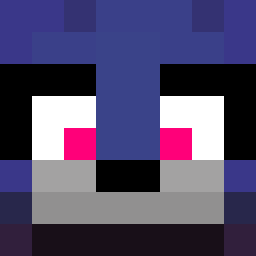
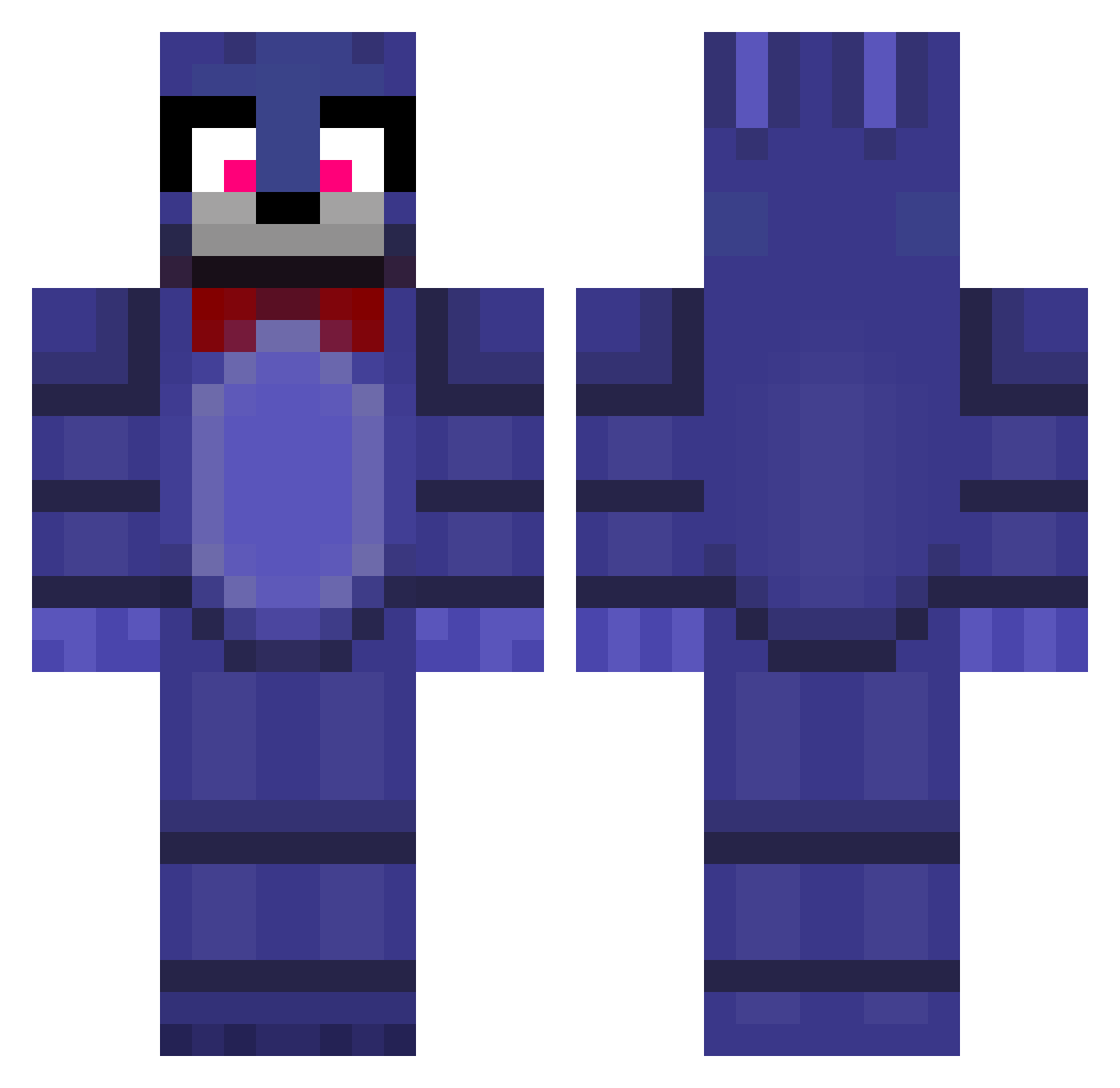
Minecraft skin of M1tjy. Rotate the 3D model with your mouse or finger to view the skin from every angle, then download it as a PNG file and use it in Minecraft: Bedrock Edition or Java Edition for free. Rate the skin with stars to help other players find the best skins in our collection.
How to install the M1tjy skin
- Press the Download button above to save the skin as a PNG file.
- Minecraft: Bedrock Edition (PE): open the Dressing Room from the main menu (or tap your character → Edit Character), go to Classic Skins → Owned, press the + (new skin) button, choose the downloaded PNG and pick the Classic (Steve) model. Works on PC and mobile; consoles cannot import custom skins.
- Minecraft: Java Edition: open the Minecraft Launcher, go to the Skins tab, click New Skin, load the PNG, pick the Classic (Steve) model and press Save & Use. You can also upload it at minecraft.net → Profile → Change Skin.
The skin does not show up after import - what should I do?
Restart Minecraft and open the Dressing Room again - imported skins sometimes appear only after a restart. Also make sure you selected the imported skin and picked the Classic (Steve) model.
Which model should I choose, Classic or Slim?
This skin is designed for the Classic (Steve) model. If you pick the wrong model, the arms of the skin will look stretched or squeezed.
Is this skin free to use?
Yes. Press Download, save the PNG file and use it in Minecraft: Bedrock Edition or Java Edition - no payment or registration needed. The skin also works on multiplayer servers and Realms.
More Bonnie Minecraft skins
More skins
Looking for more? Go back to all Minecraft skins and check the top skins of the week, month and all time, or find any player's skin by nickname.