
 000000l00000000 aloui_go97 locea Yuzu0F jxckoz IvorisIvor dihpressedemoboy Pyrostic FEIPEK SnowyM_knighT Konstantiniyye Luxcc BlackBo4rd12 ematiias SrNickgg_ vnpmll MC_sou ibucK_ caluc_ xzm321 Mahusike swmars7 Ryanzinn_MC oCrits ZudZus mrdragon559 giozinn67 nyxnovax imSniiKz kito201 KurisuHan RTWIZ tasserit Sv2Clawpv5 Trippeado CrunchyLlamaa KFlex9 Tmos0 ItzFlamey11 Yunzees Assassin2344 GemZee9 SrBwAmaBedwars baobeou1234 Border_VN _Nykk_ kaan1534 _MoggerX neonrelic Its_Healer far1xxm Whiteboy_2007 Gargarenris juanxris Snowey__ High4 Ryvan_
 zYohan _Xross_
 _Atom1c_Grac1as
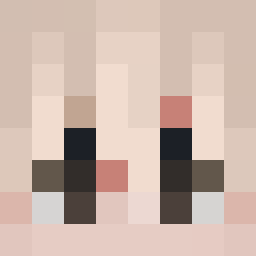
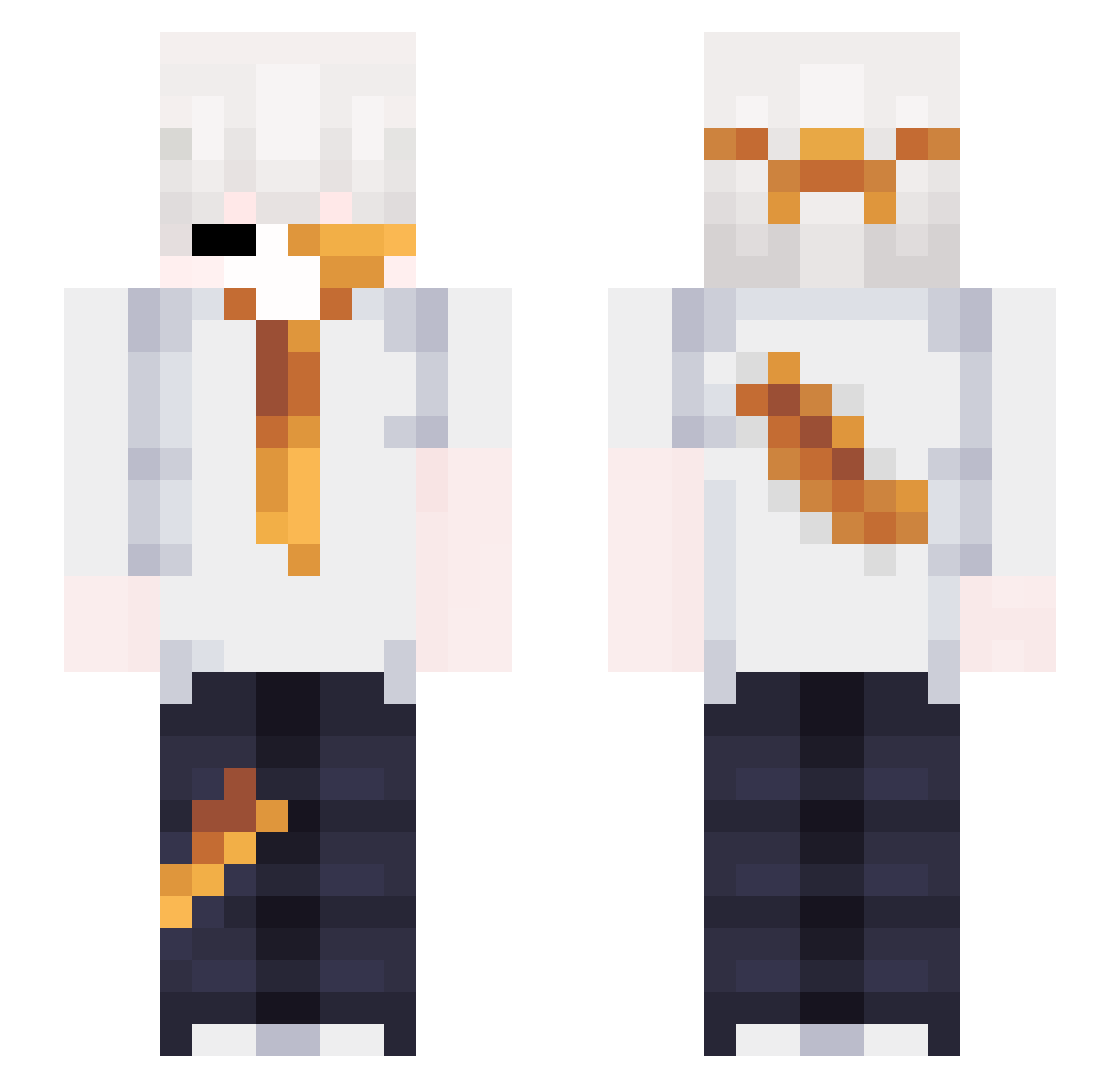
Minecraft skin of tasserit. Rotate the 3D model with your mouse or finger to view the skin from every angle, then download it as a PNG file and use it in Minecraft: Bedrock Edition or Java Edition for free. Rate the skin with stars to help other players find the best skins in our collection.
How to install the tasserit skin
- Press the Download button above to save the skin as a PNG file.
- Minecraft: Bedrock Edition (PE): open the Dressing Room from the main menu (or tap your character → Edit Character), go to Classic Skins → Owned, press the + (new skin) button, choose the downloaded PNG and pick the Slim (Alex) model. Works on PC and mobile; consoles cannot import custom skins.
- Minecraft: Java Edition: open the Minecraft Launcher, go to the Skins tab, click New Skin, load the PNG, pick the Slim (Alex) model and press Save & Use. You can also upload it at minecraft.net → Profile → Change Skin.
The skin does not show up after import - what should I do?
Restart Minecraft and open the Dressing Room again - imported skins sometimes appear only after a restart. Also make sure you selected the imported skin and picked the Slim (Alex) model.
Which model should I choose, Classic or Slim?
This skin is designed for the Slim (Alex) model. If you pick the wrong model, the arms of the skin will look stretched or squeezed.
Is this skin free to use?
Yes. Press Download, save the PNG file and use it in Minecraft: Bedrock Edition or Java Edition - no payment or registration needed. The skin also works on multiplayer servers and Realms.
More Cat Ears Minecraft skins
More skins
Looking for more? Go back to all Minecraft skins and check the top skins of the week, month and all time, or find any player's skin by nickname.