
 belovedhennessy Coolboy737 BakerBoy56 Robbie888 adroit23 NotSynthex Calebjo15 NumberCrush6 marcel_107 Mclough88 FreshCut5467 BirdyBug2013 TheurgicBread29 DragonsRPog123 Thriller2401 BlueJay2025 QuirkyDoor3481 Smartaiden FlyTech9019 UltronKing4678 insetjarl590019 LiIScorpio GamerFlash06 Duckman737 thewilddog7 King_Bob737 CalvinCopper PancakeLord1 LuigiPro252 Catpro80 ALMASKARI BMGame16 DLJ2019 xxTheLegend1 TheProDSD Atharv1902 Refortify Juge6688 benboy4567 Applepie1486 Itz_Joey2012 afwa1 skillfulspace Frosti08 SuperNinja9679 LikingKitty2074 madboi1 FlashTheFastest STA2246 Coop09_ soarchain Jimbo212 Evind1 TherealAdamPlayz hamzon4075 muppet86 FeasibleTea1746 hyper_men BubbleBen6080 BlueCassette
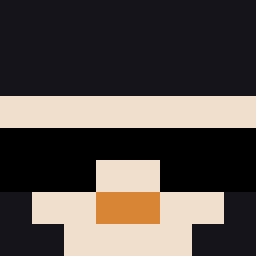
Minecraft skin of AQUA_SAM007. Rotate the 3D model with your mouse or finger to view the skin from every angle, then download it as a PNG file and use it in Minecraft: Bedrock Edition or Java Edition for free. Rate the skin with stars to help other players find the best skins in our collection.
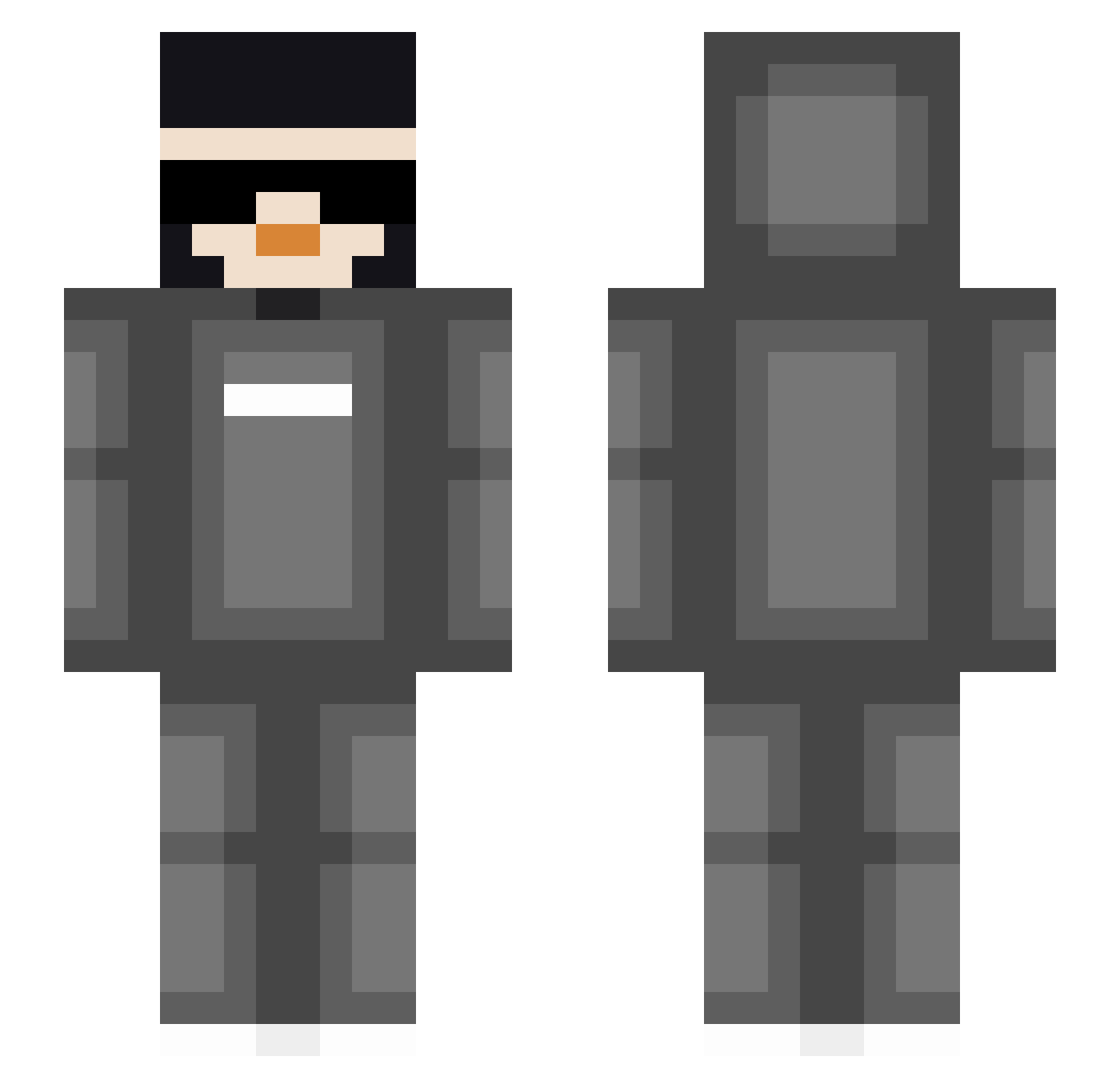
How to install the AQUA_SAM007 skin
- Press the Download button above to save the skin as a PNG file.
- Minecraft: Bedrock Edition (PE): open the Dressing Room from the main menu (or tap your character → Edit Character), go to Classic Skins → Owned, press the + (new skin) button, choose the downloaded PNG and pick the Slim (Alex) model. Works on PC and mobile; consoles cannot import custom skins.
- Minecraft: Java Edition: open the Minecraft Launcher, go to the Skins tab, click New Skin, load the PNG, pick the Slim (Alex) model and press Save & Use. You can also upload it at minecraft.net → Profile → Change Skin.
The skin does not show up after import - what should I do?
Restart Minecraft and open the Dressing Room again - imported skins sometimes appear only after a restart. Also make sure you selected the imported skin and picked the Slim (Alex) model.
Which model should I choose, Classic or Slim?
This skin is designed for the Slim (Alex) model. If you pick the wrong model, the arms of the skin will look stretched or squeezed.
Is this skin free to use?
Yes. Press Download, save the PNG file and use it in Minecraft: Bedrock Edition or Java Edition - no payment or registration needed. The skin also works on multiplayer servers and Realms.
More skins
Looking for more? Go back to all Minecraft skins and check the top skins of the week, month and all time, or find any player's skin by nickname.