
 Styed Luigi420SV Drastic DANDADAN IBims1Ente Marquisette vincecece tobkiel Foundered xSaitKingHD Mephisto123 Assis slotman xXObamna69Xx mxttoneill r3l0r3 Sewix1 Spark_Sp flemer Sansara Bobhidaho Chipskiller7 D4mZy_ Stringier Hesperornis FanZine Lisette FatD1ckIn2ss spdofast Sinter patrizate migge Sohphys Cambrian premeasured widder frontrunner Mezqu1dsh1t Balltwister525 Kukulcan oket Nuncles Congrio Faulting DJmonkeyass finspot Tamarind polski1245pro Piperazine Pronounced komorniczek321 Pigpens Pelargic Echinocactus R1CKYy Dromomania manicaria Piziconskate Dromedary Goliard
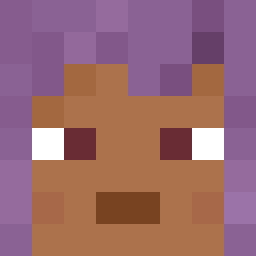
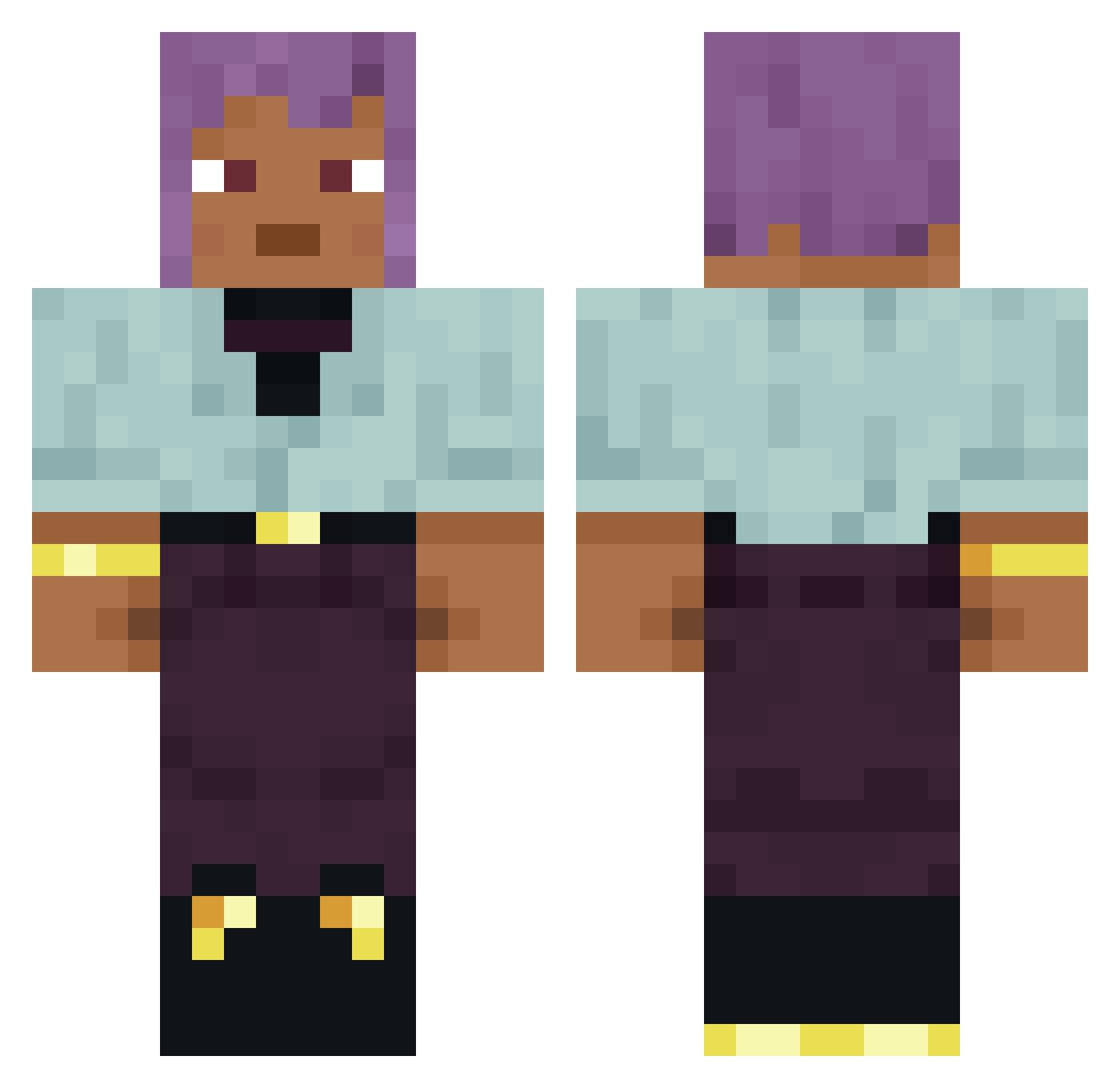
Minecraft skin of ANDEEE. Rotate the 3D model with your mouse or finger to view the skin from every angle, then download it as a PNG file and use it in Minecraft: Bedrock Edition or Java Edition for free. Rate the skin with stars to help other players find the best skins in our collection.
How to install the ANDEEE skin
- Press the Download button above to save the skin as a PNG file.
- Minecraft: Bedrock Edition (PE): open the Dressing Room from the main menu (or tap your character → Edit Character), go to Classic Skins → Owned, press the + (new skin) button, choose the downloaded PNG and pick the Classic (Steve) model. Works on PC and mobile; consoles cannot import custom skins.
- Minecraft: Java Edition: open the Minecraft Launcher, go to the Skins tab, click New Skin, load the PNG, pick the Classic (Steve) model and press Save & Use. You can also upload it at minecraft.net → Profile → Change Skin.
The skin does not show up after import - what should I do?
Restart Minecraft and open the Dressing Room again - imported skins sometimes appear only after a restart. Also make sure you selected the imported skin and picked the Classic (Steve) model.
Which model should I choose, Classic or Slim?
This skin is designed for the Classic (Steve) model. If you pick the wrong model, the arms of the skin will look stretched or squeezed.
Is this skin free to use?
Yes. Press Download, save the PNG file and use it in Minecraft: Bedrock Edition or Java Edition - no payment or registration needed. The skin also works on multiplayer servers and Realms.
More skins
Looking for more? Go back to all Minecraft skins and check the top skins of the week, month and all time, or find any player's skin by nickname.