
 CH1N3S3N00B ThyBrudda _Jox_ uaamonkey darkeagleon deathman245 hawedereoida STALKER_T3 PoisonWarlord De_Lex RommelChan Altoidx Piogre parrishdk caslie PopePancho Croky80 NovanCrusader Devyl721 SentryDan Giral Blizzer1 SneakingDoom KillSett aidan319 BigSwathers Markokop The_Keebler xinoHITO Squidknifer pivetta001 Darloryan XDuzzy02 MugQQ SHAFT_47 deadkush allezerloot McDoogly Desomerbob Mikus72 MCBERK ZanTheMonkeyMan AikeRaveN AlexBrassard Lauss20 flpmartins88 VaughnClark amishmonster wellimdying tank_dempcy HeWhoIsNoBody markyxl paralicious91 m08k GGourdon i_roll_ones Msasfa Huntey Pyro_Pirate DiscoStuQ
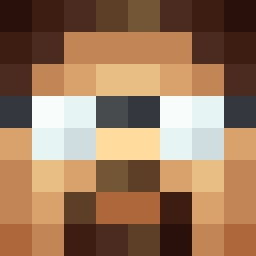
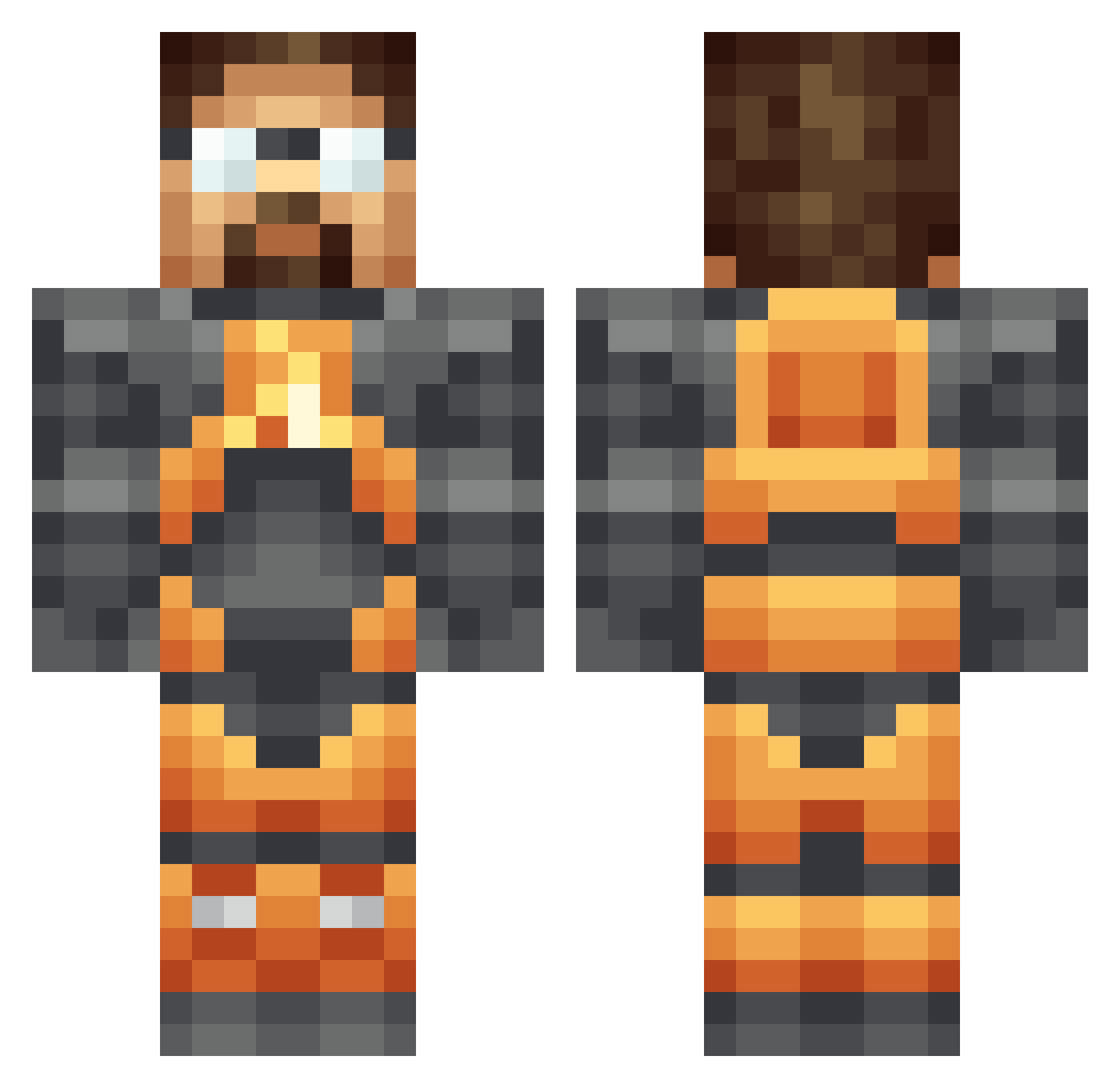
Minecraft skin of darkeagleon. Rotate the 3D model with your mouse or finger to view the skin from every angle, then download it as a PNG file and use it in Minecraft: Bedrock Edition or Java Edition for free. Rate the skin with stars to help other players find the best skins in our collection.
How to install the darkeagleon skin
- Press the Download button above to save the skin as a PNG file.
- Minecraft: Bedrock Edition (PE): open the Dressing Room from the main menu (or tap your character → Edit Character), go to Classic Skins → Owned, press the + (new skin) button, choose the downloaded PNG and pick the Classic (Steve) model. Works on PC and mobile; consoles cannot import custom skins.
- Minecraft: Java Edition: open the Minecraft Launcher, go to the Skins tab, click New Skin, load the PNG, pick the Classic (Steve) model and press Save & Use. You can also upload it at minecraft.net → Profile → Change Skin.
The skin does not show up after import - what should I do?
Restart Minecraft and open the Dressing Room again - imported skins sometimes appear only after a restart. Also make sure you selected the imported skin and picked the Classic (Steve) model.
Which model should I choose, Classic or Slim?
This skin is designed for the Classic (Steve) model. If you pick the wrong model, the arms of the skin will look stretched or squeezed.
Is this skin free to use?
Yes. Press Download, save the PNG file and use it in Minecraft: Bedrock Edition or Java Edition - no payment or registration needed. The skin also works on multiplayer servers and Realms.
More Gordon Freeman Minecraft skins
See all 332 Gordon Freeman skins
More skins
Looking for more? Go back to all Minecraft skins and check the top skins of the week, month and all time, or find any player's skin by nickname.