
 Updraft_zzz Ainzsoup qBatus friskni mikewei1123 Pnv_6214 Mirichan_ 1_98 emperorinvictus sasin444 Rachasak doobydobap_ Blinomes Shishann HelloNoxx cokeburse I_JT_I Kim_Dalul Iphone15Pro_ Focused2000 _Evil_Bread_ ja_bi Y_Nik salamYT_ Aurioniq B7bao huanlan6 minamo_0 Mhudeng takosin1026 fevuny sT1bA marfcraft miki0351 blooodyw 5xo_Rev_nrf KooshieBooshie Batilda Oyama1987 devleaf Ghostda yaj7879 Feiien XenaCoast_666 teruwa09 dadaxoveccz Zalin9 Hanyudes cianr212 SimostryOwO Bachirasnutfluid fleyzeeee hank19190621 brenotte pocky_dayo L0usy Darkness675723 Krevlin FengSaMa yoelr0102
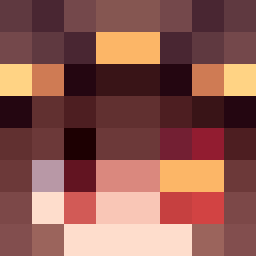
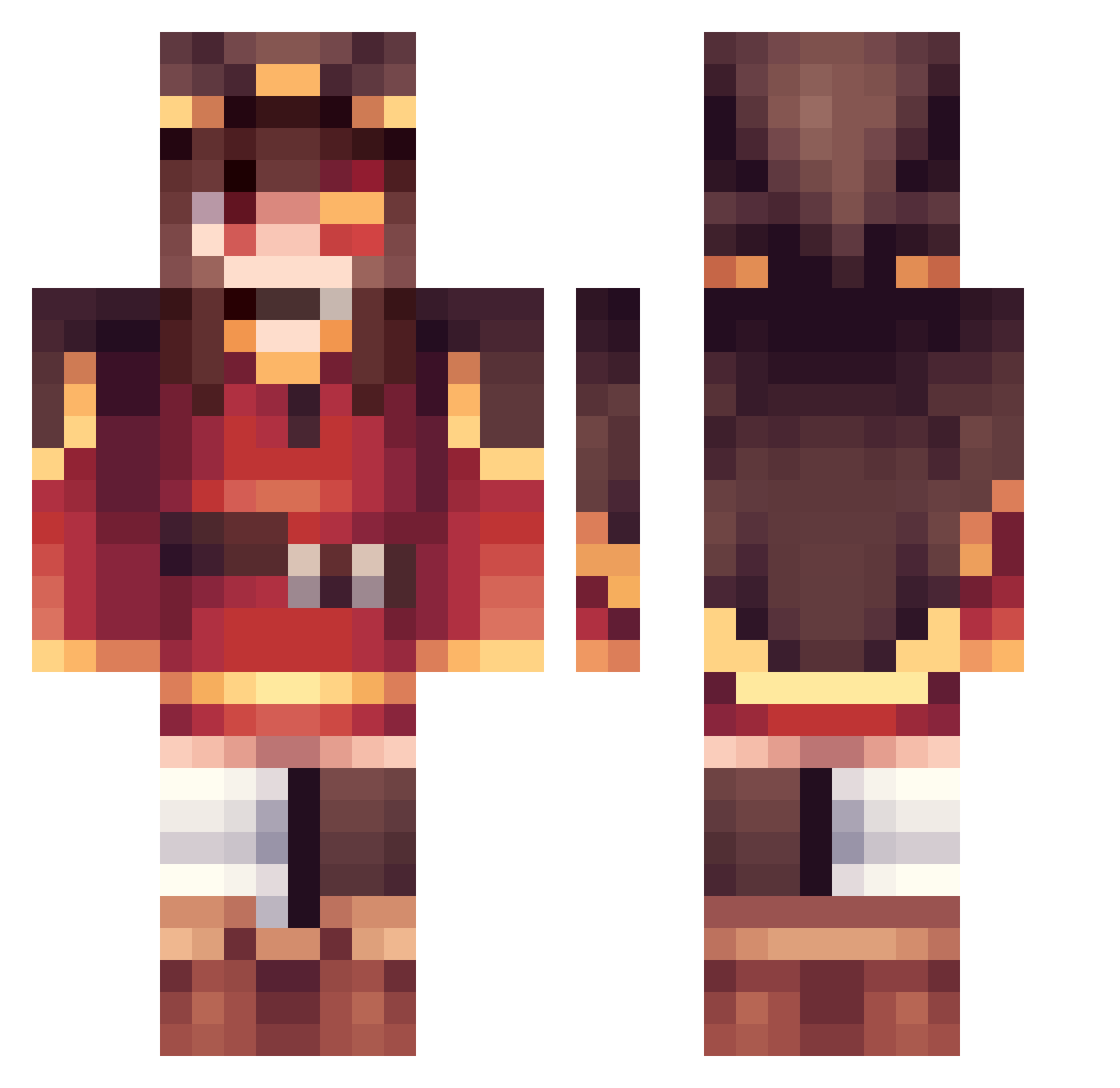
Minecraft skin of skmm1. Rotate the 3D model with your mouse or finger to view the skin from every angle, then download it as a PNG file and use it in Minecraft: Bedrock Edition or Java Edition for free. Rate the skin with stars to help other players find the best skins in our collection.
How to install the skmm1 skin
- Press the Download button above to save the skin as a PNG file.
- Minecraft: Bedrock Edition (PE): open the Dressing Room from the main menu (or tap your character → Edit Character), go to Classic Skins → Owned, press the + (new skin) button, choose the downloaded PNG and pick the Classic (Steve) model. Works on PC and mobile; consoles cannot import custom skins.
- Minecraft: Java Edition: open the Minecraft Launcher, go to the Skins tab, click New Skin, load the PNG, pick the Classic (Steve) model and press Save & Use. You can also upload it at minecraft.net → Profile → Change Skin.
The skin does not show up after import - what should I do?
Restart Minecraft and open the Dressing Room again - imported skins sometimes appear only after a restart. Also make sure you selected the imported skin and picked the Classic (Steve) model.
Which model should I choose, Classic or Slim?
This skin is designed for the Classic (Steve) model. If you pick the wrong model, the arms of the skin will look stretched or squeezed.
Is this skin free to use?
Yes. Press Download, save the PNG file and use it in Minecraft: Bedrock Edition or Java Edition - no payment or registration needed. The skin also works on multiplayer servers and Realms.
More Megumin Minecraft skins
More skins
Looking for more? Go back to all Minecraft skins and check the top skins of the week, month and all time, or find any player's skin by nickname.