
AnDyASK - Minecraft Skins & Skin History
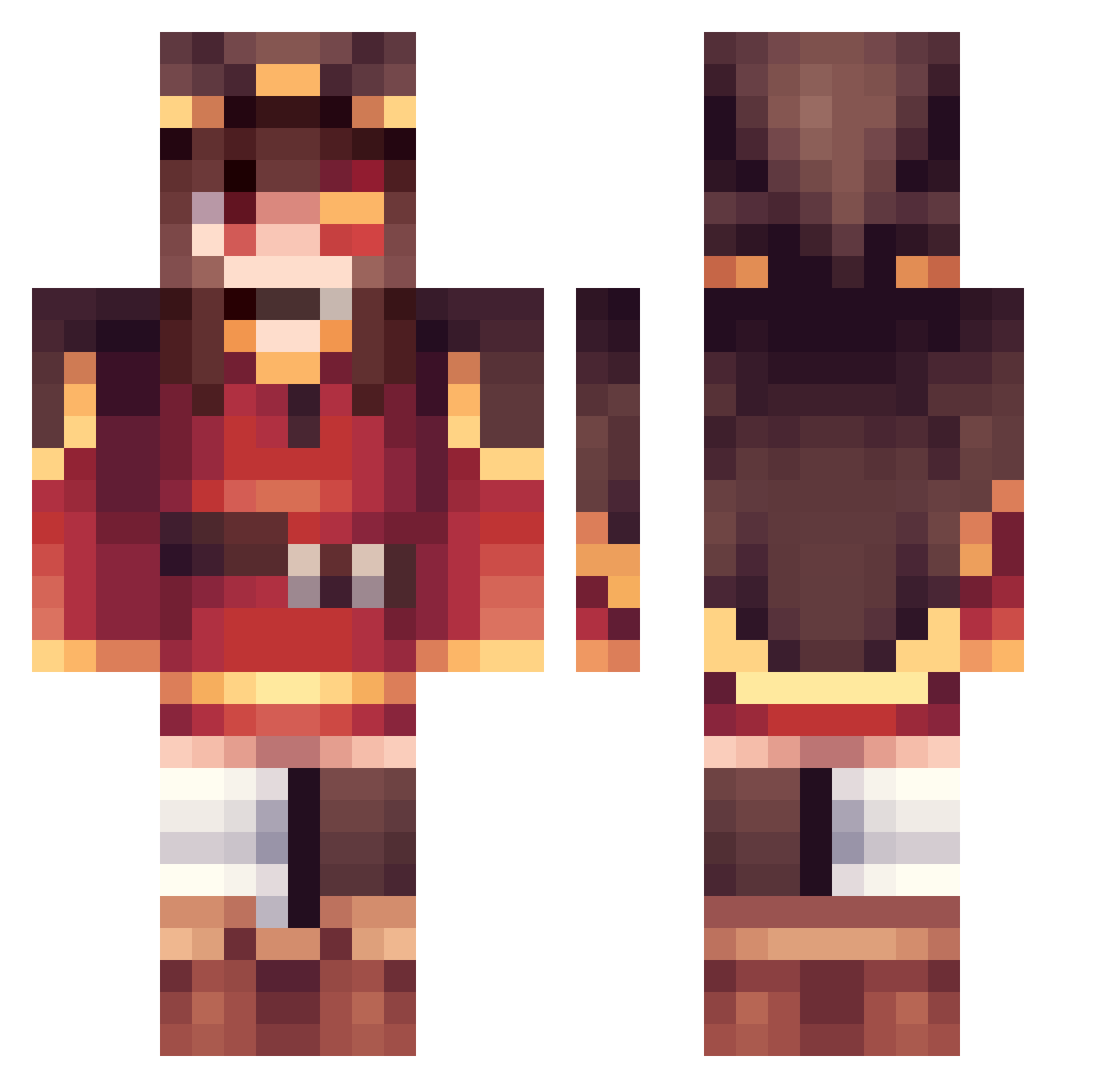
Current Minecraft skin of the player AnDyASK, loaded from the official Mojang API. Rotate the 3D model with your mouse or finger, then download the skin as a PNG file and use it in Minecraft: Bedrock Edition or Java Edition for free. When AnDyASK changes their skin, this page updates automatically and the old skin stays in the history below.
Other players with this skin (435)
AnDyASK was the 412th player we have seen with this skin, first spotted on 13.11.2026. The same skin was seen on these players. Open a nickname to see their current skin and skin history.
 Nusherr NRP_AFK tiancao olaf_merkel789 SlankeDanke Arturkrutoj Piyo_o_ EmanuelVfD cheetah_tw timmy103106 mijeom copycat06 OhCesssilia ElMatz MyRegret Valde2005 D4Z301 AEIOU123453 HouseGuardian _BrokeBaka_ Some1NamedDaniel MANDOO1048 mmiiiiiii creamium17 star1999710 RonNotFound Yennek zyrf456 ECOHAPPY Karlol2006 Megumin231 Timmi09 Xx_mosquitoes_xX Small_Lu Cjx9ay H3yno Clurpy RandomName71 sjl258 shujs zibefox qhx228 thatguyneek Baramyne CZKat xuan11111 MajorieSH kingofcatgirls Greetz09 94ek786 Jay940510 Kampfkeks0007 IamStarW NAKACHAN1000 themakcnmk _sirie Werwamik BinGie8 i_glaze_anime MrLight0818
More Megumin Minecraft skins
How to install the AnDyASK skin
- Press the Download button above to save the skin as a PNG file.
- Minecraft: Bedrock Edition (PE): open the Dressing Room from the main menu (or tap your character → Edit Character), go to Classic Skins → Owned, press the + (new skin) button, choose the downloaded PNG and pick the Classic (Steve) model. Works on PC and mobile; consoles cannot import custom skins.
- Minecraft: Java Edition: open the Minecraft Launcher, go to the Skins tab, click New Skin, load the PNG, pick the Classic (Steve) model and press Save & Use. You can also upload it at minecraft.net → Profile → Change Skin.
The skin does not show up after import - what should I do?
Restart Minecraft and open the Dressing Room again - imported skins sometimes appear only after a restart. Also make sure you selected the imported skin and picked the Classic (Steve) model.
Which model should I choose, Classic or Slim?
This skin is designed for the Classic (Steve) model. If you pick the wrong model, the arms of the skin will look stretched or squeezed.
Is the skin of AnDyASK free to download?
Yes. Press Download, save the PNG file and use it in Minecraft: Bedrock Edition or Java Edition - no payment or registration needed. The skin also works on multiplayer servers and Realms.
More skins
Looking for more? Go back to all Minecraft skins and check the top skins of the week, month and all time, or find any player's skin by nickname.