
 rijstpapje123 Mrdudeo ilovetealslime Sarnam OliveThatGamer trashhamster MykiiZ rokaeun AlvinKvarg TruthSeekerStar iTunc_YTT LeConnie wastlx OPedrado 82_bars LeighInception dequesosss BillyBoy75 aFAVELADA Gwuenora Zuzed DogBlazer__ Johnotek Offblast RedDevilWB Minecrafter4283 Santhill _Enzoo_ Excrete Gengie mamtogdzies Susu_br theshortson tiulyed Le1Rz MeinKraft1943 aplewy MaShier _Cytryneq1 SuperBed Trusina Snow_Man_777 paradosso_69 TheMightyJeeb Beladiva akdenddj123 Samj88 Landway LazerToe Gulp_DragonDawn juggernurt_40k MinAbol Blimbing ItsMeNinjaCaba28 HGeol albatroscyber DanJClark SercanHD Lcmelton5 Skortlez
Minecraft skin of silken432_. Rotate the 3D model with your mouse or finger to view the skin from every angle, then download it as a PNG file and use it in Minecraft: Bedrock Edition or Java Edition for free. Rate the skin with stars to help other players find the best skins in our collection.
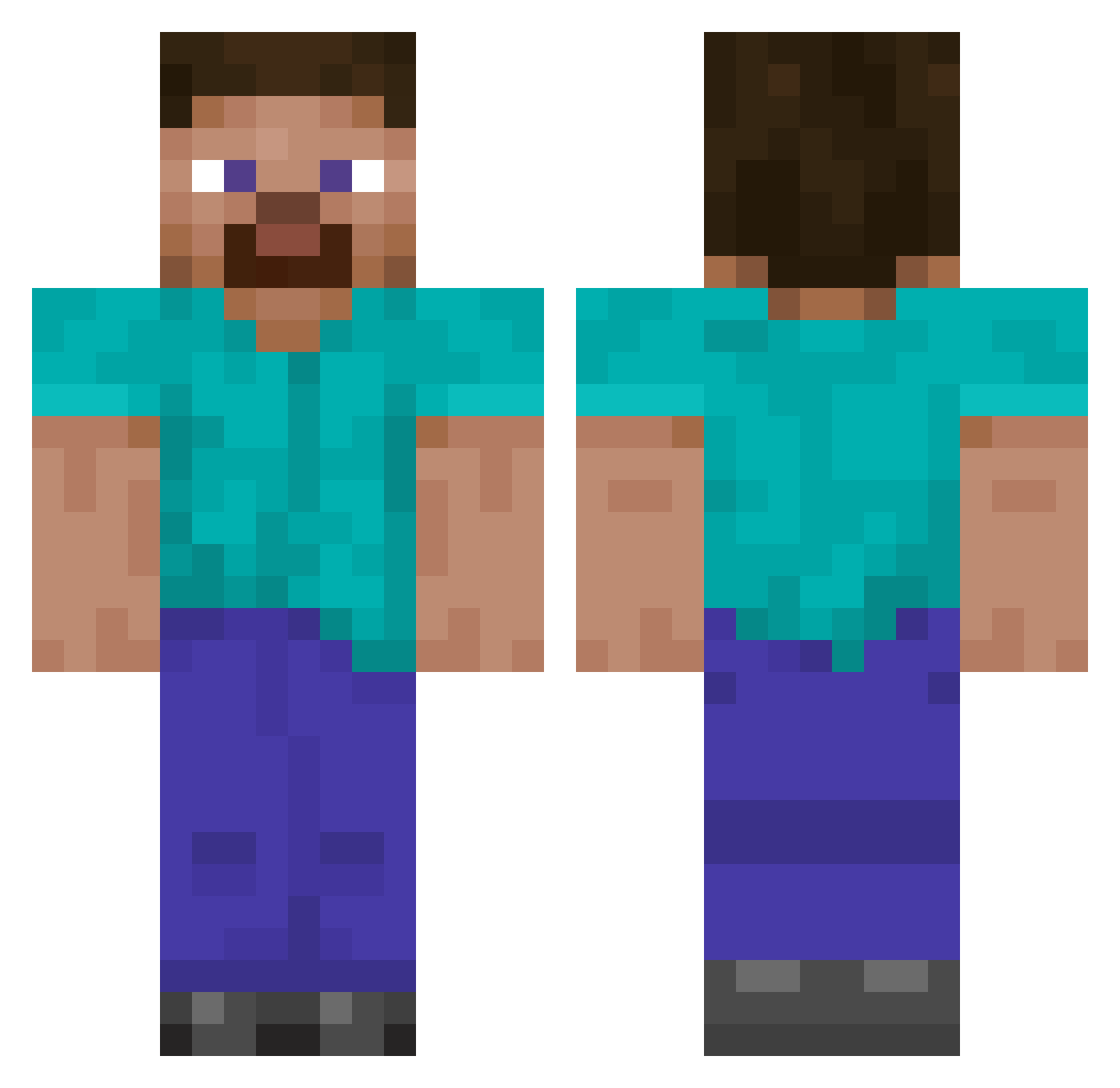
How to install the silken432_ skin
- Press the Download button above to save the skin as a PNG file.
- Minecraft: Bedrock Edition (PE): open the Dressing Room from the main menu (or tap your character → Edit Character), go to Classic Skins → Owned, press the + (new skin) button, choose the downloaded PNG and pick the Classic (Steve) model. Works on PC and mobile; consoles cannot import custom skins.
- Minecraft: Java Edition: open the Minecraft Launcher, go to the Skins tab, click New Skin, load the PNG, pick the Classic (Steve) model and press Save & Use. You can also upload it at minecraft.net → Profile → Change Skin.
The skin does not show up after import - what should I do?
Restart Minecraft and open the Dressing Room again - imported skins sometimes appear only after a restart. Also make sure you selected the imported skin and picked the Classic (Steve) model.
Which model should I choose, Classic or Slim?
This skin is designed for the Classic (Steve) model. If you pick the wrong model, the arms of the skin will look stretched or squeezed.
Is this skin free to use?
Yes. Press Download, save the PNG file and use it in Minecraft: Bedrock Edition or Java Edition - no payment or registration needed. The skin also works on multiplayer servers and Realms.
More skins
Looking for more? Go back to all Minecraft skins and check the top skins of the week, month and all time, or find any player's skin by nickname.