
 lovejeain lNatel GZamn Hydropenn Fricknelzo GrubyMaciek nu3lz VaChierMonCave OSugarDaddy Larry_La_Malice thorbjoern1 yisusbc EmanuelBuch 0Tukka0 NataliaRT02 Slameva Esheer godtnokroy1 xiaoyu_Kin MarvelSaulo mikusx7 Rujow Lu3ci Hoperter YoungTay29 _zxc nachomandarina makelele14 LinguinisHomo Aguztinn VqToast RealBlayze betizes Bonskeey kiefrix skoquetzal vlood_ colette67420 naururu nerdout_thenerd LUUUouo SmokySnake SHERIFF_TheGamer hardslol FunnyPlayer_ potaoking805 Marizzin SrBrian311 Rhaast_Zx Lord_Jan76 Shaboobal00 michelines Krektonix_ not_clrk ppunxhh AustraxFx Emoallday DianaRule34 CorruptedM2 WTSMikey
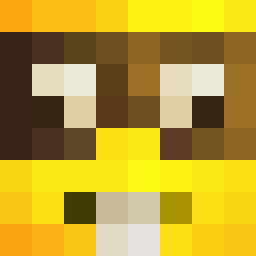
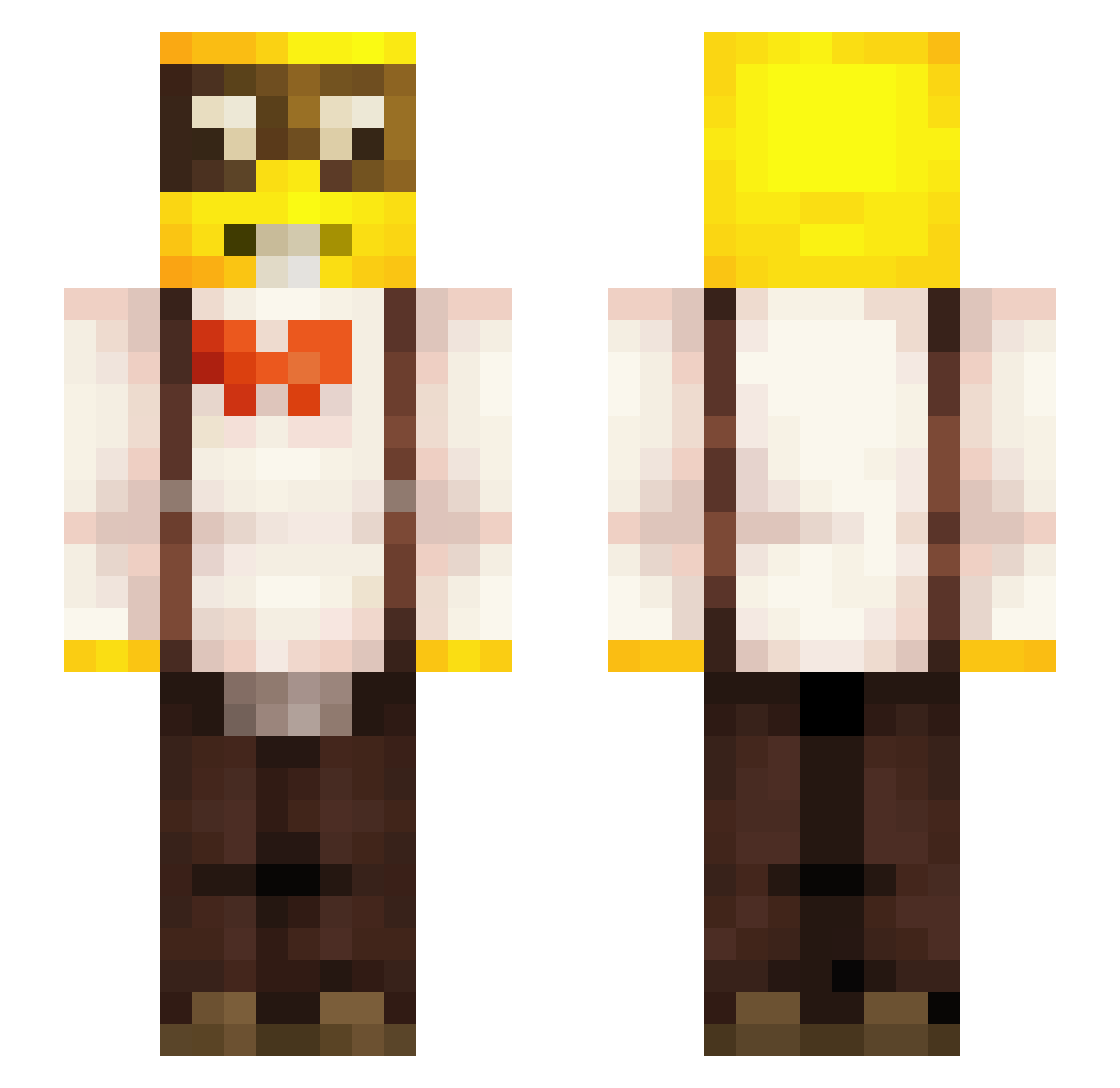
Minecraft skin of tomino58. Rotate the 3D model with your mouse or finger to view the skin from every angle, then download it as a PNG file and use it in Minecraft: Bedrock Edition or Java Edition for free. Rate the skin with stars to help other players find the best skins in our collection.
How to install the tomino58 skin
- Press the Download button above to save the skin as a PNG file.
- Minecraft: Bedrock Edition (PE): open the Dressing Room from the main menu (or tap your character → Edit Character), go to Classic Skins → Owned, press the + (new skin) button, choose the downloaded PNG and pick the Slim (Alex) model. Works on PC and mobile; consoles cannot import custom skins.
- Minecraft: Java Edition: open the Minecraft Launcher, go to the Skins tab, click New Skin, load the PNG, pick the Slim (Alex) model and press Save & Use. You can also upload it at minecraft.net → Profile → Change Skin.
The skin does not show up after import - what should I do?
Restart Minecraft and open the Dressing Room again - imported skins sometimes appear only after a restart. Also make sure you selected the imported skin and picked the Slim (Alex) model.
Which model should I choose, Classic or Slim?
This skin is designed for the Slim (Alex) model. If you pick the wrong model, the arms of the skin will look stretched or squeezed.
Is this skin free to use?
Yes. Press Download, save the PNG file and use it in Minecraft: Bedrock Edition or Java Edition - no payment or registration needed. The skin also works on multiplayer servers and Realms.
More Yellow Guy Minecraft skins
More skins
Looking for more? Go back to all Minecraft skins and check the top skins of the week, month and all time, or find any player's skin by nickname.