
 Adrydcr MattiasLi73 eyhnus _xxbawllzxx_ DaddyBlock12 ORIORI0120 KBTAI BlackAlpha24 NogTheBruh wamboPT AGbooms MiniPita DogeRaivoso Kanon_owo MacSmit MajorTomx crxxdy17 Dogeeee derKurtKnispel SantyGato20 tayylovefamily_ ZakoNoob WeanMax mavotwo Excite_machine AlvarXPS sm00che HACKER78 CarsonW00f Sk1pping PZT_ 0xHenry macandstine Playdoe2 Walskk kouki0413 DogDerik Birynxx MSN_MARES wallacecabelinho hatibit Popo_Bg jakeity_ breno1921 Jenorator skend havocwarrior Itayos1 Penguinisreal BrokerDostyy Slayer_God69 xpro700 IAMAnze Csvn Reddishboi69 KIWZKAM Steinbeere14 Holinio Smugpluto x4nnyy
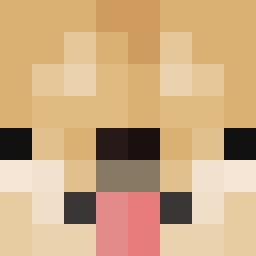
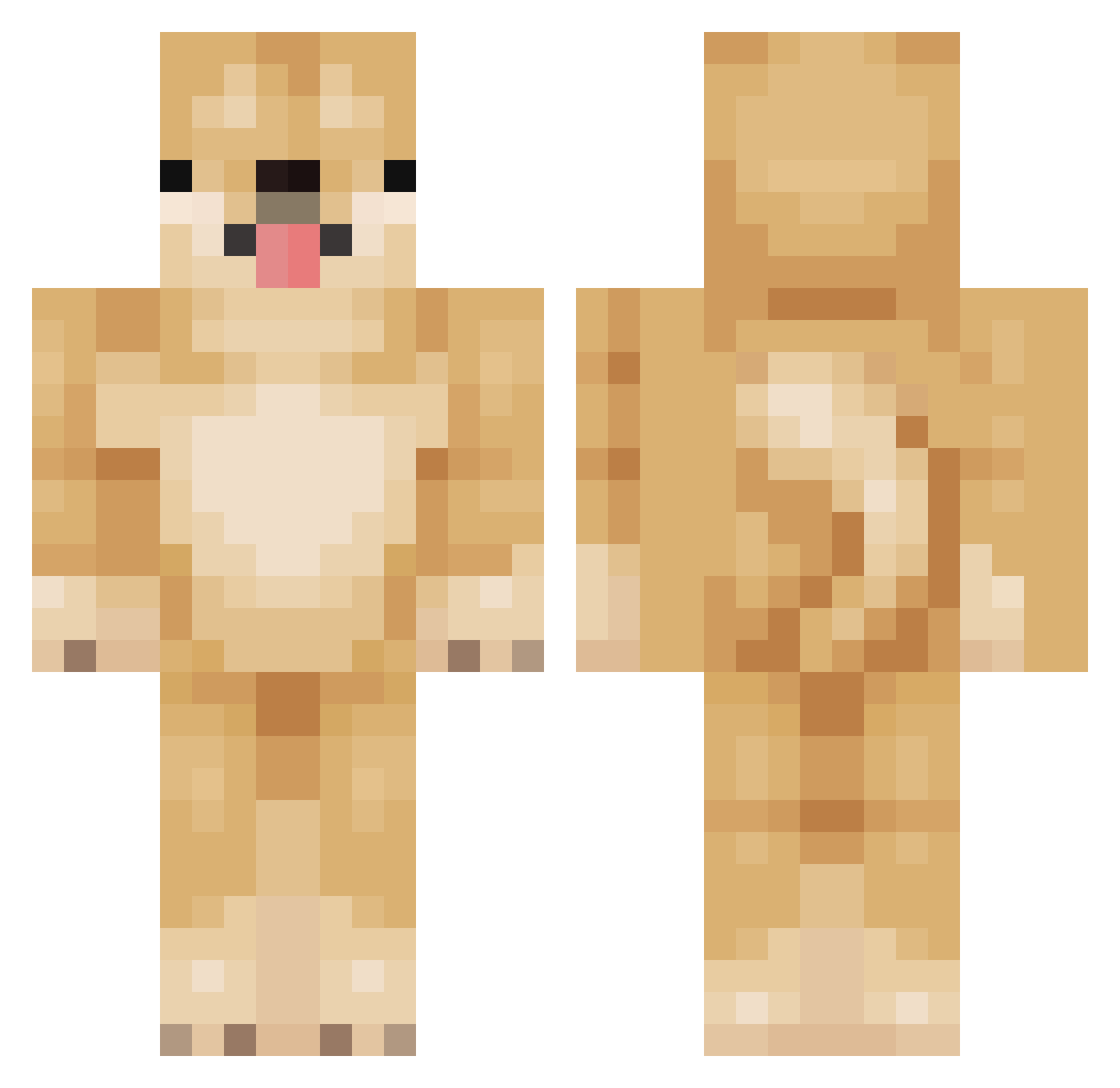
Minecraft skin of C0UCOU. Rotate the 3D model with your mouse or finger to view the skin from every angle, then download it as a PNG file and use it in Minecraft: Bedrock Edition or Java Edition for free. Rate the skin with stars to help other players find the best skins in our collection.
How to install the C0UCOU skin
- Press the Download button above to save the skin as a PNG file.
- Minecraft: Bedrock Edition (PE): open the Dressing Room from the main menu (or tap your character → Edit Character), go to Classic Skins → Owned, press the + (new skin) button, choose the downloaded PNG and pick the Classic (Steve) model. Works on PC and mobile; consoles cannot import custom skins.
- Minecraft: Java Edition: open the Minecraft Launcher, go to the Skins tab, click New Skin, load the PNG, pick the Classic (Steve) model and press Save & Use. You can also upload it at minecraft.net → Profile → Change Skin.
The skin does not show up after import - what should I do?
Restart Minecraft and open the Dressing Room again - imported skins sometimes appear only after a restart. Also make sure you selected the imported skin and picked the Classic (Steve) model.
Which model should I choose, Classic or Slim?
This skin is designed for the Classic (Steve) model. If you pick the wrong model, the arms of the skin will look stretched or squeezed.
Is this skin free to use?
Yes. Press Download, save the PNG file and use it in Minecraft: Bedrock Edition or Java Edition - no payment or registration needed. The skin also works on multiplayer servers and Realms.
More Shiba Inu Minecraft skins
More skins
Looking for more? Go back to all Minecraft skins and check the top skins of the week, month and all time, or find any player's skin by nickname.