
AlvarXPS - Minecraft Skins & Skin History
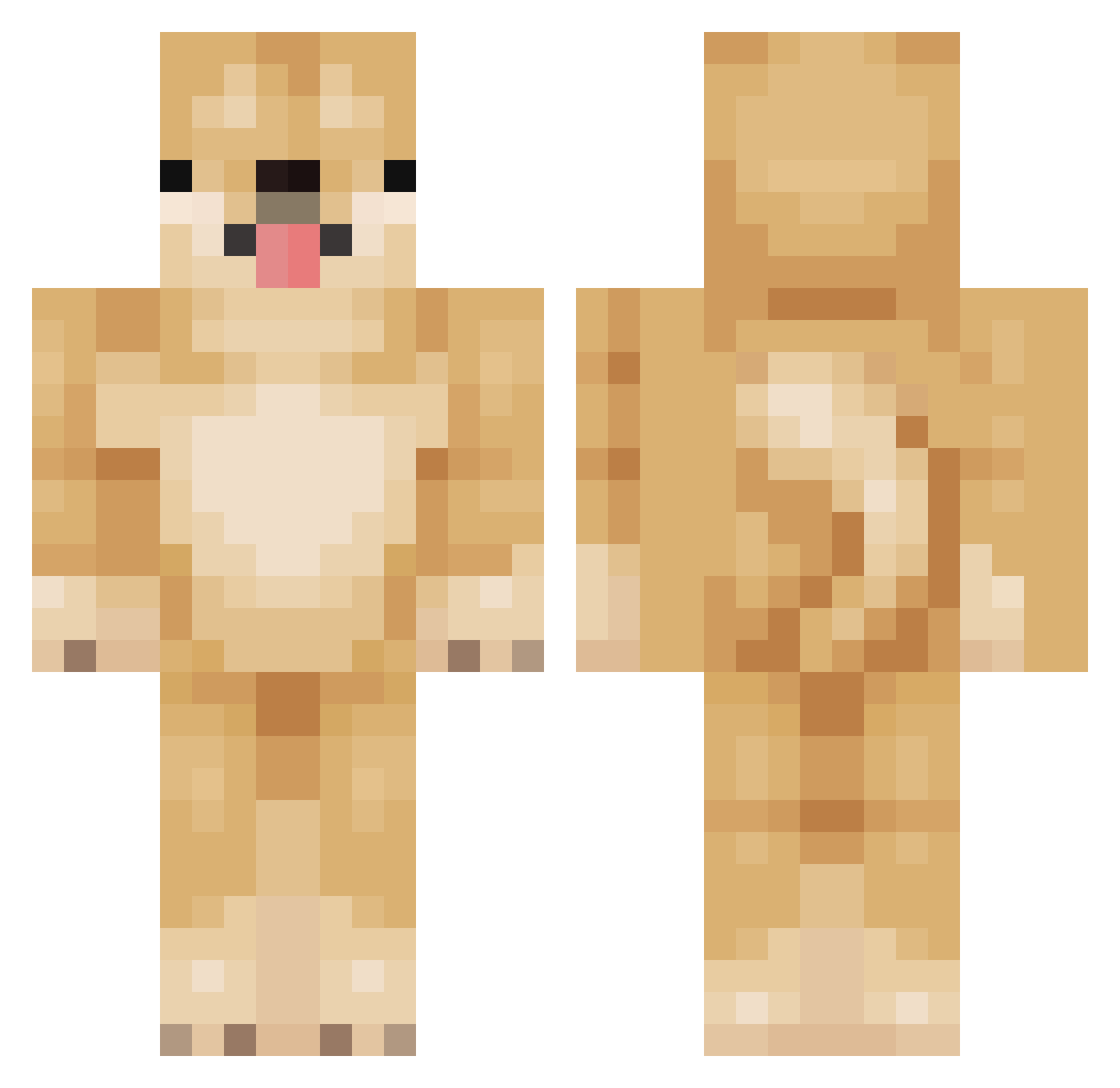
Current Minecraft skin of the player AlvarXPS, loaded from the official Mojang API. Rotate the 3D model with your mouse or finger, then download the skin as a PNG file and use it in Minecraft: Bedrock Edition or Java Edition for free. When AlvarXPS changes their skin, this page updates automatically and the old skin stays in the history below.
Other players with this skin (156)
AlvarXPS was the 131st player we have seen with this skin, first spotted on 18.10.2026. The same skin was seen on these players. Open a nickname to see their current skin and skin history.
 Excite_machine HACKER78 mavotwo WeanMax Sk1pping ZakoNoob PZT_ tayylovefamily_ SantyGato20 macandstine Playdoe2 Walskk kouki0413 DogDerik Birynxx derKurtKnispel MSN_MARES Dogeeee crxxdy17 jakeity_ havocwarrior MajorTomx Baby_Honey_BEE MacSmit SmilesHyles Kanon_owo DogeRaivoso james7glenn ZEROWyt Dodohunter MiniPita CoCoby_ AGbooms wamboPT maarinenavy NogTheBruh C4nine_ BlackAlpha24 KBTAI PoppaBanz ORIORI0120 DaddyBlock12 _xxbawllzxx_ eyhnus MattiasLi73 Adrydcr lilwizzy3515 Wiltbloom delipah KawaiiiCattt takuto0715 ass940119ss WalskBIOS EmeraldBird dodori08 Detchan pro_gamer011010 Kinnaj88 Edits4139 FluffyDoge_
More Shiba Inu Minecraft skins
How to install the AlvarXPS skin
- Press the Download button above to save the skin as a PNG file.
- Minecraft: Bedrock Edition (PE): open the Dressing Room from the main menu (or tap your character → Edit Character), go to Classic Skins → Owned, press the + (new skin) button, choose the downloaded PNG and pick the Classic (Steve) model. Works on PC and mobile; consoles cannot import custom skins.
- Minecraft: Java Edition: open the Minecraft Launcher, go to the Skins tab, click New Skin, load the PNG, pick the Classic (Steve) model and press Save & Use. You can also upload it at minecraft.net → Profile → Change Skin.
The skin does not show up after import - what should I do?
Restart Minecraft and open the Dressing Room again - imported skins sometimes appear only after a restart. Also make sure you selected the imported skin and picked the Classic (Steve) model.
Which model should I choose, Classic or Slim?
This skin is designed for the Classic (Steve) model. If you pick the wrong model, the arms of the skin will look stretched or squeezed.
Is the skin of AlvarXPS free to download?
Yes. Press Download, save the PNG file and use it in Minecraft: Bedrock Edition or Java Edition - no payment or registration needed. The skin also works on multiplayer servers and Realms.
More skins
Looking for more? Go back to all Minecraft skins and check the top skins of the week, month and all time, or find any player's skin by nickname.