
 zOsama4K Skotch111 wastrik tsutsu531 Snapster99 SOMMAX LinXiang SharkGamer30 FARALLEL maxcoco18 Adiios GabrielBo ERICKNN Shishe_98 io_ginger_oi bilade Kyebooboo Gabriel_9188 DemoluxTv AzaelKiller RyGuy1818 BunnyMonster808 diegolegal Mynameisnothere Pahlevi JaydenKam0305 Remi_YT_ KumoStar Madridgirl Opaleanski Sang_GM raphhh2103 MotanuBT timmyisyourmom Eduardov12 HeekElek ErkayOzbakan RKN_RKN Florian884 bwinston0192 TRDonsuzV1 NLchbaanNL KennieLP LucianoTQB Youngcrafter FCBGomme Daviddertot obejoni MineKiwi MoreiraObrabo BeverBoy Chaserman111 Mister_P0tato miked983 iTheWressy KaloaPo ADS13 ArifP
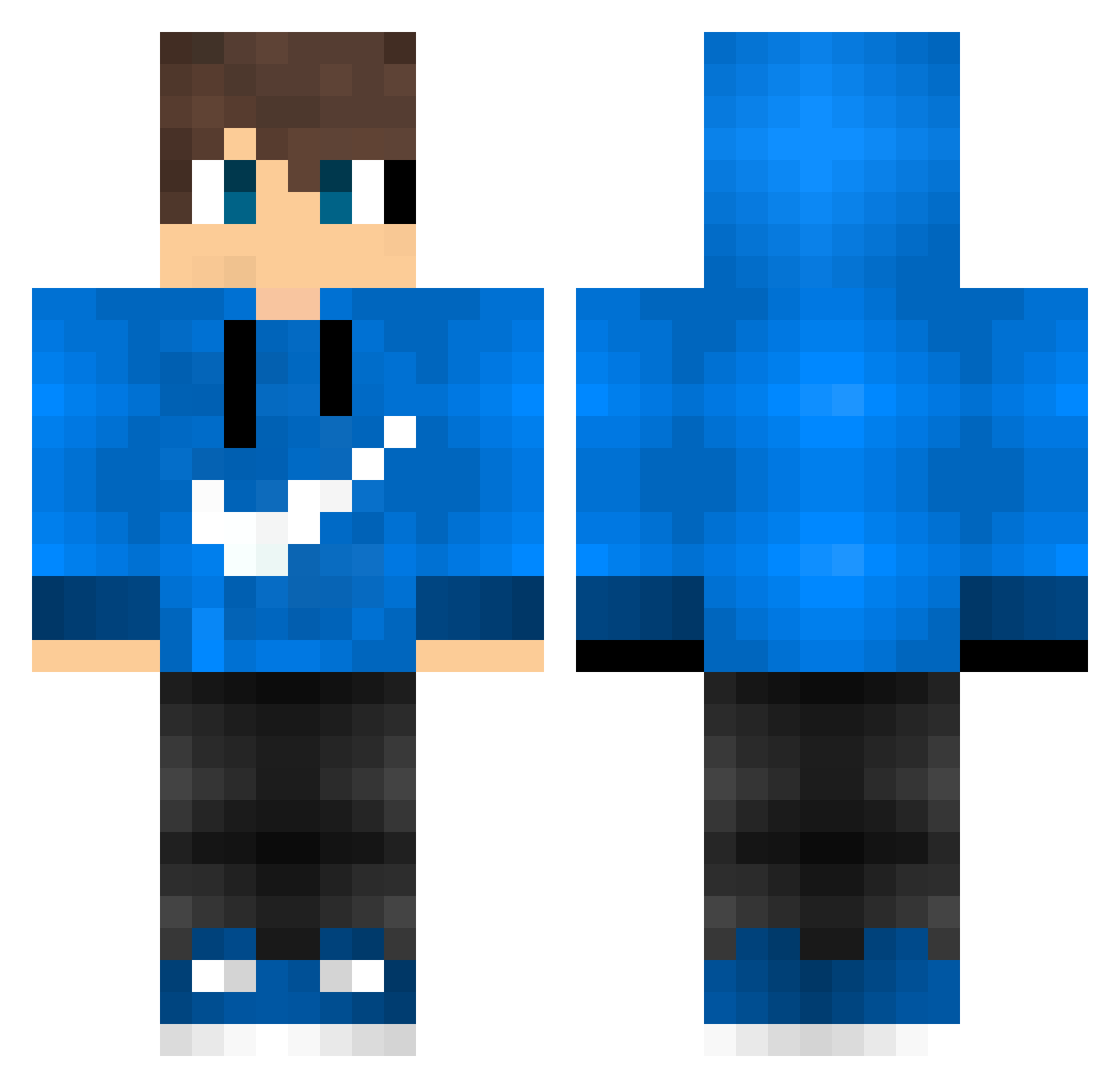
Minecraft skin of Mynameisnothere. Rotate the 3D model with your mouse or finger to view the skin from every angle, then download it as a PNG file and use it in Minecraft: Bedrock Edition or Java Edition for free. Rate the skin with stars to help other players find the best skins in our collection.
How to install the Mynameisnothere skin
- Press the Download button above to save the skin as a PNG file.
- Minecraft: Bedrock Edition (PE): open the Dressing Room from the main menu (or tap your character → Edit Character), go to Classic Skins → Owned, press the + (new skin) button, choose the downloaded PNG and pick the Classic (Steve) model. Works on PC and mobile; consoles cannot import custom skins.
- Minecraft: Java Edition: open the Minecraft Launcher, go to the Skins tab, click New Skin, load the PNG, pick the Classic (Steve) model and press Save & Use. You can also upload it at minecraft.net → Profile → Change Skin.
The skin does not show up after import — what should I do?
Restart Minecraft and open the Dressing Room again — imported skins sometimes appear only after a restart. Also make sure you selected the imported skin and picked the Classic (Steve) model.
Which model should I choose, Classic or Slim?
This skin is designed for the Classic (Steve) model. If you pick the wrong model, the arms of the skin will look stretched or squeezed.
Is this skin free to use?
Yes. Press Download, save the PNG file and use it in Minecraft: Bedrock Edition or Java Edition — no payment or registration needed. The skin also works on multiplayer servers and Realms.
More skins
Looking for more? Go back to all Minecraft skins and check the top skins of the week, month and all time, or find any player's skin by nickname.