
 Bamhello _KaZeTiTa_ WeilBaumEsWill phintus Kori7 JakeyT2003 Ch4d7hund3rc0ck Atomskayser BCBurn FoxnDuchess plungedfir65 fushigi25 goma3000 ard4g Gigi4000 Nomadoftime zxrdoom VulcusValco Vordat LokeLSdk Njordfinn Dragonzihao King_Theoden Soviet_Kodiak paujono Fixtrion Ggeng ebubeaso faritt0 Deadshot_14 noobynerd02 CookedCookies420 Arbolist DanielV1209 NovaOof hoodiecrafter69 Mandrake87 dragonjlo BlockOIer SirGlorious pilley jester5022 Zidane421 BettyCrocker foxhole711 Playcrafter27 Try_Hard_Walrus hudzi2000 AndyTheDemon GingerHeart512 younes2008 imafreetree Electressic Bustedcraft001 Tenfes nexusinox YourBestMan1 granada25 Infernal_Lich LKS_Anti
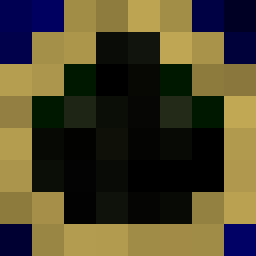
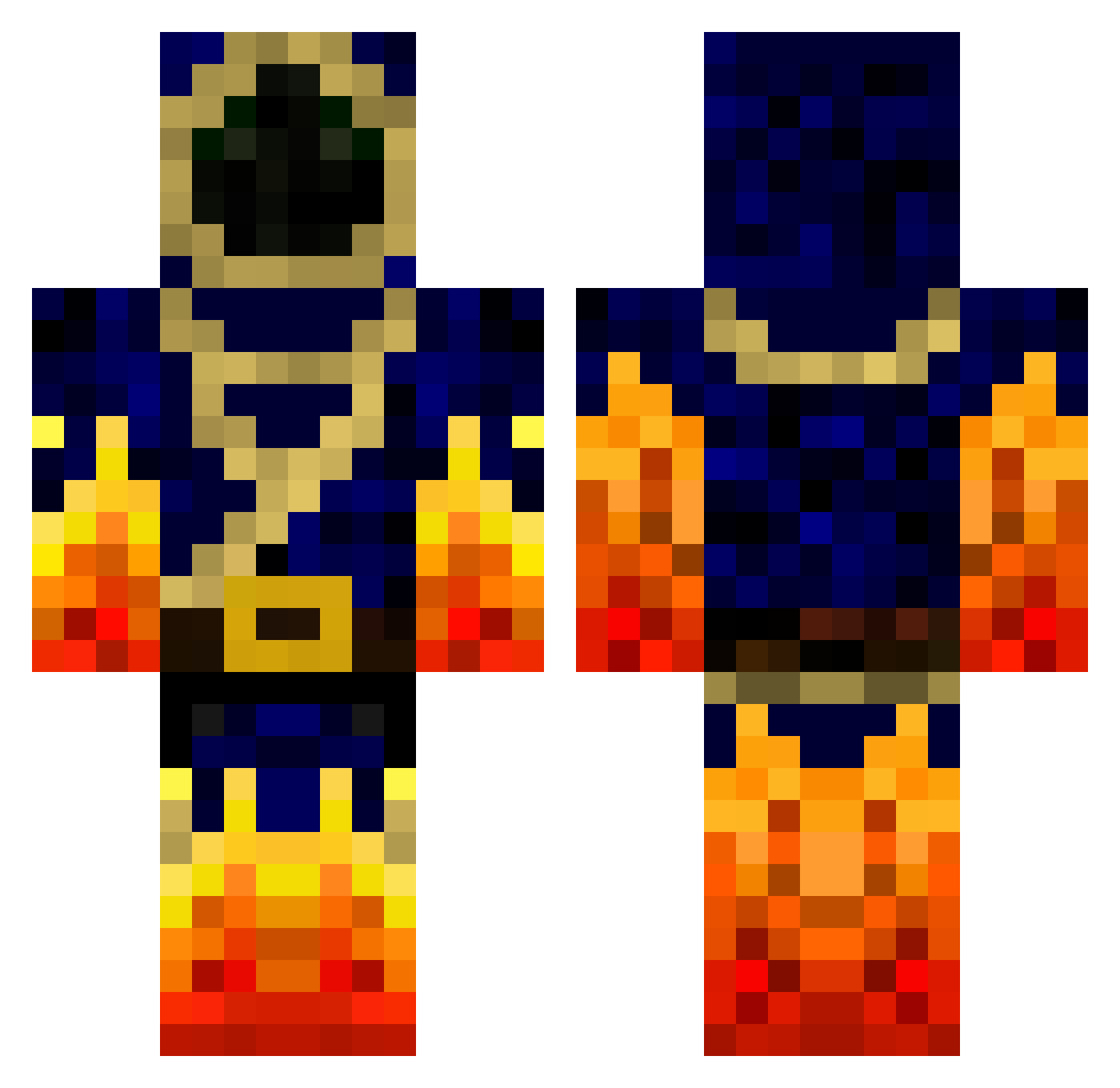
Minecraft skin of showmaster1. Rotate the 3D model with your mouse or finger to view the skin from every angle, then download it as a PNG file and use it in Minecraft: Bedrock Edition or Java Edition for free. Rate the skin with stars to help other players find the best skins in our collection.
How to install the showmaster1 skin
- Press the Download button above to save the skin as a PNG file.
- Minecraft: Bedrock Edition (PE): open the Dressing Room from the main menu (or tap your character → Edit Character), go to Classic Skins → Owned, press the + (new skin) button, choose the downloaded PNG and pick the Classic (Steve) model. Works on PC and mobile; consoles cannot import custom skins.
- Minecraft: Java Edition: open the Minecraft Launcher, go to the Skins tab, click New Skin, load the PNG, pick the Classic (Steve) model and press Save & Use. You can also upload it at minecraft.net → Profile → Change Skin.
The skin does not show up after import - what should I do?
Restart Minecraft and open the Dressing Room again - imported skins sometimes appear only after a restart. Also make sure you selected the imported skin and picked the Classic (Steve) model.
Which model should I choose, Classic or Slim?
This skin is designed for the Classic (Steve) model. If you pick the wrong model, the arms of the skin will look stretched or squeezed.
Is this skin free to use?
Yes. Press Download, save the PNG file and use it in Minecraft: Bedrock Edition or Java Edition - no payment or registration needed. The skin also works on multiplayer servers and Realms.
More Mage Minecraft skins
More skins
Looking for more? Go back to all Minecraft skins and check the top skins of the week, month and all time, or find any player's skin by nickname.