
 Zaaiakuu godoflights Luu097 Autumntt Jiang_Lin Wakamole85 Wei_Fa pony1521 slobbertooth13 HQJX xqy47 Shrrgnien205 sihyangbyeol deniz2024 yaoliyue xiaojian521 Mr__May Delta_117_ ackie_virtuous77 XYOkay YUZIANA Relaxplayer zxy813 evp1521 icyzxlic zifeiyu_ Cube_007 zjw154 ryftr beizili drsio TrialAides not_monty_ antiogoos totocangex frk666 Brilliantzz beznicku1234 SUJIHA Cccoda Delhiay Mao_Zia zhan__kong LuoAgen CHENstary CZXJohn SPODYGAMERZ8 Ge0rgeeeeeee O1xRanger kevin999555 Breavn jacfxl alghh yuqiqi144 chy_king Closer996 lovecoca IGIDai gomgom20 hywc
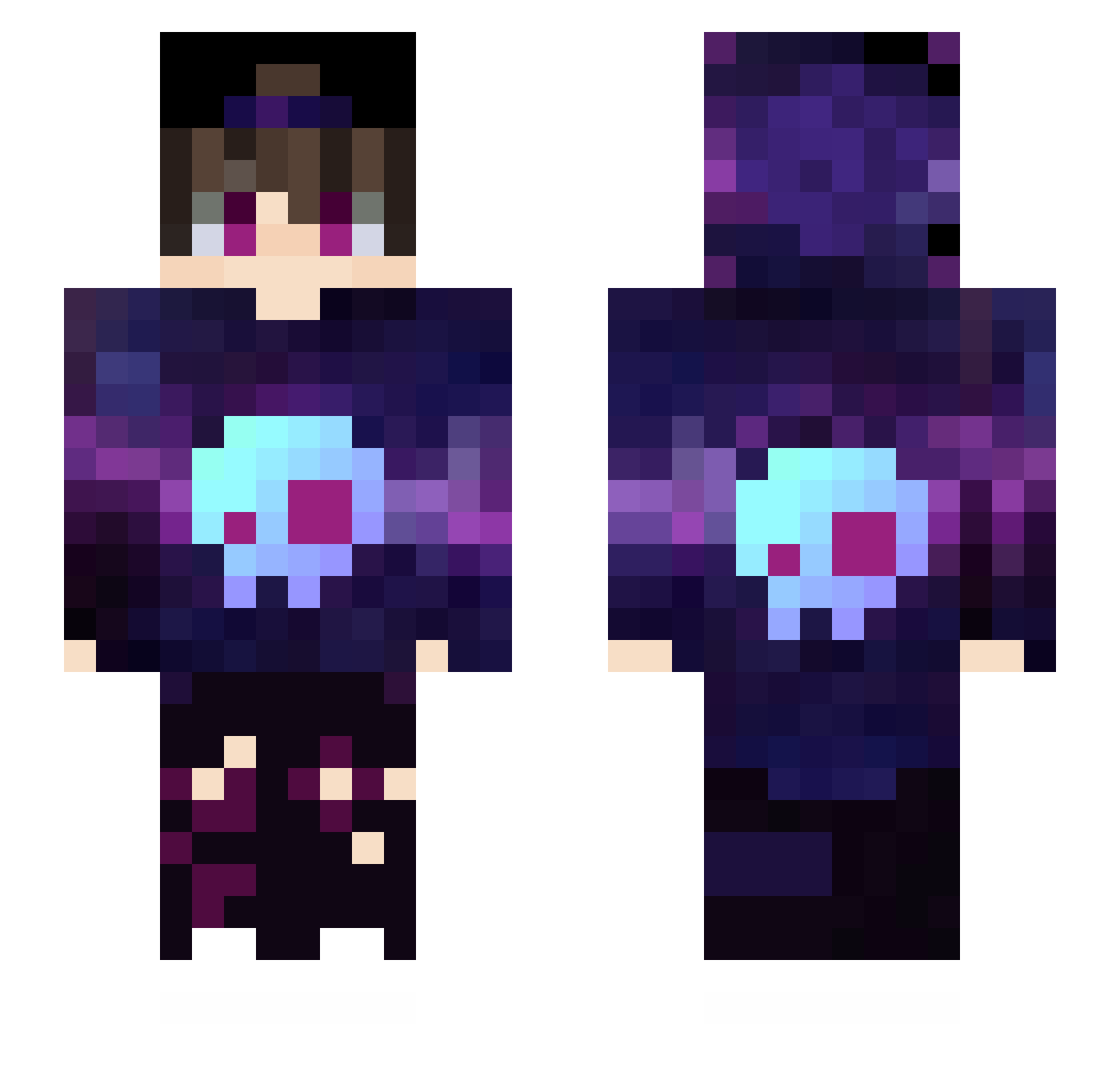
Minecraft skin of Liuguicheng. Rotate the 3D model with your mouse or finger to view the skin from every angle, then download it as a PNG file and use it in Minecraft: Bedrock Edition or Java Edition for free. Rate the skin with stars to help other players find the best skins in our collection.
How to install the Liuguicheng skin
- Press the Download button above to save the skin as a PNG file.
- Minecraft: Bedrock Edition (PE): open the Dressing Room from the main menu (or tap your character → Edit Character), go to Classic Skins → Owned, press the + (new skin) button, choose the downloaded PNG and pick the Slim (Alex) model. Works on PC and mobile; consoles cannot import custom skins.
- Minecraft: Java Edition: open the Minecraft Launcher, go to the Skins tab, click New Skin, load the PNG, pick the Slim (Alex) model and press Save & Use. You can also upload it at minecraft.net → Profile → Change Skin.
The skin does not show up after import - what should I do?
Restart Minecraft and open the Dressing Room again - imported skins sometimes appear only after a restart. Also make sure you selected the imported skin and picked the Slim (Alex) model.
Which model should I choose, Classic or Slim?
This skin is designed for the Slim (Alex) model. If you pick the wrong model, the arms of the skin will look stretched or squeezed.
Is this skin free to use?
Yes. Press Download, save the PNG file and use it in Minecraft: Bedrock Edition or Java Edition - no payment or registration needed. The skin also works on multiplayer servers and Realms.
More Skull Minecraft skins
More skins
Looking for more? Go back to all Minecraft skins and check the top skins of the week, month and all time, or find any player's skin by nickname.