
 Ghost0fGxd farmvilleGOD BernyCB progamer153 Lauege87 alex65479 Briggsylad yoyoclub69 SAUSAGE_cob_ Deluxe_Flop MaJisTiq ceramiczave Valera1809 BatDoseMC luke_mcm DEMboogieman Karluuu oMackyy TwizzyMagic Silasotto WizzoIzzo fbpatato Xanotos Vincent_Monroe cheater13010 matkiro RafagamerHD AstyLeS87 joniponi giro360 swagguy04 Mojitomaan KutNigge22 Epicosity3 thecrazyfish34 nick_fx Diggidee berend5000 shortsguy96 Nibbles_7 Cremehebel MartinX_XGaming Katatakroete Wadam69 daidheoin llPaGeeYll chanakira Kevin170199449 whitey179 mexicanmario12 Frotomez _iiFlyNick_ Hekelekechan rompedaskeren Gnivlos Gniva computermasterst Freezeeky Pondre12 Kenny746
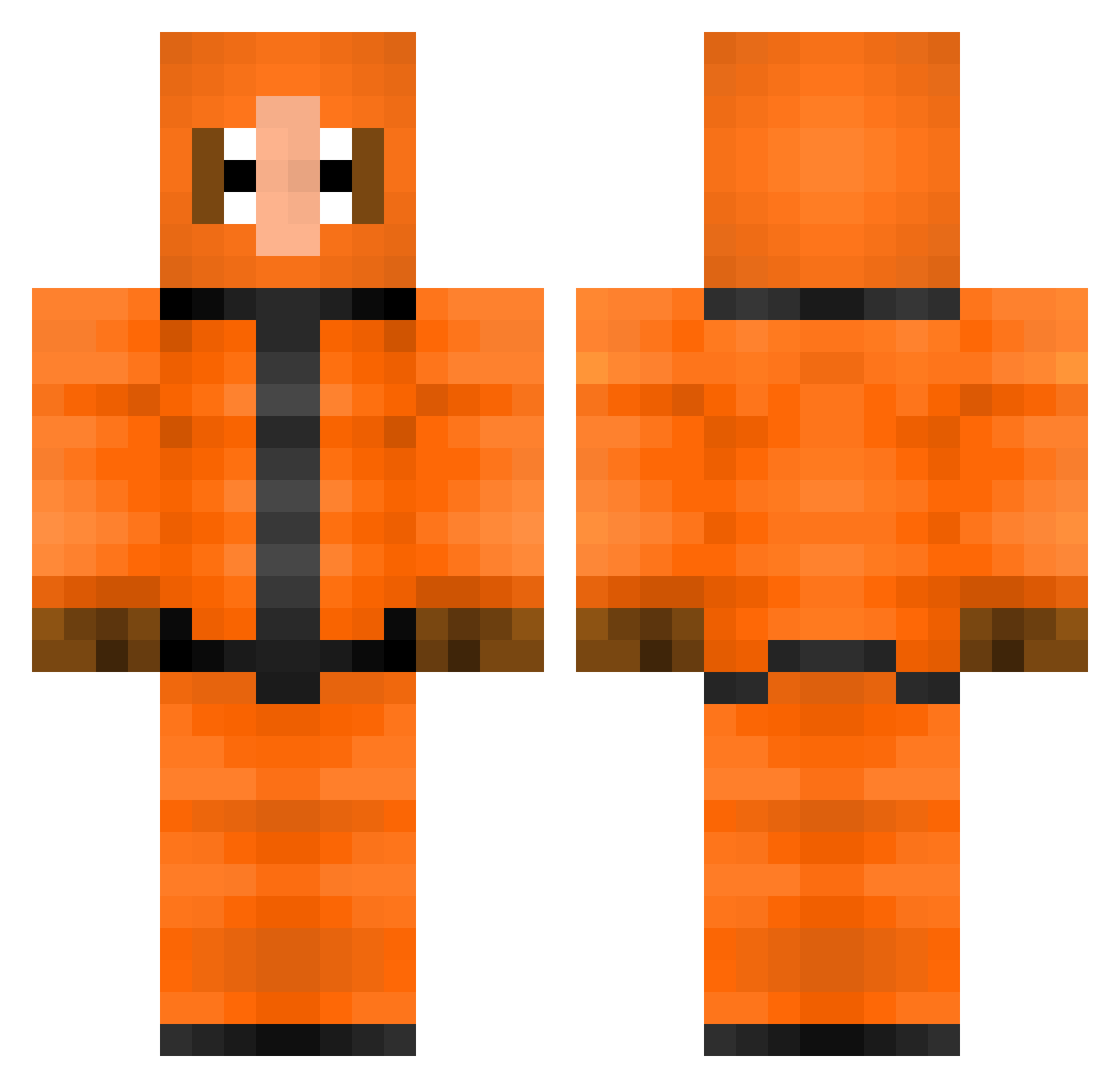
Minecraft skin of th3fr3udy. Rotate the 3D model with your mouse or finger to view the skin from every angle, then download it as a PNG file and use it in Minecraft: Bedrock Edition or Java Edition for free. Rate the skin with stars to help other players find the best skins in our collection.
How to install the th3fr3udy skin
- Press the Download button above to save the skin as a PNG file.
- Minecraft: Bedrock Edition (PE): open the Dressing Room from the main menu (or tap your character → Edit Character), go to Classic Skins → Owned, press the + (new skin) button, choose the downloaded PNG and pick the Classic (Steve) model. Works on PC and mobile; consoles cannot import custom skins.
- Minecraft: Java Edition: open the Minecraft Launcher, go to the Skins tab, click New Skin, load the PNG, pick the Classic (Steve) model and press Save & Use. You can also upload it at minecraft.net → Profile → Change Skin.
The skin does not show up after import - what should I do?
Restart Minecraft and open the Dressing Room again - imported skins sometimes appear only after a restart. Also make sure you selected the imported skin and picked the Classic (Steve) model.
Which model should I choose, Classic or Slim?
This skin is designed for the Classic (Steve) model. If you pick the wrong model, the arms of the skin will look stretched or squeezed.
Is this skin free to use?
Yes. Press Download, save the PNG file and use it in Minecraft: Bedrock Edition or Java Edition - no payment or registration needed. The skin also works on multiplayer servers and Realms.
More Kenny Mccormick Minecraft skins
See all 59 Kenny Mccormick skins
More skins
Looking for more? Go back to all Minecraft skins and check the top skins of the week, month and all time, or find any player's skin by nickname.