
Exchanged_Rabbit - Minecraft Skins & Skin History
Current Minecraft skin of the player Exchanged_Rabbit, loaded from the official Mojang API. Rotate the 3D model with your mouse or finger, then download the skin as a PNG file and use it in Minecraft: Bedrock Edition or Java Edition for free. When Exchanged_Rabbit changes their skin, this page updates automatically and the old skin stays in the history below.
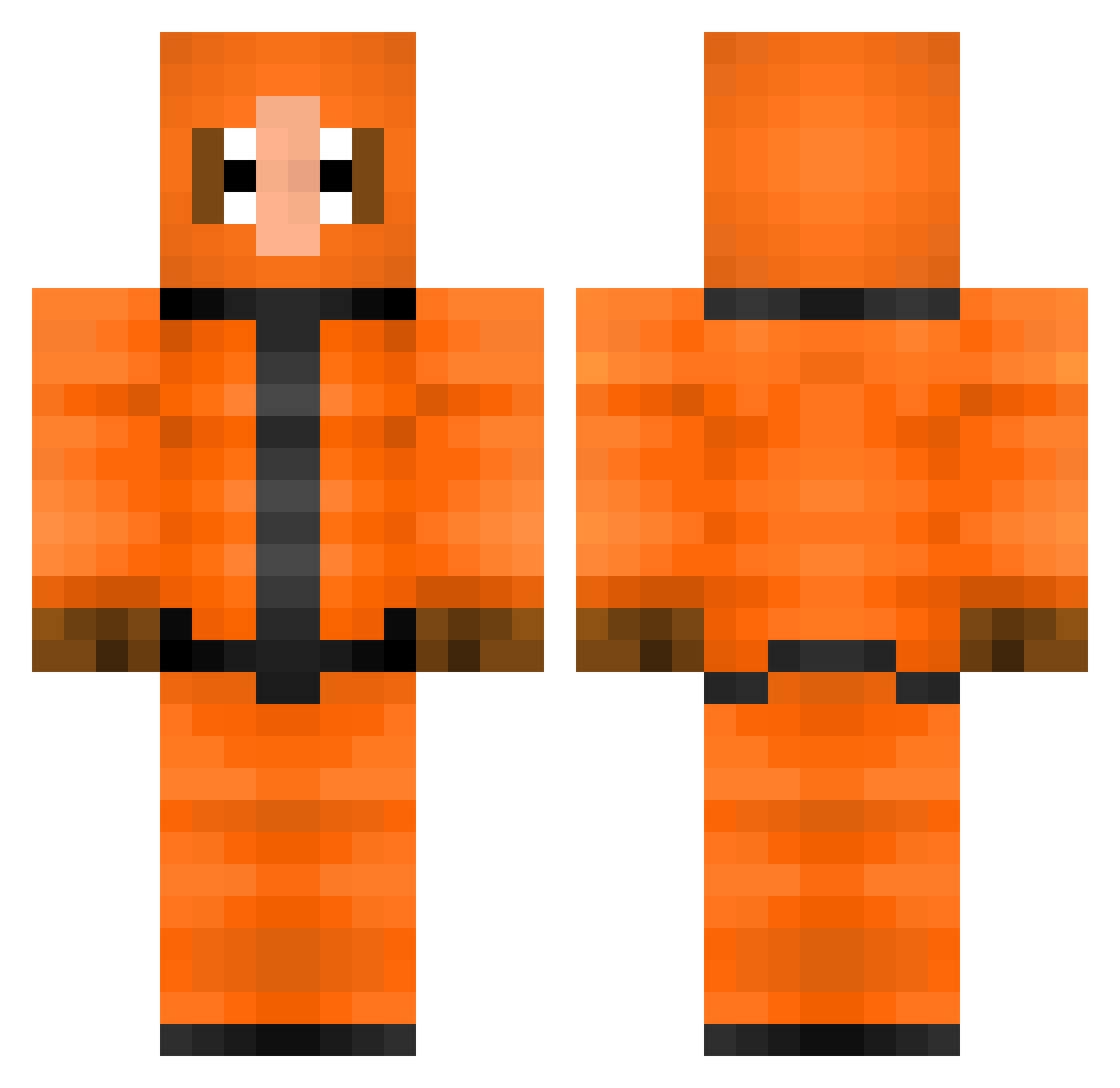
Other players with this skin (374)
Exchanged_Rabbit was the 329th player we have seen with this skin, first spotted on 28.10.2026. The same skin was seen on these players. Open a nickname to see their current skin and skin history.
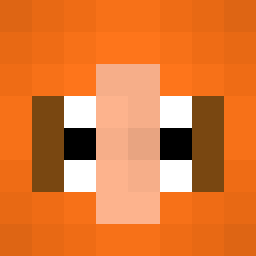 paul__95 South_Pack liam_eminem CrazyCookie03 MRTRIGG ItsStuff Joe_Feldmann craziemidget FrigginBassDude DoneWafflez I_am_Ghost_13 Kenny_724 mattel95 rubendemaniak BaccaFromCanada Jeyhannes GreasyGash manchitus Snype2002 RampageGamer111 OnionTheGreat 777AfterBurn daviddude7 XxPandachanOo cartnage charlie20165 jacksonp7155 Bryse23 HomerHead98 Khaoz555 gymrat555 Tummons lazydirt SupperGabber Pebbles1410 JoeTheBro_ elwoodjake1 epicturtle342 rroyrag devinbu natekayladeclan DJSlimez Grandpasnipes aapje121212 PlatonicAsh0874 CJS43 Ghost0fGxd farmvilleGOD BernyCB progamer153 Lauege87 alex65479 JauneDuff Briggsylad imthatnigger yoyoclub69 SAUSAGE_cob_ Deluxe_Flop MaJisTiq IAmTheRealBozz02
More Kenny Mccormick Minecraft skins
See all 79 Kenny Mccormick skins
How to install the Exchanged_Rabbit skin
- Press the Download button above to save the skin as a PNG file.
- Minecraft: Bedrock Edition (PE): open the Dressing Room from the main menu (or tap your character → Edit Character), go to Classic Skins → Owned, press the + (new skin) button, choose the downloaded PNG and pick the Classic (Steve) model. Works on PC and mobile; consoles cannot import custom skins.
- Minecraft: Java Edition: open the Minecraft Launcher, go to the Skins tab, click New Skin, load the PNG, pick the Classic (Steve) model and press Save & Use. You can also upload it at minecraft.net → Profile → Change Skin.
The skin does not show up after import - what should I do?
Restart Minecraft and open the Dressing Room again - imported skins sometimes appear only after a restart. Also make sure you selected the imported skin and picked the Classic (Steve) model.
Which model should I choose, Classic or Slim?
This skin is designed for the Classic (Steve) model. If you pick the wrong model, the arms of the skin will look stretched or squeezed.
Is the skin of Exchanged_Rabbit free to download?
Yes. Press Download, save the PNG file and use it in Minecraft: Bedrock Edition or Java Edition - no payment or registration needed. The skin also works on multiplayer servers and Realms.
More skins
Looking for more? Go back to all Minecraft skins and check the top skins of the week, month and all time, or find any player's skin by nickname.