
 Loop88 Formula1Freaky mageebounce rotbart1 toby_mcfarlane Always_Relaxing rafou97 woodywho NGTjeremy Chtiman2 Xoranze1998 Treehouse8 Havasuboy Spartex FarmboyDK Sir_Bearded CWSJS steelehawks ibrahem1500 mattstaks MrSolooDolo BH713 blliffe SellMe Mirthileth Karimba123 thot_smacker420 900years1 Courtroom driduff Mc_Cringleberry mrdoodle16 identifion cmanc benj4584 polonois Vicke911 Ultrakubbel Nerq RiGuy018 JAMxASSASSIN nicklax42 Auuguust Econosto and25615 Roncally Agria4800 RazorTip LeLegend101 Pellesnopp Zeplot tannerstricklin filippas7 calvinpike2012 mrbail Dibrax Engvall21 zebedee01 FeldSallat Dentantje
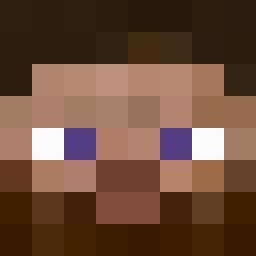
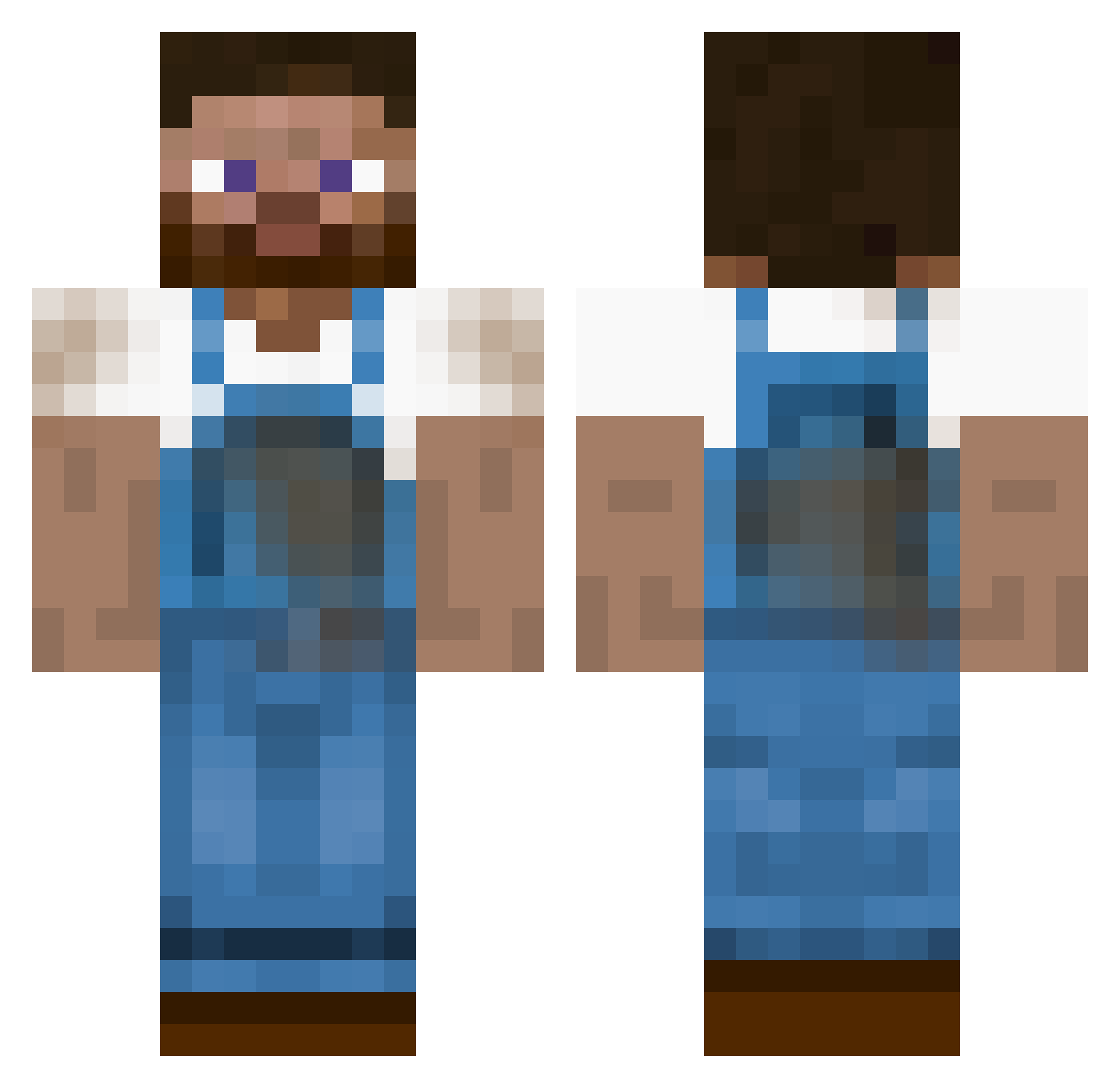
Minecraft skin of Borbak. Rotate the 3D model with your mouse or finger to view the skin from every angle, then download it as a PNG file and use it in Minecraft: Bedrock Edition or Java Edition for free. Rate the skin with stars to help other players find the best skins in our collection.
How to install the Borbak skin
- Press the Download button above to save the skin as a PNG file.
- Minecraft: Bedrock Edition (PE): open the Dressing Room from the main menu (or tap your character → Edit Character), go to Classic Skins → Owned, press the + (new skin) button, choose the downloaded PNG and pick the Classic (Steve) model. Works on PC and mobile; consoles cannot import custom skins.
- Minecraft: Java Edition: open the Minecraft Launcher, go to the Skins tab, click New Skin, load the PNG, pick the Classic (Steve) model and press Save & Use. You can also upload it at minecraft.net → Profile → Change Skin.
The skin does not show up after import - what should I do?
Restart Minecraft and open the Dressing Room again - imported skins sometimes appear only after a restart. Also make sure you selected the imported skin and picked the Classic (Steve) model.
Which model should I choose, Classic or Slim?
This skin is designed for the Classic (Steve) model. If you pick the wrong model, the arms of the skin will look stretched or squeezed.
Is this skin free to use?
Yes. Press Download, save the PNG file and use it in Minecraft: Bedrock Edition or Java Edition - no payment or registration needed. The skin also works on multiplayer servers and Realms.
More Farmer Minecraft skins
More skins
Looking for more? Go back to all Minecraft skins and check the top skins of the week, month and all time, or find any player's skin by nickname.