
 Gxrski Silky__JH DawmTheBomb ahapajamas TheMuffinMan839 liivox DranKillo Fire_Ratchet ElPadreDeimos Skateryan11 Chaby13 Qadrolus 7alexcano G2Teddy LuksnHD finalYew90883 HawkBlaze1337 StarLord_Music robots8724 panazn JamesEfesto JQuill_95 NickDawg2468 b3rna70 Sewimerchant Oza01 LaGouth Nikachu0 Ale_desu ProfD277 SuitedTen Mr_Tikey Skyracerr Coondon Oleshepdawg32 ShAd0wC4t res393 steveie_wonder Feles06002 F15HK1NG TommynatorDeluxe SIN_J666 Snazzy85 Benjayaya darkpio_ nithinm Drte29 Mezozoik_505 Heygitla iKhwe VVini_R perrychile kingbudster Dwayne_16 Pray_on Tickal starlor2123 Jojojolarico BJO_ORN a2tehx
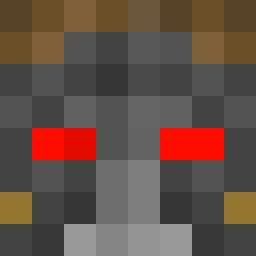
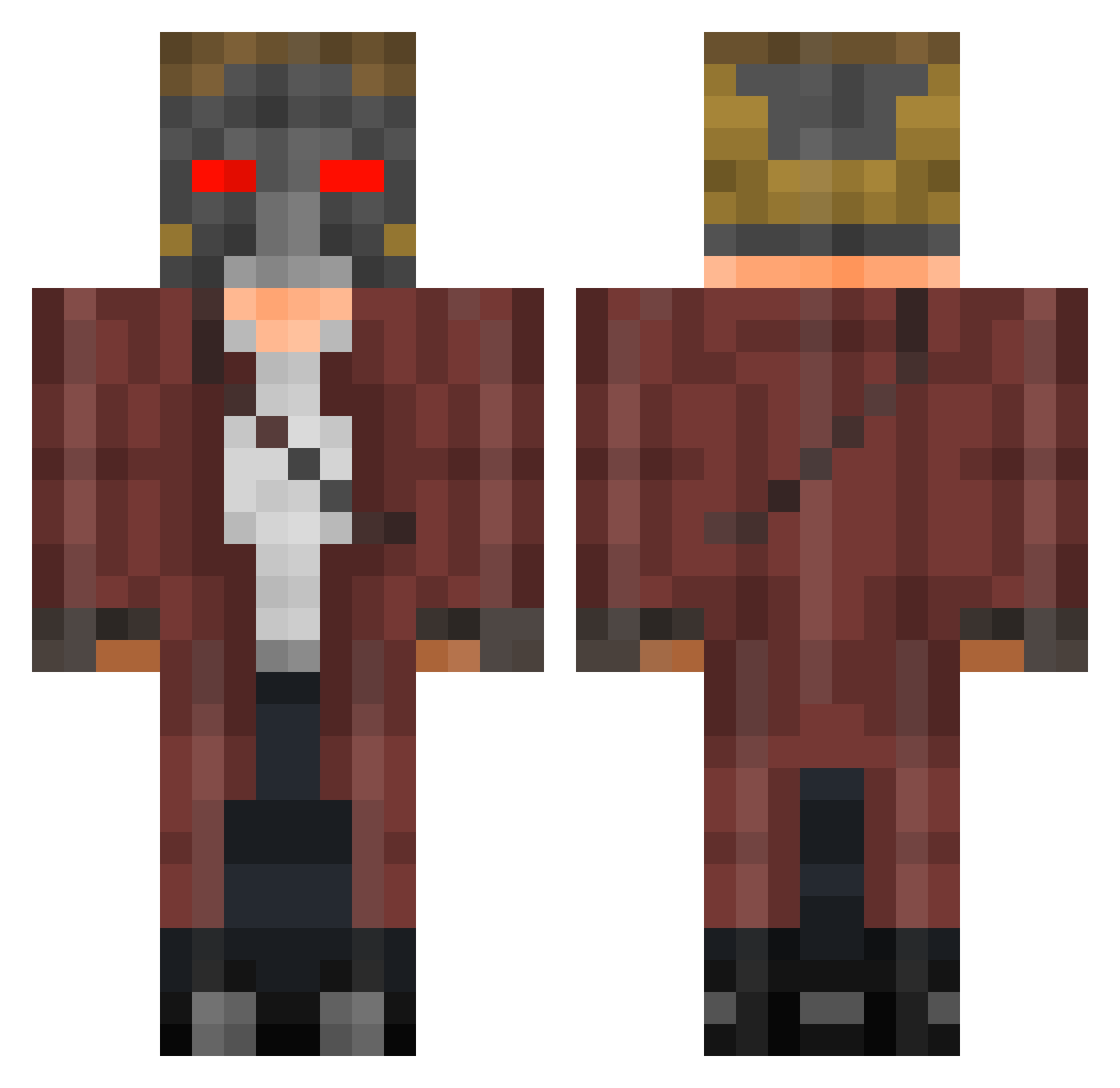
Minecraft skin of Zidex09. Rotate the 3D model with your mouse or finger to view the skin from every angle, then download it as a PNG file and use it in Minecraft: Bedrock Edition or Java Edition for free. Rate the skin with stars to help other players find the best skins in our collection.
How to install the Zidex09 skin
- Press the Download button above to save the skin as a PNG file.
- Minecraft: Bedrock Edition (PE): open the Dressing Room from the main menu (or tap your character → Edit Character), go to Classic Skins → Owned, press the + (new skin) button, choose the downloaded PNG and pick the Classic (Steve) model. Works on PC and mobile; consoles cannot import custom skins.
- Minecraft: Java Edition: open the Minecraft Launcher, go to the Skins tab, click New Skin, load the PNG, pick the Classic (Steve) model and press Save & Use. You can also upload it at minecraft.net → Profile → Change Skin.
The skin does not show up after import - what should I do?
Restart Minecraft and open the Dressing Room again - imported skins sometimes appear only after a restart. Also make sure you selected the imported skin and picked the Classic (Steve) model.
Which model should I choose, Classic or Slim?
This skin is designed for the Classic (Steve) model. If you pick the wrong model, the arms of the skin will look stretched or squeezed.
Is this skin free to use?
Yes. Press Download, save the PNG file and use it in Minecraft: Bedrock Edition or Java Edition - no payment or registration needed. The skin also works on multiplayer servers and Realms.
More Star Lord Minecraft skins
More skins
Looking for more? Go back to all Minecraft skins and check the top skins of the week, month and all time, or find any player's skin by nickname.