
 Fredbear609 Malkis1 Micasito Younger_Gamer SousaGNM alperenertis Zi_Heng2002 Claire757 SuperHPYT BabouBMX LGG_Tom Wilberto1995 GIvanov TheNueken Paleta123 NegraGamingYT CoolGeezer _Greafy_ Gucci_Frosch Danomen_YouTube SlightlyCrazy critcho DEXTERCL BrincadeiraPT Prawilny11 TheRaven2305 x_Pro_YT plate1056 X_F4LLEN_X lilboomer37 Ralethereal bautyfedele LAHedgehog StreamSniped Foniald connorfps SleepyBurrito2 DaZz_6414 EmreJuan042 ddarks1de SimpanGamer southtsk373 burakkemal1903 Krykx_ crunchy91928 eluwa32o GDF11 Heruya_O kukfitta Curq matti370 BALKABAK Andiii07 L0uc0ed0id0 Idheu zKyre22 Eason527 Surasyno Kronjew iLuvDuks
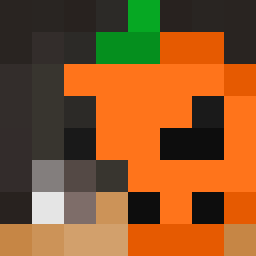
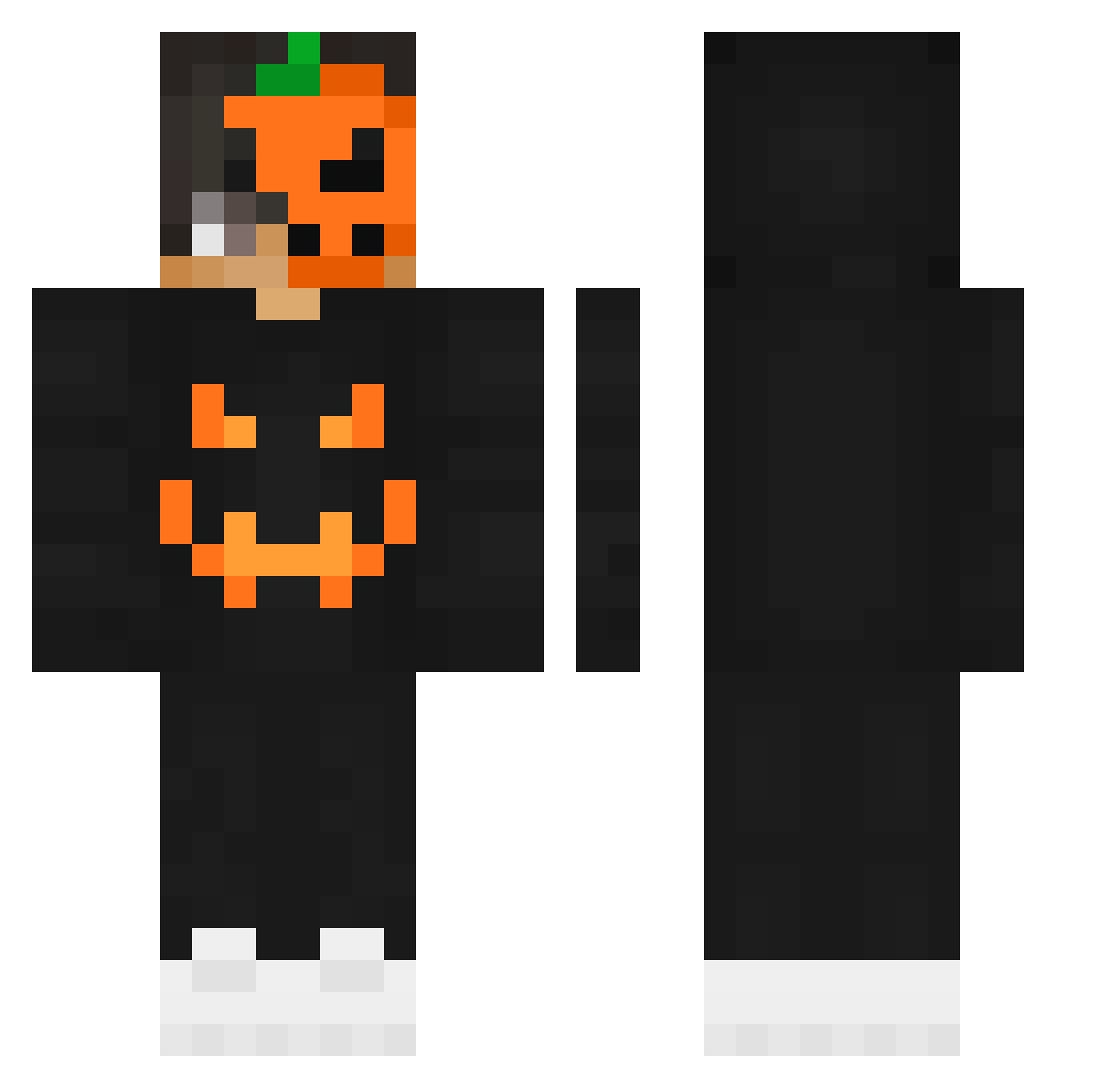
Minecraft skin of SpookyFqrb. Rotate the 3D model with your mouse or finger to view the skin from every angle, then download it as a PNG file and use it in Minecraft: Bedrock Edition or Java Edition for free. Rate the skin with stars to help other players find the best skins in our collection.
How to install the SpookyFqrb skin
- Press the Download button above to save the skin as a PNG file.
- Minecraft: Bedrock Edition (PE): open the Dressing Room from the main menu (or tap your character → Edit Character), go to Classic Skins → Owned, press the + (new skin) button, choose the downloaded PNG and pick the Classic (Steve) model. Works on PC and mobile; consoles cannot import custom skins.
- Minecraft: Java Edition: open the Minecraft Launcher, go to the Skins tab, click New Skin, load the PNG, pick the Classic (Steve) model and press Save & Use. You can also upload it at minecraft.net → Profile → Change Skin.
The skin does not show up after import - what should I do?
Restart Minecraft and open the Dressing Room again - imported skins sometimes appear only after a restart. Also make sure you selected the imported skin and picked the Classic (Steve) model.
Which model should I choose, Classic or Slim?
This skin is designed for the Classic (Steve) model. If you pick the wrong model, the arms of the skin will look stretched or squeezed.
Is this skin free to use?
Yes. Press Download, save the PNG file and use it in Minecraft: Bedrock Edition or Java Edition - no payment or registration needed. The skin also works on multiplayer servers and Realms.
More Jackolantern Minecraft skins
See all 232 Jackolantern skins
More skins
Looking for more? Go back to all Minecraft skins and check the top skins of the week, month and all time, or find any player's skin by nickname.