
zyj71 - Minecraft Skins & Skin History
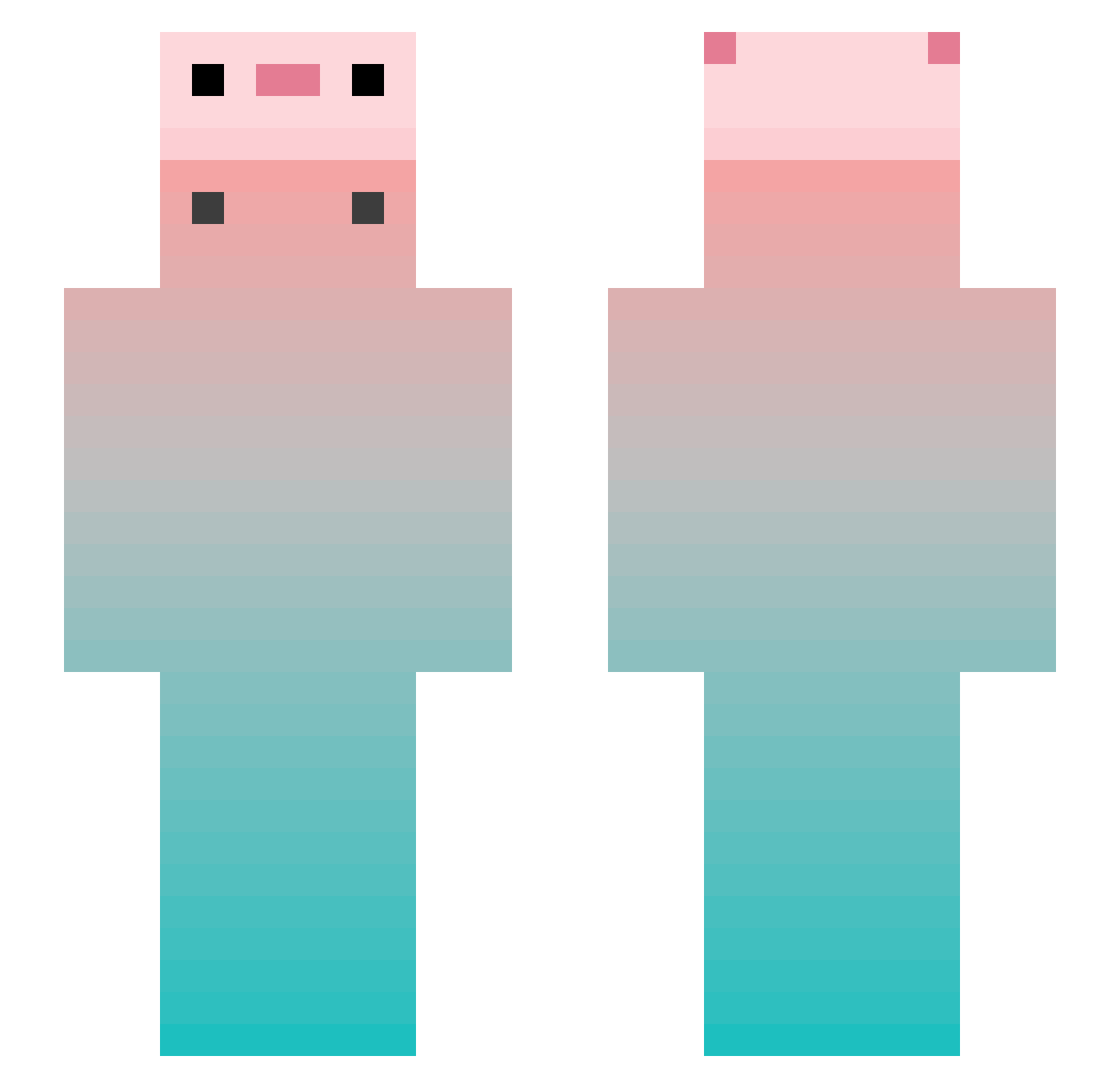
Current Minecraft skin of the player zyj71, loaded from the official Mojang API. Rotate the 3D model with your mouse or finger, then download the skin as a PNG file and use it in Minecraft: Bedrock Edition or Java Edition for free. When zyj71 changes their skin, this page updates automatically and the old skin stays in the history below.
Other players with this skin (951)
zyj71 was the 738th player we have seen with this skin, first spotted on 24.10.2026. The same skin was seen on these players. Open a nickname to see their current skin and skin history.
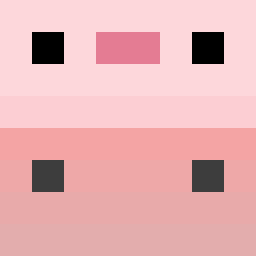 RXY666 AAAAyla Andycarry hanhan114 Free_architect FlappySpanky Cencial backspil PHWhite FGQ2024 DarkRoseGG SantaNsanuelTa Jitan_ Miiickky Neelam_____ serenity0752 StarvnMarvn6517 Xiao_DoQAQ crty000 EMBAVCG Axxjk ShiMuYu grassfree Icyskyes Elfinhofdd TianTian765 huanhuan0619 JAGGER119 like_a_star Poulett_ Macaron_Nod DrtyWaffles COCOA04101 InsomniaFlight Jimmy_Proton NotReallyPun sla233 qiuqiuowo YeZHu0816 Crystal_OLO sanmu520 xiaoniaoyouliuhu lixiang666619 BartM_ Yossi4 yuukiqing PAPER0804 zQhan ruito126 Axxxxo Nathaire07 violet07126 acacac666 Yelrine hahaURmad dkm7778 zack2213 i_love_the_world DEVIL1129 Tudoufena
More Gradient Minecraft skins
How to install the zyj71 skin
- Press the Download button above to save the skin as a PNG file.
- Minecraft: Bedrock Edition (PE): open the Dressing Room from the main menu (or tap your character → Edit Character), go to Classic Skins → Owned, press the + (new skin) button, choose the downloaded PNG and pick the Slim (Alex) model. Works on PC and mobile; consoles cannot import custom skins.
- Minecraft: Java Edition: open the Minecraft Launcher, go to the Skins tab, click New Skin, load the PNG, pick the Slim (Alex) model and press Save & Use. You can also upload it at minecraft.net → Profile → Change Skin.
The skin does not show up after import - what should I do?
Restart Minecraft and open the Dressing Room again - imported skins sometimes appear only after a restart. Also make sure you selected the imported skin and picked the Slim (Alex) model.
Which model should I choose, Classic or Slim?
This skin is designed for the Slim (Alex) model. If you pick the wrong model, the arms of the skin will look stretched or squeezed.
Is the skin of zyj71 free to download?
Yes. Press Download, save the PNG file and use it in Minecraft: Bedrock Edition or Java Edition - no payment or registration needed. The skin also works on multiplayer servers and Realms.
More skins
Looking for more? Go back to all Minecraft skins and check the top skins of the week, month and all time, or find any player's skin by nickname.