
zwm0401 - Minecraft Skins & Skin History
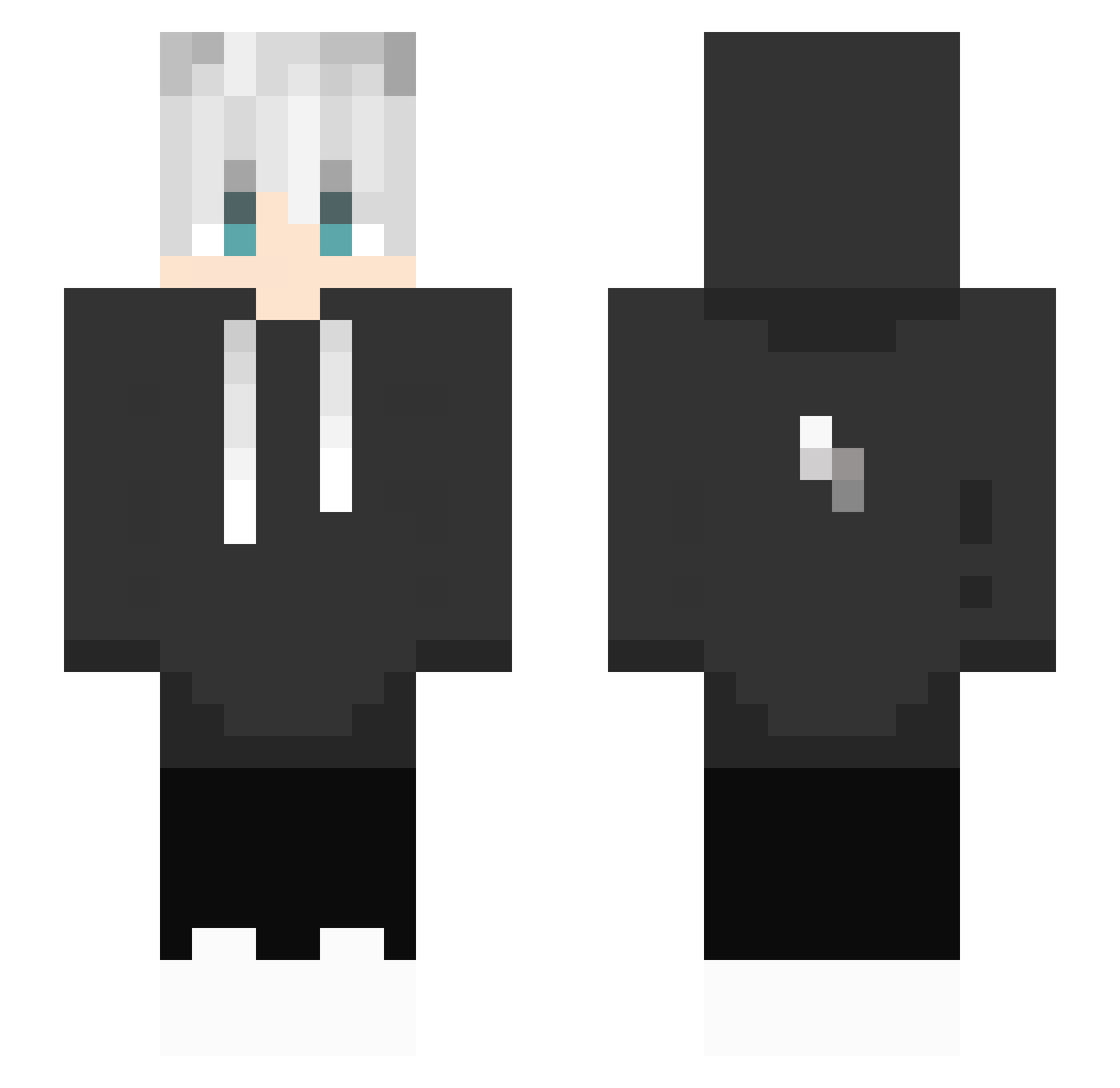
Current Minecraft skin of the player zwm0401, loaded from the official Mojang API. Rotate the 3D model with your mouse or finger, then download the skin as a PNG file and use it in Minecraft: Bedrock Edition or Java Edition for free. When zwm0401 changes their skin, this page updates automatically and the old skin stays in the history below.
Other players with this skin (434)
zwm0401 was the 198th player we have seen with this skin, first spotted on 15.09.2026. The same skin was seen on these players. Open a nickname to see their current skin and skin history.
 KingNeil562 ChenYuChang Gledios xSYNIXxYT wooju3137 DallasNolan huangyanrui cutelier PGAM_669 SuperBolshoPonos Void_2K_ ChrisMwck_ gmdtjhd NFS195 Janzaspa InsaneHawk1 PrismaKobold910 Az_Vail AndiPower ELPORTO74 ssudall ShabbyCandle224 GYAG MRMorgan2015 DustyTurnip499 Myceliummm Anivel2015 BaiChenLuo LegendAlive jonothn yolin0415 PicYuci oofsi Jumpertaek Hog_Bennett Ricks01 JulianBLN05 BaixoGamer17 Trump69 emmmm2008 Edgar_77880 HYGAMING69 XIPETASOX TheForget Eijiro97 sshiinn Yo_Nis M_aniaac Vietnamese_Rice ADK77 Szytr__oksik BassDrake blockerfill Schamko ReddXGrimm hilixx seekseep AdeZMK_ Kawaiitan MAN1145141919810
More Lightning Bolt Minecraft skins
See all 925 Lightning Bolt skins
How to install the zwm0401 skin
- Press the Download button above to save the skin as a PNG file.
- Minecraft: Bedrock Edition (PE): open the Dressing Room from the main menu (or tap your character → Edit Character), go to Classic Skins → Owned, press the + (new skin) button, choose the downloaded PNG and pick the Slim (Alex) model. Works on PC and mobile; consoles cannot import custom skins.
- Minecraft: Java Edition: open the Minecraft Launcher, go to the Skins tab, click New Skin, load the PNG, pick the Slim (Alex) model and press Save & Use. You can also upload it at minecraft.net → Profile → Change Skin.
The skin does not show up after import - what should I do?
Restart Minecraft and open the Dressing Room again - imported skins sometimes appear only after a restart. Also make sure you selected the imported skin and picked the Slim (Alex) model.
Which model should I choose, Classic or Slim?
This skin is designed for the Slim (Alex) model. If you pick the wrong model, the arms of the skin will look stretched or squeezed.
Is the skin of zwm0401 free to download?
Yes. Press Download, save the PNG file and use it in Minecraft: Bedrock Edition or Java Edition - no payment or registration needed. The skin also works on multiplayer servers and Realms.
More skins
Looking for more? Go back to all Minecraft skins and check the top skins of the week, month and all time, or find any player's skin by nickname.