
zues756 - Minecraft Skins & Skin History
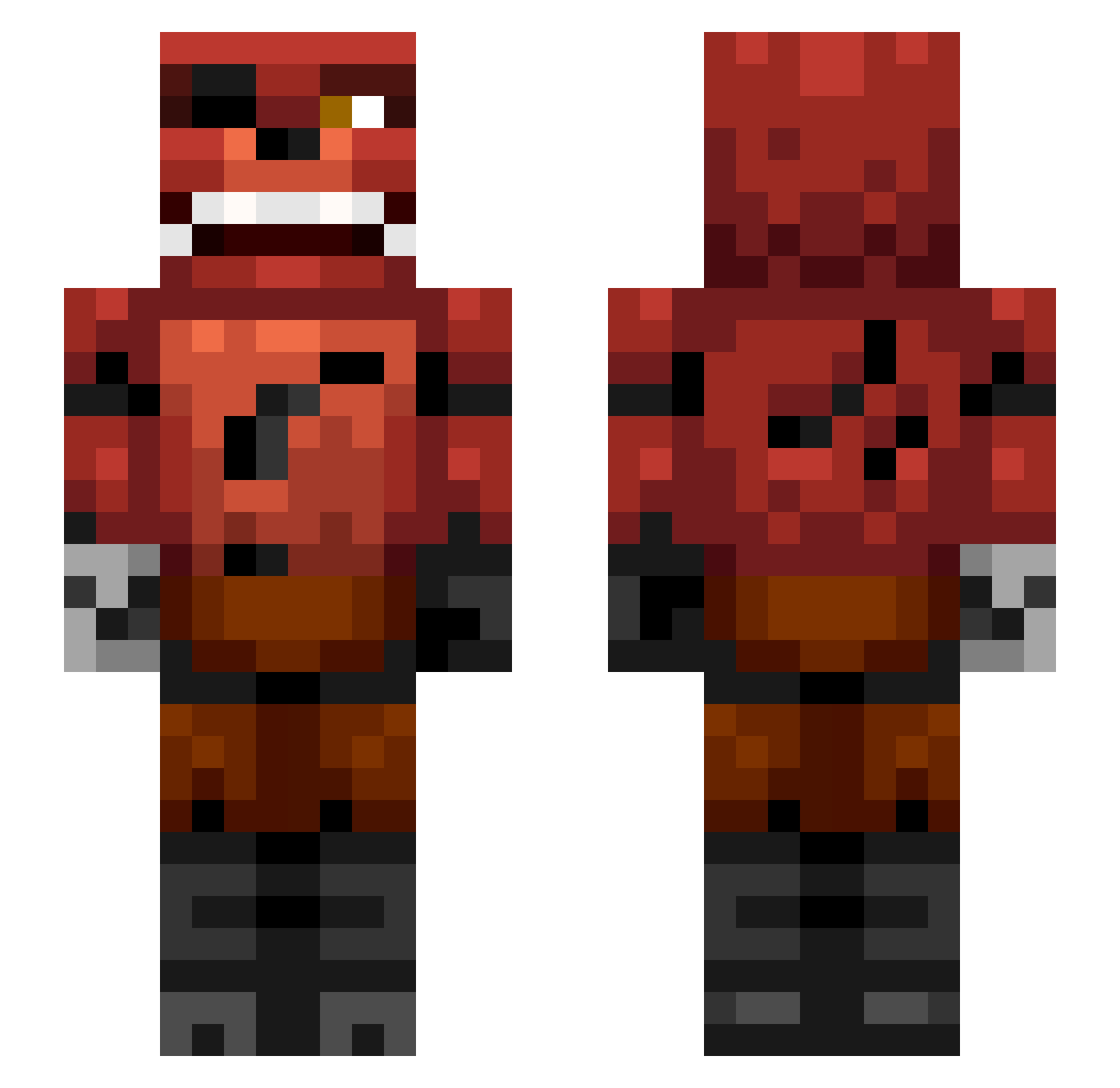
Current Minecraft skin of the player zues756, loaded from the official Mojang API. Rotate the 3D model with your mouse or finger, then download the skin as a PNG file and use it in Minecraft: Bedrock Edition or Java Edition for free. When zues756 changes their skin, this page updates automatically and the old skin stays in the history below.
Other players with this skin (337)
zues756 was the 277th player we have seen with this skin, first spotted on 18.10.2026. The same skin was seen on these players. Open a nickname to see their current skin and skin history.
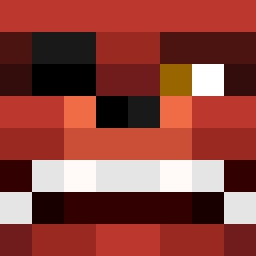 DiamondWarfare12 Alexandertoftj pvpbro123 Christopher_DD Douwe134 noahtheox ZombieNAL Veasee DogsqaudJr swatrat Eric1000 warriorcats180 killerdog303 MoonKutSama legokid491 Dragonborne27 Dagnoo lukeproth93 imgod88 Mr_Muttley Billythecook Angry_Claw matthewvargas NinjEdGo esmer06 arcadiaexpress 9Apocalypse9 GStarLea WolfyR07 enzzoenricco2012 GizzPill fifamonstah_1 batman0019 ZachAttack468 Battlestar16 LokeNarve FierceCannon940 noah7171 melfew Sylle100 Zxpps sacredmoji getshrektnub Zaleski omegacool123 greenarrow1224 goatman2003 judahsam 020 Mudpig48 thefootballkid21 crossvenom9800 DeadlySlogan079 coolzark2013 CreeperNile Vs_piece KILLERC0LE kamalmurrell TopCat5757 Donjol
More Foxy Minecraft skins
How to install the zues756 skin
- Press the Download button above to save the skin as a PNG file.
- Minecraft: Bedrock Edition (PE): open the Dressing Room from the main menu (or tap your character → Edit Character), go to Classic Skins → Owned, press the + (new skin) button, choose the downloaded PNG and pick the Slim (Alex) model. Works on PC and mobile; consoles cannot import custom skins.
- Minecraft: Java Edition: open the Minecraft Launcher, go to the Skins tab, click New Skin, load the PNG, pick the Slim (Alex) model and press Save & Use. You can also upload it at minecraft.net → Profile → Change Skin.
The skin does not show up after import - what should I do?
Restart Minecraft and open the Dressing Room again - imported skins sometimes appear only after a restart. Also make sure you selected the imported skin and picked the Slim (Alex) model.
Which model should I choose, Classic or Slim?
This skin is designed for the Slim (Alex) model. If you pick the wrong model, the arms of the skin will look stretched or squeezed.
Is the skin of zues756 free to download?
Yes. Press Download, save the PNG file and use it in Minecraft: Bedrock Edition or Java Edition - no payment or registration needed. The skin also works on multiplayer servers and Realms.
More skins
Looking for more? Go back to all Minecraft skins and check the top skins of the week, month and all time, or find any player's skin by nickname.