
zommmboy - Minecraft Skins & Skin History
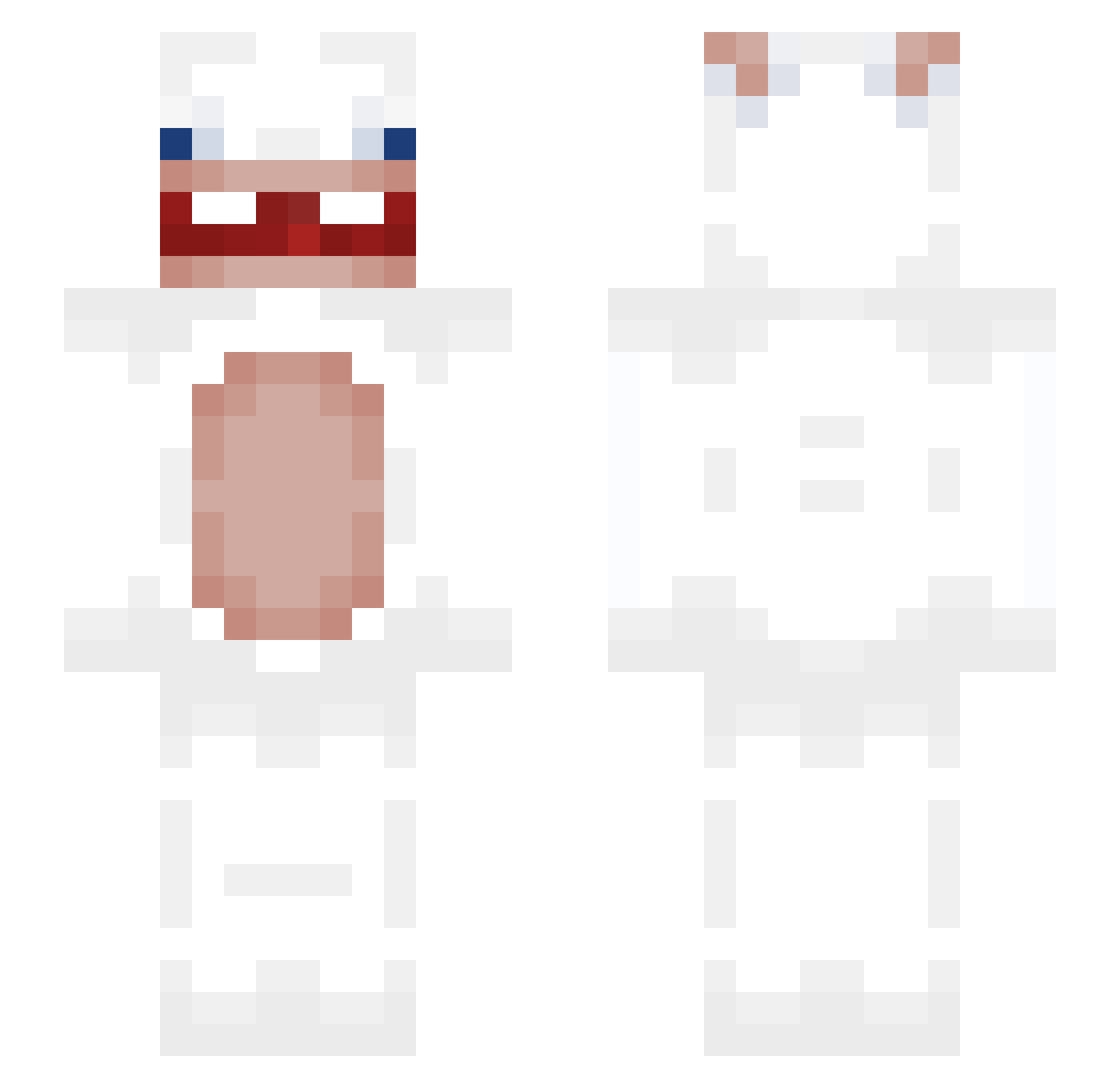
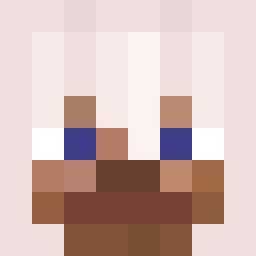
Current Minecraft skin of the player zommmboy, loaded from the official Mojang API. Rotate the 3D model with your mouse or finger, then download the skin as a PNG file and use it in Minecraft: Bedrock Edition or Java Edition for free. When zommmboy changes their skin, this page updates automatically and the old skin stays in the history below.
Other players with this skin (290)
zommmboy was the 55th player we have seen with this skin, first spotted on 09.08.2026. The same skin was seen on these players. Open a nickname to see their current skin and skin history.
 Gurasumosan Kevintjeb_ angel186 nikosomastoras SVW_Maurice Blouwiii
 majowy1002 gulakuj firexi TuNoLoAmas MightySafe tanyongosh Eshkis z3on_0 WGGFawnP0g luneer SemKTR Jabol_ yPaulito Nekiiorr myamyak Bar2Di2 vanxue
 blotusinfroy dollista ofcn Gissxoxo
 Look3r Beto2020 kevin9633 Devskx Fulle_ _Piterro_ Nikulus22 Eva_ppka dimizie wen3514 Dr_Rammelhase Zacyhad kaisupermegapro Ajugaa xx_cx double2one xxhf trinitron2000 TissuesGD zxcvbnmqqqq THETRMAP leakyclient dbotsigma
 DAMDIMDOUM Chips518 donut3509 Omahardmut mjwja irenemad EmirKing309 Olek_boss14 Gadepenge
 iaravic2008
More Rabbids Minecraft skins
How to install the zommmboy skin
- Press the Download button above to save the skin as a PNG file.
- Minecraft: Bedrock Edition (PE): open the Dressing Room from the main menu (or tap your character → Edit Character), go to Classic Skins → Owned, press the + (new skin) button, choose the downloaded PNG and pick the Slim (Alex) model. Works on PC and mobile; consoles cannot import custom skins.
- Minecraft: Java Edition: open the Minecraft Launcher, go to the Skins tab, click New Skin, load the PNG, pick the Slim (Alex) model and press Save & Use. You can also upload it at minecraft.net → Profile → Change Skin.
The skin does not show up after import - what should I do?
Restart Minecraft and open the Dressing Room again - imported skins sometimes appear only after a restart. Also make sure you selected the imported skin and picked the Slim (Alex) model.
Which model should I choose, Classic or Slim?
This skin is designed for the Slim (Alex) model. If you pick the wrong model, the arms of the skin will look stretched or squeezed.
Is the skin of zommmboy free to download?
Yes. Press Download, save the PNG file and use it in Minecraft: Bedrock Edition or Java Edition - no payment or registration needed. The skin also works on multiplayer servers and Realms.
More skins
Looking for more? Go back to all Minecraft skins and check the top skins of the week, month and all time, or find any player's skin by nickname.