
zazapack - Minecraft Skins & Skin History
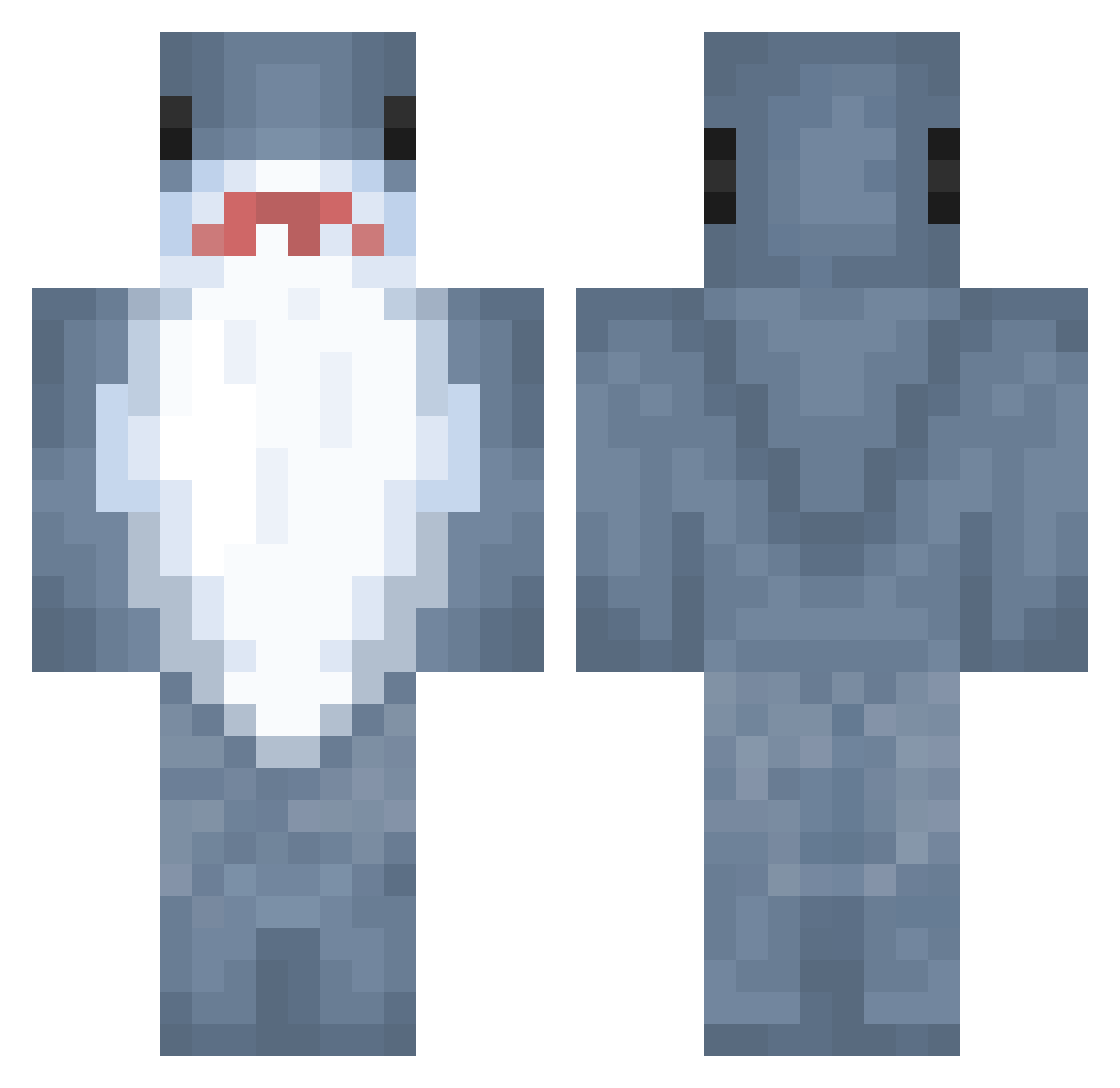
Current Minecraft skin of the player zazapack, loaded from the official Mojang API. Rotate the 3D model with your mouse or finger, then download the skin as a PNG file and use it in Minecraft: Bedrock Edition or Java Edition for free. When zazapack changes their skin, this page updates automatically and the old skin stays in the history below.
Other players with this skin (889)
zazapack was the 716th player we have seen with this skin, first spotted on 15.10.2026. The same skin was seen on these players. Open a nickname to see their current skin and skin history.
 felinefence Hippolover874 Blahaj_the_shonk patchworkz JYJIH Joacr DefaultUser13 popsm Booojina foodeater230 soohiaaa a5a2412a 0qzx s3ltr0t sharkrush08 bubbafet09 Sharkiboii Slader1 shenming1998 LukeDisconnected lil_mama16 TTV_Gaming2021 Dxrk_000 onursuz LowTierGod132 ProofAthlete141 Gilics Crisp702 mellowMicheal zipboy21 Jongleur66 yuzhe_97 Merkurmann Koalaki303 Smoked01 Marteeste kmj6603 Tripppen BarkedCheese RavenGael AnSwordd Zsang0 wertyuki seasalt0917 MARINCITO67 marijuanakms Linchester Luxur1ous smeeshes HammerheadShark_ brokengucci poi12 J4c0b30 pedro9513 Desoxynn babyblur OneWayShark lrizzi sh4rkboyy currentmood_
More Shark Minecraft skins
How to install the zazapack skin
- Press the Download button above to save the skin as a PNG file.
- Minecraft: Bedrock Edition (PE): open the Dressing Room from the main menu (or tap your character → Edit Character), go to Classic Skins → Owned, press the + (new skin) button, choose the downloaded PNG and pick the Classic (Steve) model. Works on PC and mobile; consoles cannot import custom skins.
- Minecraft: Java Edition: open the Minecraft Launcher, go to the Skins tab, click New Skin, load the PNG, pick the Classic (Steve) model and press Save & Use. You can also upload it at minecraft.net → Profile → Change Skin.
The skin does not show up after import - what should I do?
Restart Minecraft and open the Dressing Room again - imported skins sometimes appear only after a restart. Also make sure you selected the imported skin and picked the Classic (Steve) model.
Which model should I choose, Classic or Slim?
This skin is designed for the Classic (Steve) model. If you pick the wrong model, the arms of the skin will look stretched or squeezed.
Is the skin of zazapack free to download?
Yes. Press Download, save the PNG file and use it in Minecraft: Bedrock Edition or Java Edition - no payment or registration needed. The skin also works on multiplayer servers and Realms.
More skins
Looking for more? Go back to all Minecraft skins and check the top skins of the week, month and all time, or find any player's skin by nickname.