
zAstarxthh - Minecraft Skins & Skin History
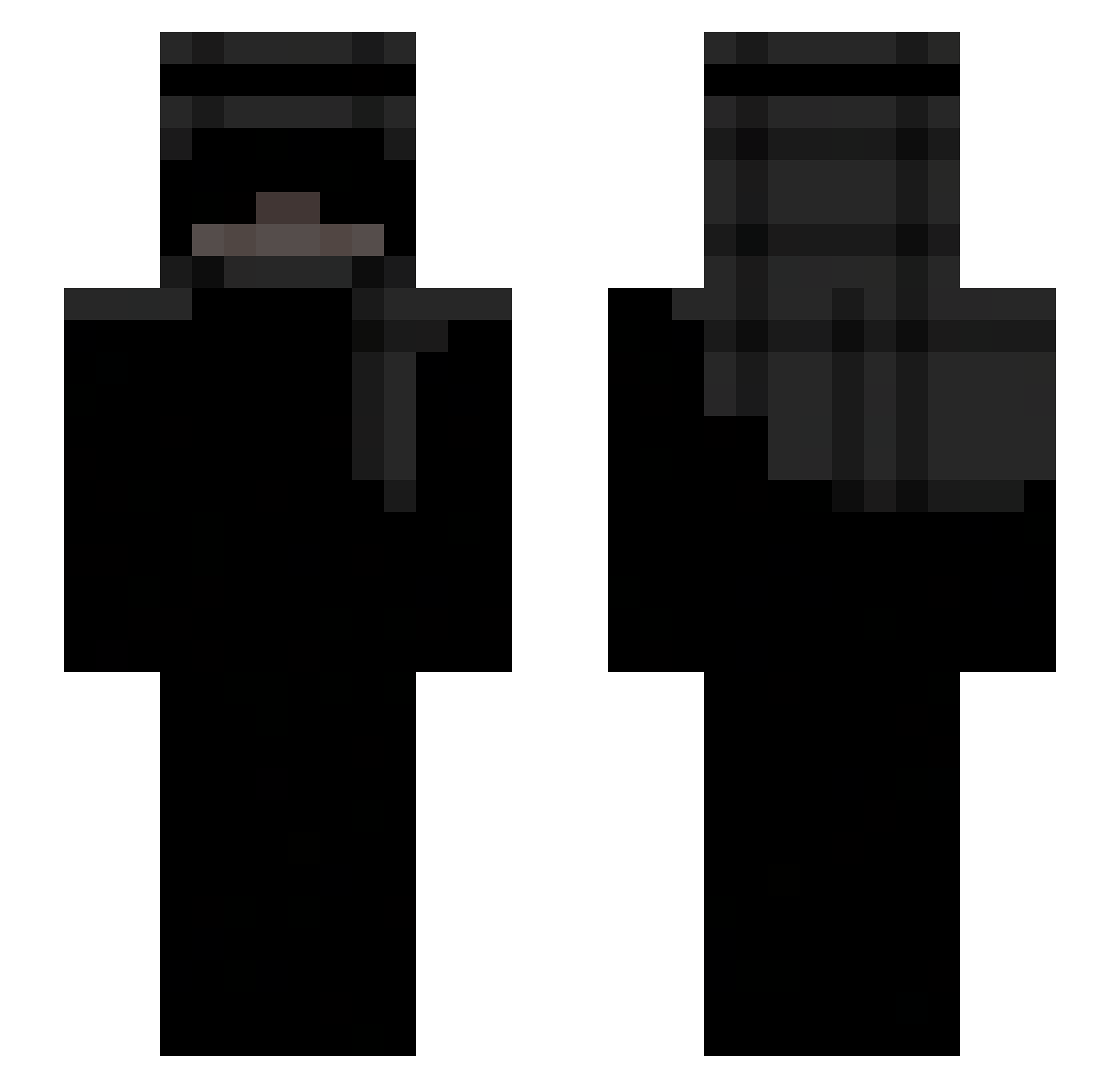
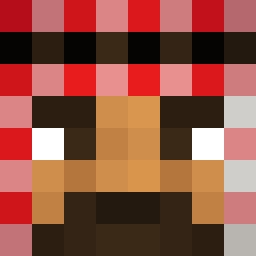
Current Minecraft skin of the player zAstarxthh, loaded from the official Mojang API. Rotate the 3D model with your mouse or finger, then download the skin as a PNG file and use it in Minecraft: Bedrock Edition or Java Edition for free. When zAstarxthh changes their skin, this page updates automatically and the old skin stays in the history below.
Other players with this skin (227)
zAstarxthh was the 56th player we have seen with this skin, first spotted on 18.08.2026. The same skin was seen on these players. Open a nickname to see their current skin and skin history.
 yLerox donshakee B2X1 Agiter IJackHoffI Sk1FusS BugsBunny488 fltxx
 tak4panna SpiritNectar
 Jdey Umut12123123 renderers SanVice18 midnight077 frogyXtreme_8178 Kuryhxx UngaBungaHunger ASK0728 ignwinded 2txlent ArianrhoDON Slightlyskip Sorcry arapati konv11 algeriancouscous Firedude299 DerpyDannyLol blxss4d duckylquifi MineFlyer998 xairyxxx beesix RadojevicSTB forcedtoslit skyroza WZ9Y Shouquu Osamasgaming mtis343 Haki750 ivzee wallxs Hisoya__ kontf EddyBuscado Hxpt3 Kocurek6480 zeyrox47
 Bobik17ulala Quexzie Hypr1999 mosk9 6kacha9 _3dy EGGNUTTING ItzRxberto gsPorto07 Holyw1n
More Keffiyeh Minecraft skins
How to install the zAstarxthh skin
- Press the Download button above to save the skin as a PNG file.
- Minecraft: Bedrock Edition (PE): open the Dressing Room from the main menu (or tap your character → Edit Character), go to Classic Skins → Owned, press the + (new skin) button, choose the downloaded PNG and pick the Slim (Alex) model. Works on PC and mobile; consoles cannot import custom skins.
- Minecraft: Java Edition: open the Minecraft Launcher, go to the Skins tab, click New Skin, load the PNG, pick the Slim (Alex) model and press Save & Use. You can also upload it at minecraft.net → Profile → Change Skin.
The skin does not show up after import - what should I do?
Restart Minecraft and open the Dressing Room again - imported skins sometimes appear only after a restart. Also make sure you selected the imported skin and picked the Slim (Alex) model.
Which model should I choose, Classic or Slim?
This skin is designed for the Slim (Alex) model. If you pick the wrong model, the arms of the skin will look stretched or squeezed.
Is the skin of zAstarxthh free to download?
Yes. Press Download, save the PNG file and use it in Minecraft: Bedrock Edition or Java Edition - no payment or registration needed. The skin also works on multiplayer servers and Realms.
More skins
Looking for more? Go back to all Minecraft skins and check the top skins of the week, month and all time, or find any player's skin by nickname.