
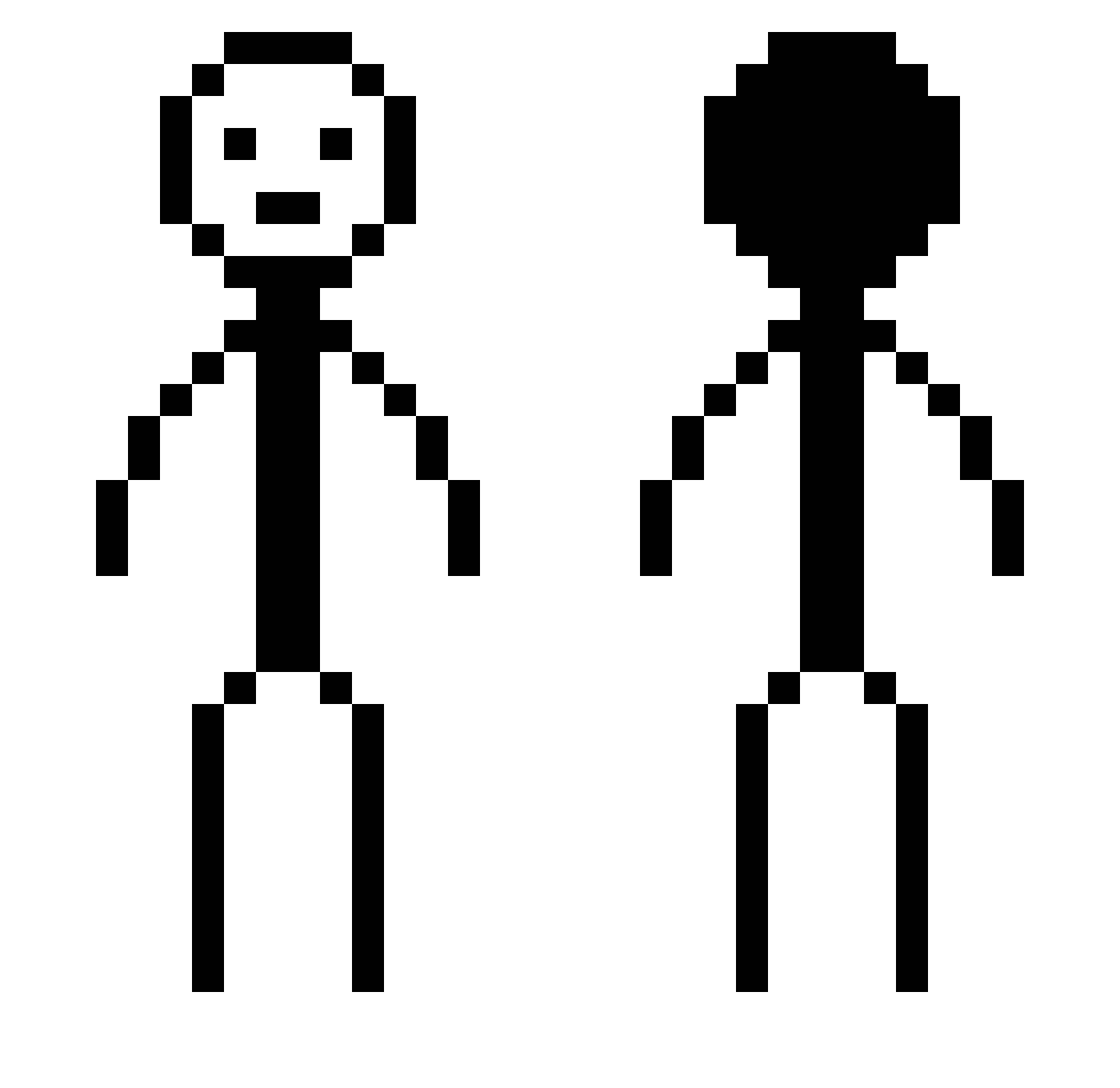
Current Minecraft skin of the player yyKoolio, loaded from the official Mojang API. Rotate the 3D model with your mouse or finger, then download the skin as a PNG file and use it in Minecraft: Bedrock Edition or Java Edition for free. When yyKoolio changes their skin, this page updates automatically and the old skin stays in the history below.
Other players with this skin (284)
yyKoolio was the 233rd player we have seen with this skin, first spotted on 03.10.2026. The same skin was seen on these players. Open a nickname to see their current skin and skin history.
 Pepeloide DivinesImmortus DonWonVon ORANIW Pokemonluck990 Turbomon Itchynoodles8 Iuser4679 slickseries ASDbugger MNLSajk MKM23 daikingDS Zitrone456 Mikkyizx FlOWeRsSsSs14 ImaLbozo fsxdo JJhappy zimin0o0 DannDna Sokwater KoiYouu in_love_with_rs Ktolstad XSDSX areastrike mo1sed besteuno yofang Tjackett MyLittleEyes AntoinoPisho PickleDil4 Gabriel123107 skuxley Zavvatar TheAgusY naraci N8Dawg78 SupermeTime guy2t PandaRC5 lispin6x jogurtas_ Luckzynn dekaxd OBITO_036 Kold323232 Yoshicar CocoReffitt Saww123 nikkaze BryceGodMode IDKwhattoputitas Dizzzen04 tuboat2 Rosales20 CapriBri sp00nt
More Stick Figure Minecraft skins
How to install the yyKoolio skin
- Press the Download button above to save the skin as a PNG file.
- Minecraft: Bedrock Edition (PE): open the Dressing Room from the main menu (or tap your character → Edit Character), go to Classic Skins → Owned, press the + (new skin) button, choose the downloaded PNG and pick the Classic (Steve) model. Works on PC and mobile; consoles cannot import custom skins.
- Minecraft: Java Edition: open the Minecraft Launcher, go to the Skins tab, click New Skin, load the PNG, pick the Classic (Steve) model and press Save & Use. You can also upload it at minecraft.net → Profile → Change Skin.
The skin does not show up after import - what should I do?
Restart Minecraft and open the Dressing Room again - imported skins sometimes appear only after a restart. Also make sure you selected the imported skin and picked the Classic (Steve) model.
Which model should I choose, Classic or Slim?
This skin is designed for the Classic (Steve) model. If you pick the wrong model, the arms of the skin will look stretched or squeezed.
Is the skin of yyKoolio free to download?
Yes. Press Download, save the PNG file and use it in Minecraft: Bedrock Edition or Java Edition - no payment or registration needed. The skin also works on multiplayer servers and Realms.
More skins
Looking for more? Go back to all Minecraft skins and check the top skins of the week, month and all time, or find any player's skin by nickname.