
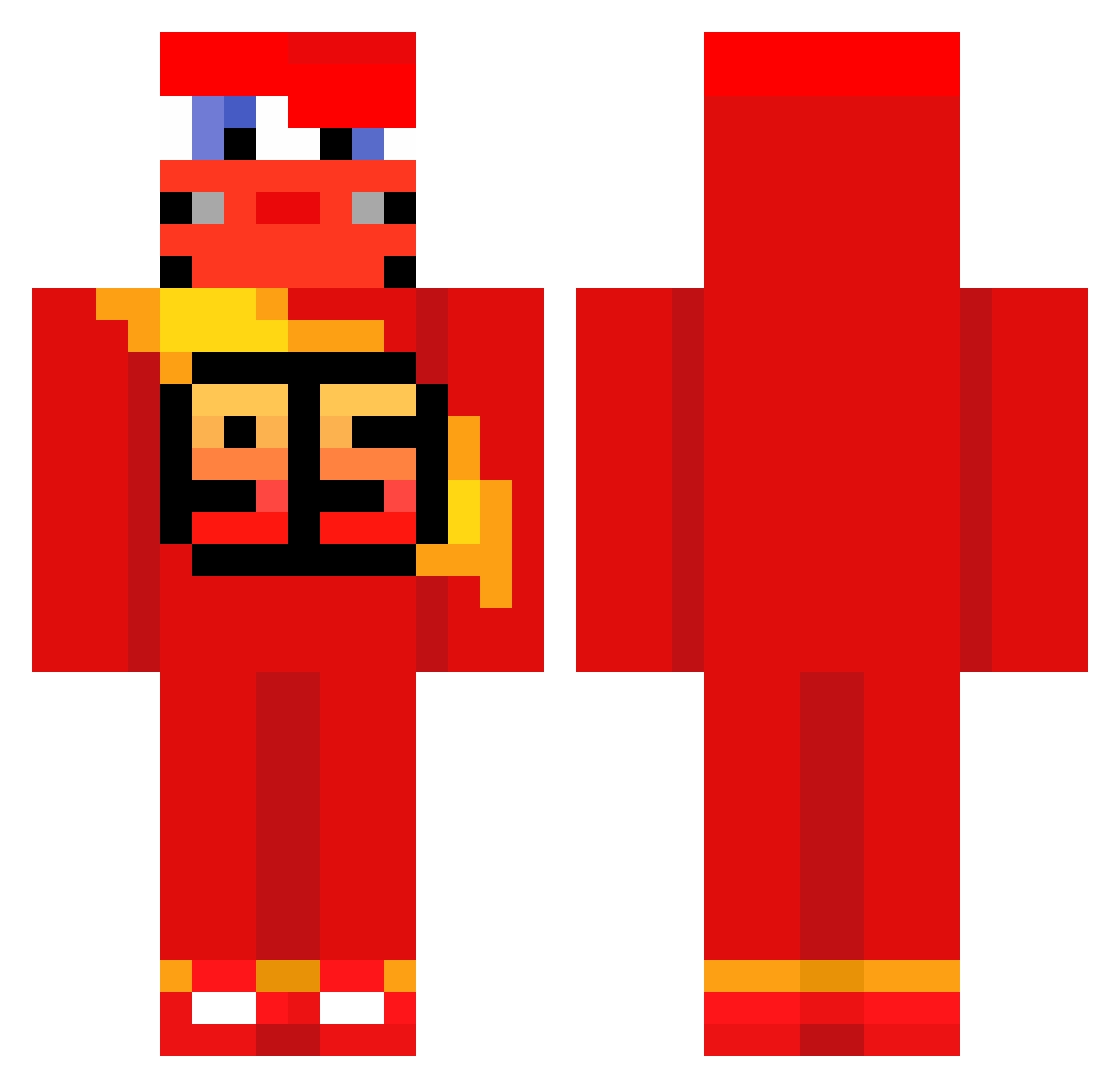
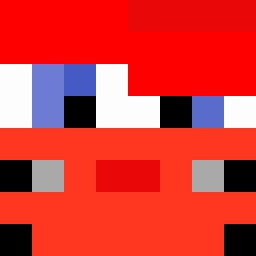
Current Minecraft skin of the player yungspyxd, loaded from the official Mojang API. Rotate the 3D model with your mouse or finger, then download the skin as a PNG file and use it in Minecraft: Bedrock Edition or Java Edition for free. When yungspyxd changes their skin, this page updates automatically and the old skin stays in the history below.
Other players with this skin (513)
yungspyxd was the 332nd player we have seen with this skin, first spotted on 19.09.2026. The same skin was seen on these players. Open a nickname to see their current skin and skin history.
 harmatiuk Burgerbrainliza shinswi Bencann190 RomanGroves8 holdeys Crizttian mafu731 filipokoks RyneLow malyziom Zoomma1 MessiGoat101010 Moochty daniik01 BigWieland06 notbaowowow MelonClimber kyboogie H_E_N_R_I_Q_U_E Pablito2909 _deaaaaa eksuzmi Prof_X12 valevaz25 xiao_song366 ADRRR mathis1894 Killuaa_ jihu9072 PEPEntakill ssadaehhhh Kachooooowww Eli_as123 CarbonJesus1809 jmrosek ArabDude3 imnotclaraqx ACRUCS Nential Wastersin bonteetee SkibidiHawkTuah7 IceCioube snotpiggy Marmelad0 1122mm AnnoyedFox9 ImSeker le_lesgedaire Zl_Jay44 Dxvizinrr brunosky17 _BHB_ NKW389 KimdongSkyLine Peluchie21 Huntx69 MatiTano Dumer398
More Lightning Mcqueen Minecraft skins
See all 105 Lightning Mcqueen skins
How to install the yungspyxd skin
- Press the Download button above to save the skin as a PNG file.
- Minecraft: Bedrock Edition (PE): open the Dressing Room from the main menu (or tap your character → Edit Character), go to Classic Skins → Owned, press the + (new skin) button, choose the downloaded PNG and pick the Classic (Steve) model. Works on PC and mobile; consoles cannot import custom skins.
- Minecraft: Java Edition: open the Minecraft Launcher, go to the Skins tab, click New Skin, load the PNG, pick the Classic (Steve) model and press Save & Use. You can also upload it at minecraft.net → Profile → Change Skin.
The skin does not show up after import - what should I do?
Restart Minecraft and open the Dressing Room again - imported skins sometimes appear only after a restart. Also make sure you selected the imported skin and picked the Classic (Steve) model.
Which model should I choose, Classic or Slim?
This skin is designed for the Classic (Steve) model. If you pick the wrong model, the arms of the skin will look stretched or squeezed.
Is the skin of yungspyxd free to download?
Yes. Press Download, save the PNG file and use it in Minecraft: Bedrock Edition or Java Edition - no payment or registration needed. The skin also works on multiplayer servers and Realms.
More skins
Looking for more? Go back to all Minecraft skins and check the top skins of the week, month and all time, or find any player's skin by nickname.