
yujong6616 - Minecraft Skins & Skin History
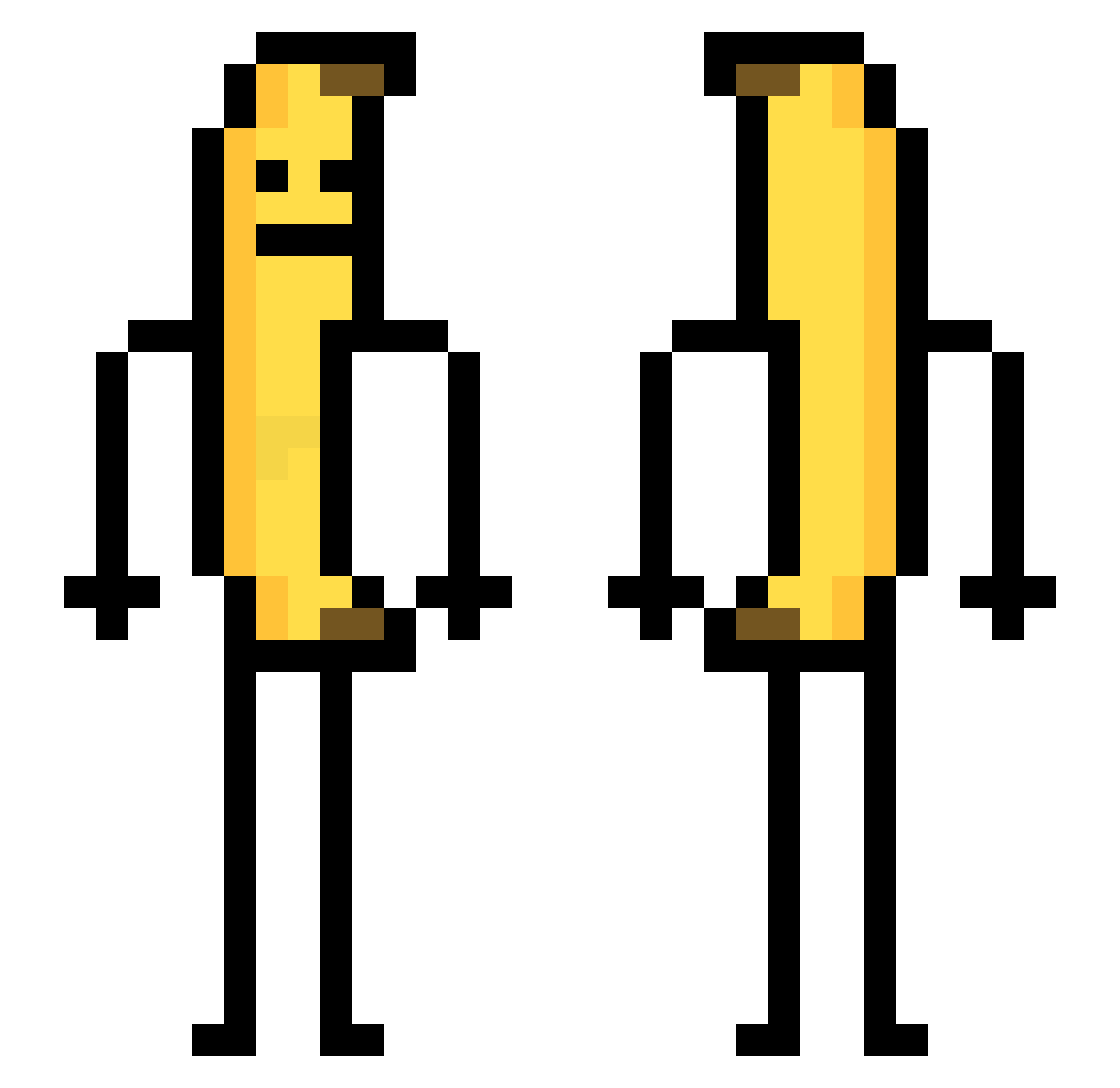
Current Minecraft skin of the player yujong6616, loaded from the official Mojang API. Rotate the 3D model with your mouse or finger, then download the skin as a PNG file and use it in Minecraft: Bedrock Edition or Java Edition for free. When yujong6616 changes their skin, this page updates automatically and the old skin stays in the history below.
Other players with this skin (782)
yujong6616 was the 210th player we have seen with this skin, first spotted on 27.08.2026. The same skin was seen on these players. Open a nickname to see their current skin and skin history.
 jottote Mr13art DamDam_tony Versace_G Magniik AskeladdxD chingchong12 GSuppi StrikeProZz octopusmoon1 su_ho1 RAO_114514 wleasl PinzonElPana Pugmini KIMCHICHICHI ELLCC sLyghTcs ManuIRM jamiiiiii JayyyC_ BananaJ2546 yokkosama Amsel040 Jamiesimping saturatedtoaster Dannie02 YourFavEgirll Hildegarde1 0netw0 Kjellivar domyn12 blaisus aquinoesta Jaew0o08 6581sid NerdzSickle GonzaGM Basil4 Surprise515 Bob_La_Lavette Iphonej UhKoree_ Itsuki_v3 eyehamstewpit Gatty1978 AssAction pzoe Loken_ Gargi44 ideahan dkrkerry DonKyZe surefish1 Jared_the_Wizard DyrdaZawodowiec Lom_Banane kimotiiyo_sugoku _F1shball_ Some1_7
More Banana Minecraft skins
How to install the yujong6616 skin
- Press the Download button above to save the skin as a PNG file.
- Minecraft: Bedrock Edition (PE): open the Dressing Room from the main menu (or tap your character → Edit Character), go to Classic Skins → Owned, press the + (new skin) button, choose the downloaded PNG and pick the Classic (Steve) model. Works on PC and mobile; consoles cannot import custom skins.
- Minecraft: Java Edition: open the Minecraft Launcher, go to the Skins tab, click New Skin, load the PNG, pick the Classic (Steve) model and press Save & Use. You can also upload it at minecraft.net → Profile → Change Skin.
The skin does not show up after import - what should I do?
Restart Minecraft and open the Dressing Room again - imported skins sometimes appear only after a restart. Also make sure you selected the imported skin and picked the Classic (Steve) model.
Which model should I choose, Classic or Slim?
This skin is designed for the Classic (Steve) model. If you pick the wrong model, the arms of the skin will look stretched or squeezed.
Is the skin of yujong6616 free to download?
Yes. Press Download, save the PNG file and use it in Minecraft: Bedrock Edition or Java Edition - no payment or registration needed. The skin also works on multiplayer servers and Realms.
More skins
Looking for more? Go back to all Minecraft skins and check the top skins of the week, month and all time, or find any player's skin by nickname.