
yendo19 - Minecraft Skins & Skin History
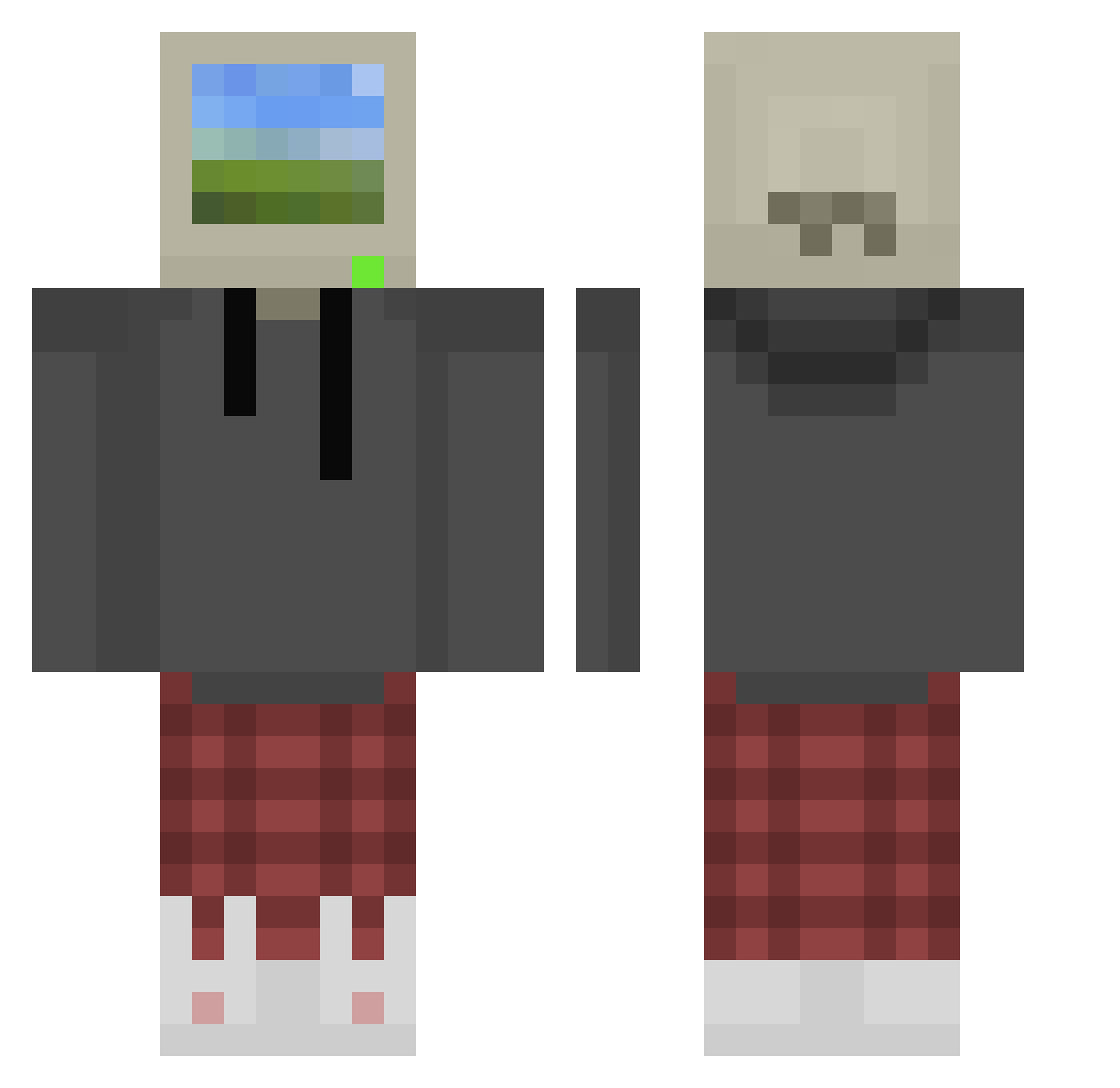
Current Minecraft skin of the player yendo19, loaded from the official Mojang API. Rotate the 3D model with your mouse or finger, then download the skin as a PNG file and use it in Minecraft: Bedrock Edition or Java Edition for free. When yendo19 changes their skin, this page updates automatically and the old skin stays in the history below.
Other players with this skin (872)
yendo19 was the 768th player we have seen with this skin, first spotted on 22.10.2026. The same skin was seen on these players. Open a nickname to see their current skin and skin history.
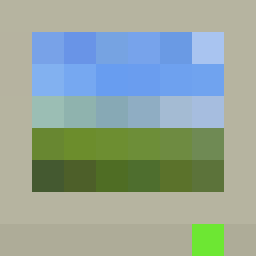 reloade6page SibtenYT MalpercioGoC TimtheG KARTOXALOX Dinozarl TangentDrop9103 FitoosGP Tao_Phoenix Fyzb LongSleeper42 mo3taz998 Carpentiere_Nico 6VineKoLa BadKarma444 Gr3enTeaX notfeerd Blaizart2 CH1P5T Awitado johbny Deadshotz24 Nihilkov ImGabinou Goyo2k MildGoldfish whosmystiic JuicyPotato7 cowboyad4k Kashwalker Ttv_Mellow3 Kuroevi whiskey_cpr2304 MyN4m3IsLee Chusky112 Blueberry123797 Janex201317 TearsFears4242 Steve_STVC Dreadwuuulf ffs_vicho Heidelkraut Melvin2_ Queensking31 ElementofToast 4ryx66 LtKernel7 yPedrex DrayAaron Amorcito0410 Comettia etherealguppy Dp_pxx THEALPINO Eno25 _Felip Tymek2017 ELJJagresive Tim19981122 __Kurushimi__
More Windows XP Minecraft skins
How to install the yendo19 skin
- Press the Download button above to save the skin as a PNG file.
- Minecraft: Bedrock Edition (PE): open the Dressing Room from the main menu (or tap your character → Edit Character), go to Classic Skins → Owned, press the + (new skin) button, choose the downloaded PNG and pick the Classic (Steve) model. Works on PC and mobile; consoles cannot import custom skins.
- Minecraft: Java Edition: open the Minecraft Launcher, go to the Skins tab, click New Skin, load the PNG, pick the Classic (Steve) model and press Save & Use. You can also upload it at minecraft.net → Profile → Change Skin.
The skin does not show up after import - what should I do?
Restart Minecraft and open the Dressing Room again - imported skins sometimes appear only after a restart. Also make sure you selected the imported skin and picked the Classic (Steve) model.
Which model should I choose, Classic or Slim?
This skin is designed for the Classic (Steve) model. If you pick the wrong model, the arms of the skin will look stretched or squeezed.
Is the skin of yendo19 free to download?
Yes. Press Download, save the PNG file and use it in Minecraft: Bedrock Edition or Java Edition - no payment or registration needed. The skin also works on multiplayer servers and Realms.
More skins
Looking for more? Go back to all Minecraft skins and check the top skins of the week, month and all time, or find any player's skin by nickname.