
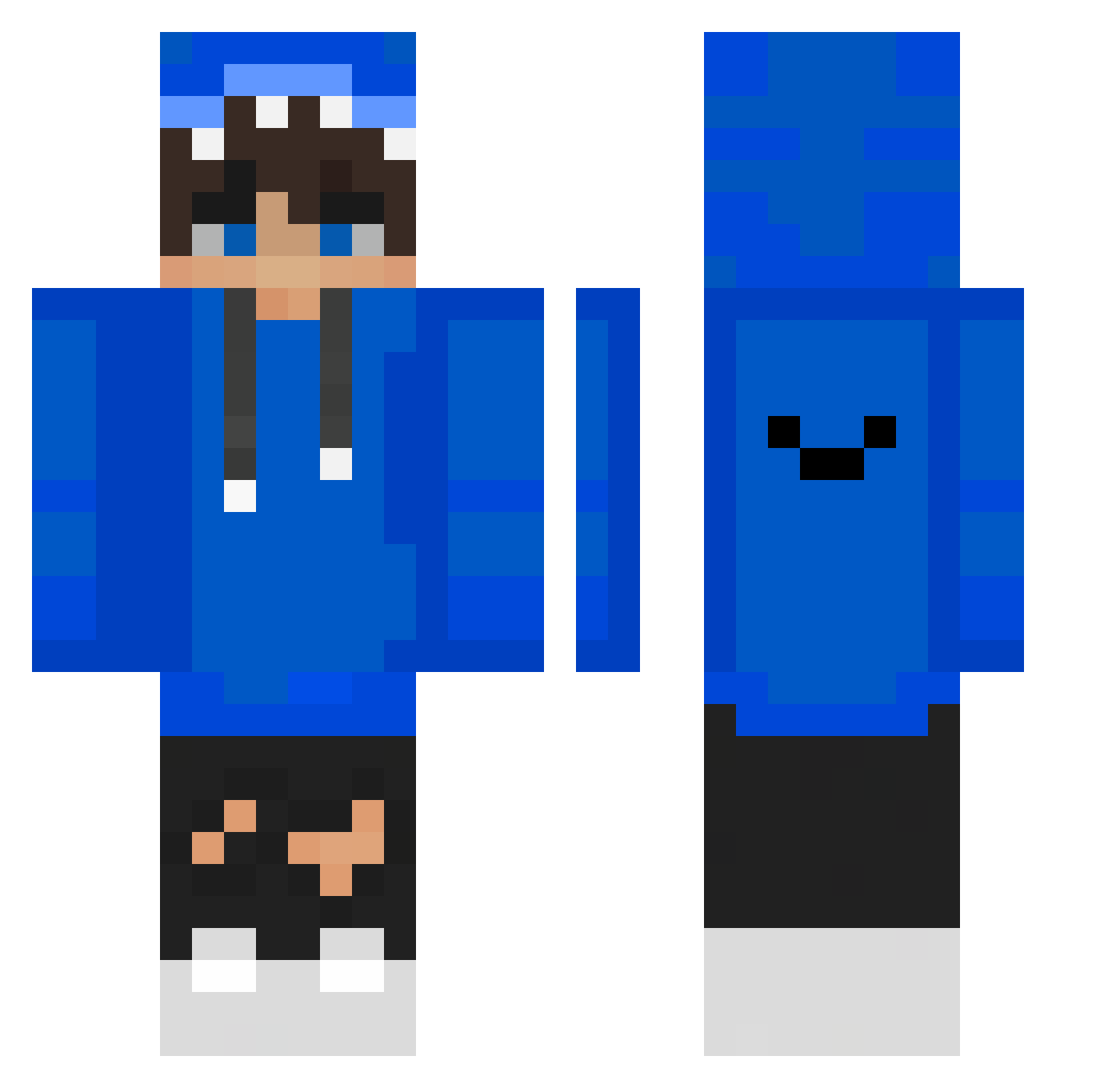
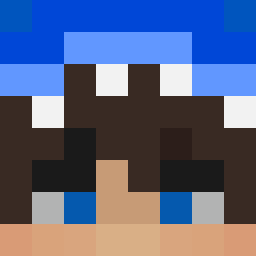
Current Minecraft skin of the player yeajun73, loaded from the official Mojang API. Rotate the 3D model with your mouse or finger, then download the skin as a PNG file and use it in Minecraft: Bedrock Edition or Java Edition for free. When yeajun73 changes their skin, this page updates automatically and the old skin stays in the history below.
Other players with this skin (352)
yeajun73 was the 102nd player we have seen with this skin, first spotted on 17.08.2026. The same skin was seen on these players. Open a nickname to see their current skin and skin history.
 Robi_2011 ErenMDDD Ageruler FoxyThePirate__ iampurin Ganjuin szymonmate222 OFw_Lachs LuckyStrikePT HereSeba Yoshi_dB deka185 mxmadman733 YoSoyChulo Chris_rocks 10___2 ZeN09on R_froge2 Koi2500 Hong_SY BackBeast942612 Polskiwiktor Lovesome_ Akeff studyon potato263579 BLUE_KILLER_ j0kerrrrrr jinhaengja NabgG zNoryx Davidsito028 JavicKGamer RagingWarrior daso1123 XL_shArk MadBark Alex_gamer312 MarcoQua FatalityLight Edsikkk 00envy0 EduPaLaNenas elCrotas1220 YT_KOSMO georgie27598x softiepenn muzi_nightmares Dwan132 Joseppe88 _Juanfra_ kimgunwoo2941 PJajja Mexicanu23 BlueSkyRS7 Sinatrasc SnorlaxDood poohthxx Tokisen tmizle
How to install the yeajun73 skin
- Press the Download button above to save the skin as a PNG file.
- Minecraft: Bedrock Edition (PE): open the Dressing Room from the main menu (or tap your character → Edit Character), go to Classic Skins → Owned, press the + (new skin) button, choose the downloaded PNG and pick the Classic (Steve) model. Works on PC and mobile; consoles cannot import custom skins.
- Minecraft: Java Edition: open the Minecraft Launcher, go to the Skins tab, click New Skin, load the PNG, pick the Classic (Steve) model and press Save & Use. You can also upload it at minecraft.net → Profile → Change Skin.
The skin does not show up after import - what should I do?
Restart Minecraft and open the Dressing Room again - imported skins sometimes appear only after a restart. Also make sure you selected the imported skin and picked the Classic (Steve) model.
Which model should I choose, Classic or Slim?
This skin is designed for the Classic (Steve) model. If you pick the wrong model, the arms of the skin will look stretched or squeezed.
Is the skin of yeajun73 free to download?
Yes. Press Download, save the PNG file and use it in Minecraft: Bedrock Edition or Java Edition - no payment or registration needed. The skin also works on multiplayer servers and Realms.
More skins
Looking for more? Go back to all Minecraft skins and check the top skins of the week, month and all time, or find any player's skin by nickname.