
 LLL100 BLUE_KILLER_ isabellawm TheMLGYT4 SSQR0311 Donio02 hisam0611 oaojay Joshh_irwin T1m73 0206Jay jprobin Harth_055 Mexicanu23 muzi_nightmares Hyun0214 NabgG xCriistiina_8 Sincriterioo AdasIPatryk OguzhanB_Oyunda LewyJanek furotsuto shaodaj XL_shArk EVILSHARK1488 soju5 Robi_2011 10___2 Santi_406 ERLINGMBAPPE BaMoKun dustzada_ dtgood1234 noiionyn flox4399 Mr_Raven1 Pharaohous weiwei420 Ergoooz MrShibaBG Lalosl7 Dwan132 Joseppe88 kjh111 Mindlesmatti Luchen126 cydaepic j0ne56 j0kerrrrrr Capucha nawin1263 Niconegativo16 Fortres022 lime5885 YT_KOSMO LaurAC71 ALEXSGAMER7U7 Mikusiek2137 JustDejvik
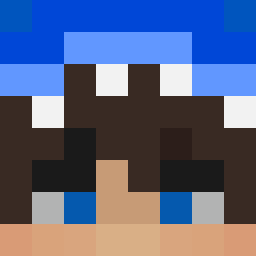
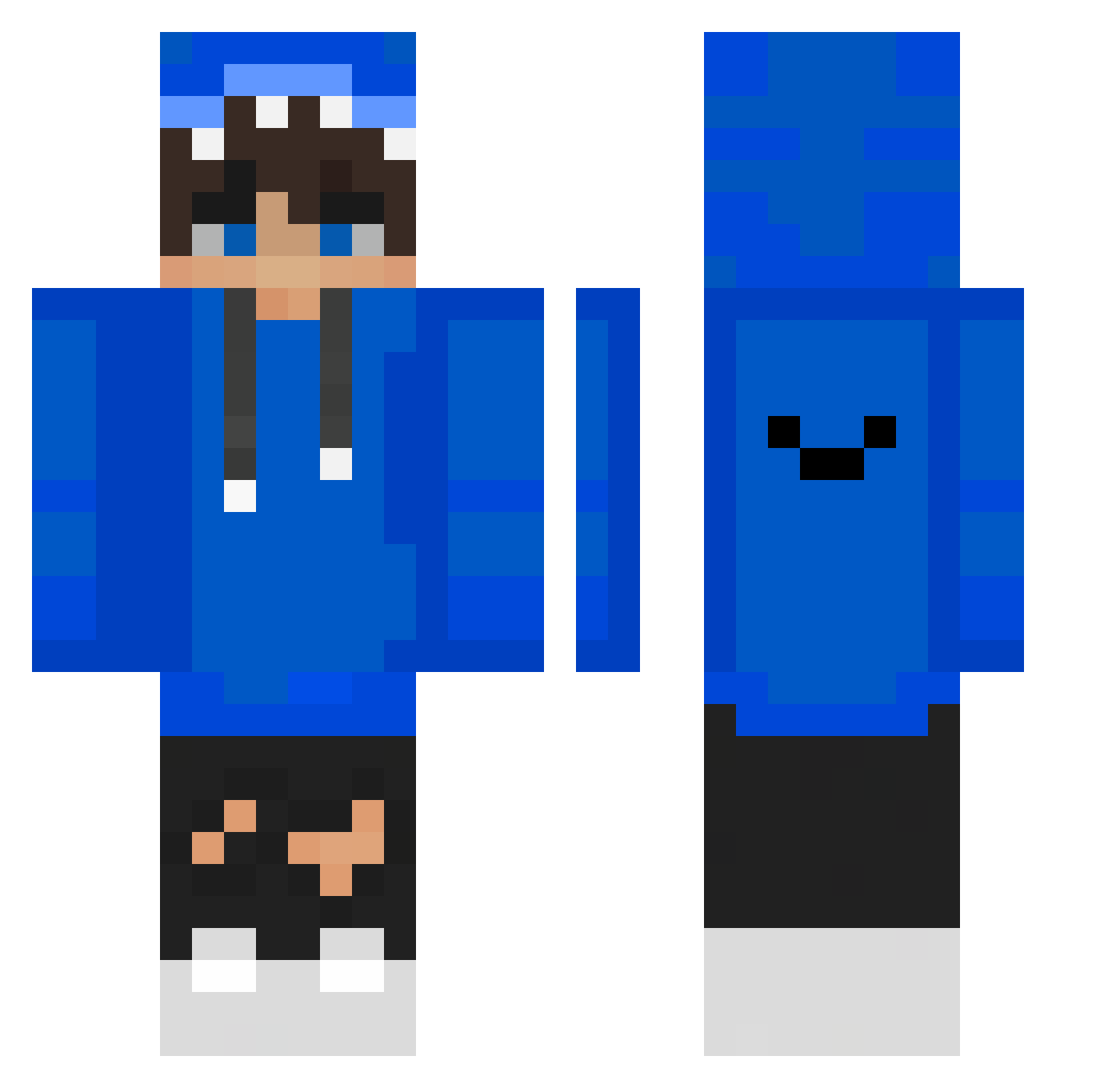
Minecraft skin of CruddyBerry3713. Rotate the 3D model with your mouse or finger to view the skin from every angle, then download it as a PNG file and use it in Minecraft: Bedrock Edition or Java Edition for free. Rate the skin with stars to help other players find the best skins in our collection.
How to install the CruddyBerry3713 skin
- Press the Download button above to save the skin as a PNG file.
- Minecraft: Bedrock Edition (PE): open the Dressing Room from the main menu (or tap your character → Edit Character), go to Classic Skins → Owned, press the + (new skin) button, choose the downloaded PNG and pick the Classic (Steve) model. Works on PC and mobile; consoles cannot import custom skins.
- Minecraft: Java Edition: open the Minecraft Launcher, go to the Skins tab, click New Skin, load the PNG, pick the Classic (Steve) model and press Save & Use. You can also upload it at minecraft.net → Profile → Change Skin.
The skin does not show up after import — what should I do?
Restart Minecraft and open the Dressing Room again — imported skins sometimes appear only after a restart. Also make sure you selected the imported skin and picked the Classic (Steve) model.
Which model should I choose, Classic or Slim?
This skin is designed for the Classic (Steve) model. If you pick the wrong model, the arms of the skin will look stretched or squeezed.
Is this skin free to use?
Yes. Press Download, save the PNG file and use it in Minecraft: Bedrock Edition or Java Edition — no payment or registration needed. The skin also works on multiplayer servers and Realms.
More skins
Looking for more? Go back to all Minecraft skins and check the top skins of the week, month and all time, or find any player's skin by nickname.