
xx_Overhealt_xx - Minecraft Skins & Skin History
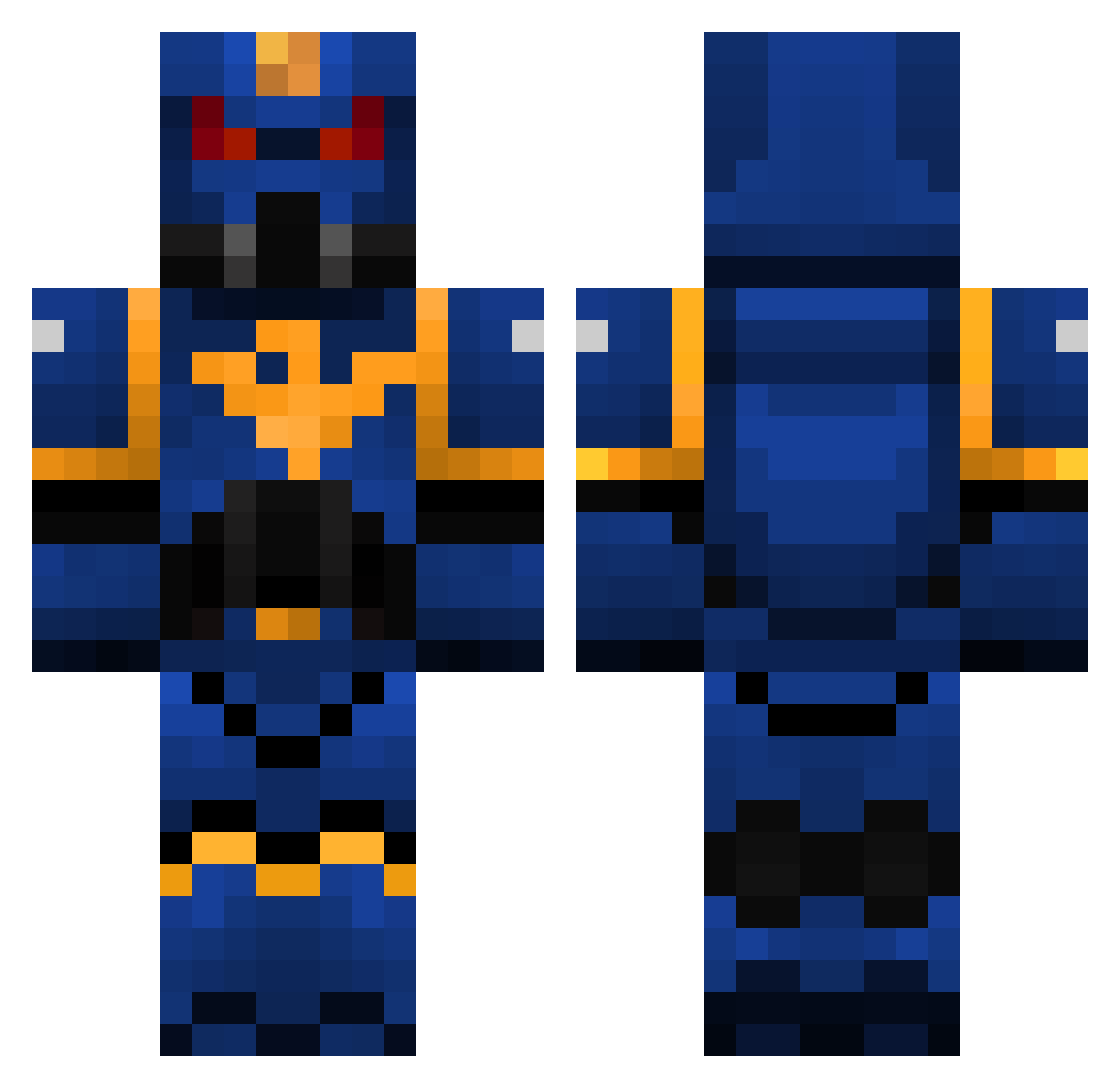
Current Minecraft skin of the player xx_Overhealt_xx, loaded from the official Mojang API. Rotate the 3D model with your mouse or finger, then download the skin as a PNG file and use it in Minecraft: Bedrock Edition or Java Edition for free. When xx_Overhealt_xx changes their skin, this page updates automatically and the old skin stays in the history below.
Other players with this skin (325)
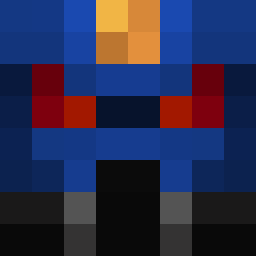
xx_Overhealt_xx was the 206th player we have seen with this skin, first spotted on 02.10.2026. The same skin was seen on these players. Open a nickname to see their current skin and skin history.
 Masnier McAllorum Packmack94 Wargluf ulyssep98 Gerbil77 idaminer12 Firefox459 6erialc rsslyder bendevious lightning2335 Justsomeguy2 reubenplo11 BranchySmile104 ogispal thrawn2187 GenoPT GmansMan inhide21 julian_sc MogMogE smithy512 JanglestheClown jkeeling CanadianAngryMan TheBlueWaffle69 Prito12 Myyst pcvolwarrior81 dragracer6019 Lothenis VaderJeremy Jonboat heyes_1 ziel0nek Crowley999 DotsonSa OCD_Miner rylankennedy ULRICHT blueblueblueblue sheeploda sebseb59 MoistPopcorn 78HotShot HornyTorink oodyswe TheConcepteur Omniscient_Ice Losavo outbreak21093 sacha55 Schwarzflamme117 GrimmFowl sebastianlasen bubbabattel128 GarrettCarrett garethlane1234 lamboguy14
More Warhammer Minecraft skins
How to install the xx_Overhealt_xx skin
- Press the Download button above to save the skin as a PNG file.
- Minecraft: Bedrock Edition (PE): open the Dressing Room from the main menu (or tap your character → Edit Character), go to Classic Skins → Owned, press the + (new skin) button, choose the downloaded PNG and pick the Classic (Steve) model. Works on PC and mobile; consoles cannot import custom skins.
- Minecraft: Java Edition: open the Minecraft Launcher, go to the Skins tab, click New Skin, load the PNG, pick the Classic (Steve) model and press Save & Use. You can also upload it at minecraft.net → Profile → Change Skin.
The skin does not show up after import - what should I do?
Restart Minecraft and open the Dressing Room again - imported skins sometimes appear only after a restart. Also make sure you selected the imported skin and picked the Classic (Steve) model.
Which model should I choose, Classic or Slim?
This skin is designed for the Classic (Steve) model. If you pick the wrong model, the arms of the skin will look stretched or squeezed.
Is the skin of xx_Overhealt_xx free to download?
Yes. Press Download, save the PNG file and use it in Minecraft: Bedrock Edition or Java Edition - no payment or registration needed. The skin also works on multiplayer servers and Realms.
More skins
Looking for more? Go back to all Minecraft skins and check the top skins of the week, month and all time, or find any player's skin by nickname.