
 Buytik Ahtalon Blackaim1 Goodwin251 WhyMadUBad BlackHolyDevil ParagonWS Rubnw Elite_Vox Xecoren hellsleep bezinllr crocodunday Zapatrok VicosaurusREX mstevo11 reallymadbro Alamanconix JKb45F cocomalo Ravared fullsupradupra DreadPC Caliburn8 Sh1nn0k yigit006 Yantock123 Truecentury PathRider92 l0Space0l CorinturPL Utsu39 starling306 Texis_noted69 luas265 StaskaXD Jcra01 _ShadowX359 Leon_0712 OumaShu97 gael315 Turin666 Yatimate Zerathus007 Grom_Prevost Peaplanter50 SummeryDeath Matsplatt BuYa412 Banehammer Barney05 tremorzanna Ashkandi JORIK_306 AutoMemory2015 DaBushChicken Drop_Bear_ VoxCinder jamesh1131 lazydog777
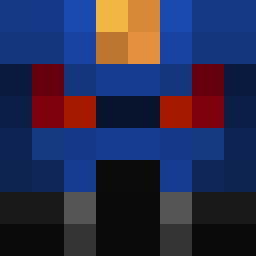
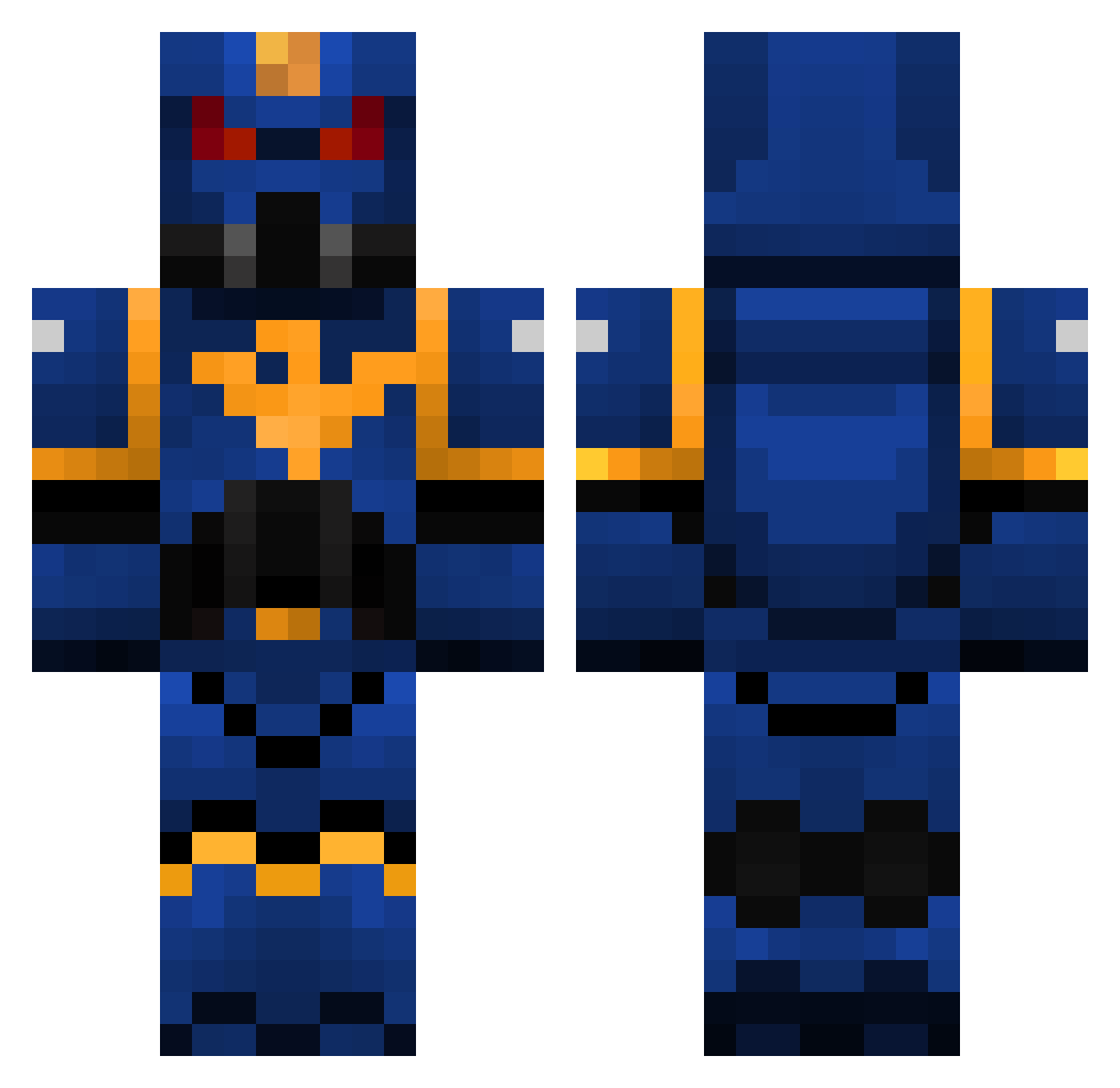
Minecraft skin of Dorise. Rotate the 3D model with your mouse or finger to view the skin from every angle, then download it as a PNG file and use it in Minecraft: Bedrock Edition or Java Edition for free. Rate the skin with stars to help other players find the best skins in our collection.
How to install the Dorise skin
- Press the Download button above to save the skin as a PNG file.
- Minecraft: Bedrock Edition (PE): open the Dressing Room from the main menu (or tap your character → Edit Character), go to Classic Skins → Owned, press the + (new skin) button, choose the downloaded PNG and pick the Classic (Steve) model. Works on PC and mobile; consoles cannot import custom skins.
- Minecraft: Java Edition: open the Minecraft Launcher, go to the Skins tab, click New Skin, load the PNG, pick the Classic (Steve) model and press Save & Use. You can also upload it at minecraft.net → Profile → Change Skin.
The skin does not show up after import - what should I do?
Restart Minecraft and open the Dressing Room again - imported skins sometimes appear only after a restart. Also make sure you selected the imported skin and picked the Classic (Steve) model.
Which model should I choose, Classic or Slim?
This skin is designed for the Classic (Steve) model. If you pick the wrong model, the arms of the skin will look stretched or squeezed.
Is this skin free to use?
Yes. Press Download, save the PNG file and use it in Minecraft: Bedrock Edition or Java Edition - no payment or registration needed. The skin also works on multiplayer servers and Realms.
More Warhammer Minecraft skins
More skins
Looking for more? Go back to all Minecraft skins and check the top skins of the week, month and all time, or find any player's skin by nickname.