
xvaati7 - Minecraft Skins & Skin History
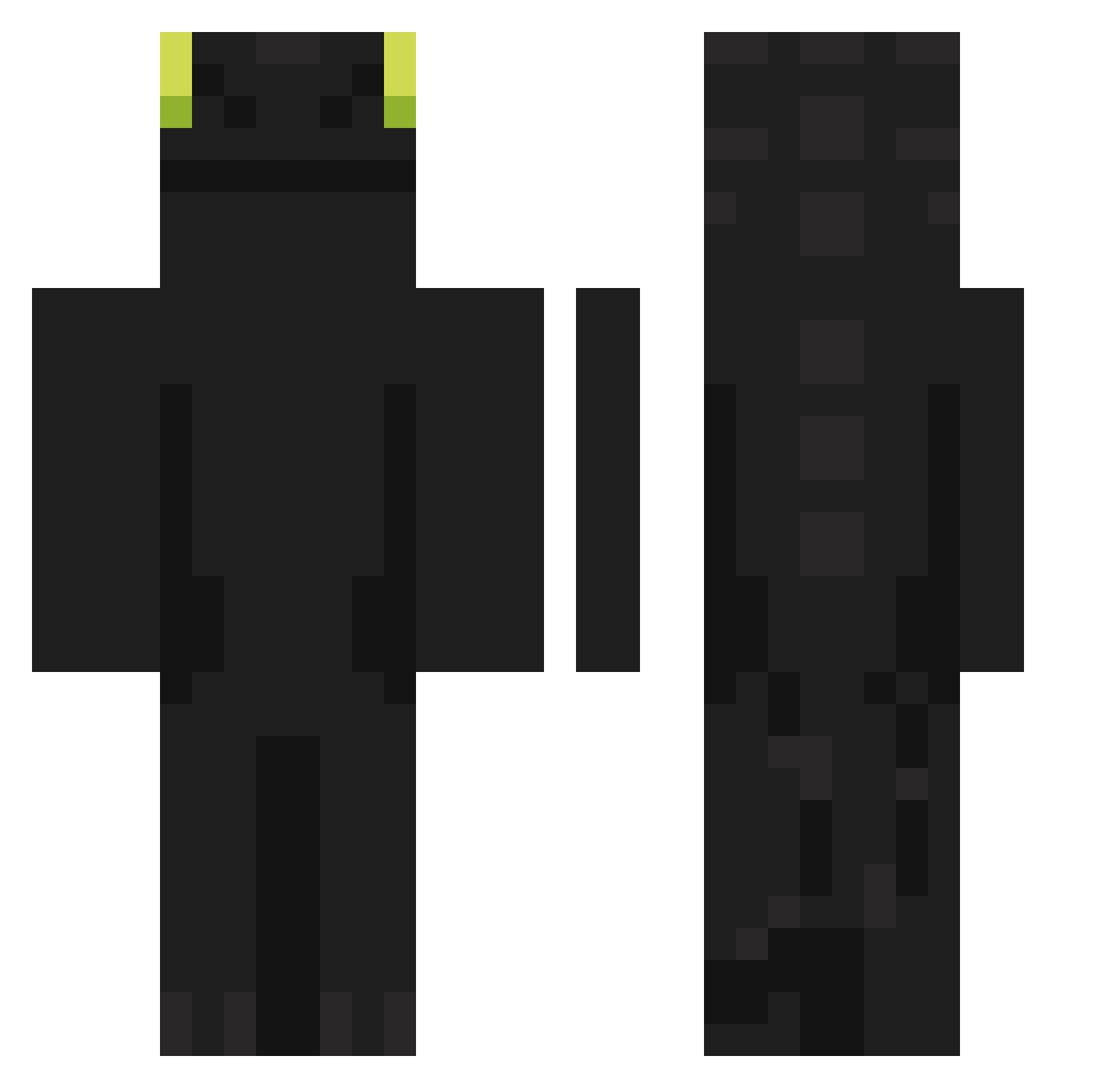
Current Minecraft skin of the player xvaati7, loaded from the official Mojang API. Rotate the 3D model with your mouse or finger, then download the skin as a PNG file and use it in Minecraft: Bedrock Edition or Java Edition for free. When xvaati7 changes their skin, this page updates automatically and the old skin stays in the history below.
Other players with this skin (902)
xvaati7 was the 408th player we have seen with this skin, first spotted on 14.09.2026. The same skin was seen on these players. Open a nickname to see their current skin and skin history.
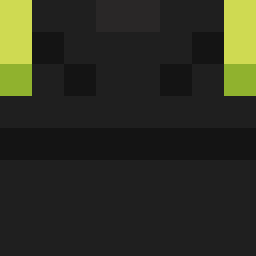 Animalover69420 kito626 cpamwa mHz2171 nanico_ haruten32 Jaimebtw Aporia_ tallarines_
 Andrew3011 kodzuchris Fno5 Rebe10 maber1919 Rebecco_Trex addger Voltike NemuRa12 hahaha113 lordgamer16 hon_hon_ LeightonsDaddyFr havasupi64 nightshxde_ Graphite0 celsoco atoy2010 mason1235 Stackyz lebronniis ckddbs deexbeam Poodsbridge siuuuuuu519 godsin76 rodas00 KBMBGBTB jubal92 RONGDDUNCK SolusDominus weee3555 e3rf90 CHN_Hx lauraisthebest24 Pliser_ HNNNTER DuckiD333 Killerrayden42 PadoAnnaa Pungpung_2 big9ulpo
 Ponch59 GGAGPEA A_Y_Y_N thsgudwns1231 Tacoabi Dropje2019 Mix_m GameHaff thesky0808
More Night Fury Minecraft skins
How to install the xvaati7 skin
- Press the Download button above to save the skin as a PNG file.
- Minecraft: Bedrock Edition (PE): open the Dressing Room from the main menu (or tap your character → Edit Character), go to Classic Skins → Owned, press the + (new skin) button, choose the downloaded PNG and pick the Classic (Steve) model. Works on PC and mobile; consoles cannot import custom skins.
- Minecraft: Java Edition: open the Minecraft Launcher, go to the Skins tab, click New Skin, load the PNG, pick the Classic (Steve) model and press Save & Use. You can also upload it at minecraft.net → Profile → Change Skin.
The skin does not show up after import - what should I do?
Restart Minecraft and open the Dressing Room again - imported skins sometimes appear only after a restart. Also make sure you selected the imported skin and picked the Classic (Steve) model.
Which model should I choose, Classic or Slim?
This skin is designed for the Classic (Steve) model. If you pick the wrong model, the arms of the skin will look stretched or squeezed.
Is the skin of xvaati7 free to download?
Yes. Press Download, save the PNG file and use it in Minecraft: Bedrock Edition or Java Edition - no payment or registration needed. The skin also works on multiplayer servers and Realms.
More skins
Looking for more? Go back to all Minecraft skins and check the top skins of the week, month and all time, or find any player's skin by nickname.