
xavielpro08 - Minecraft Skins & Skin History
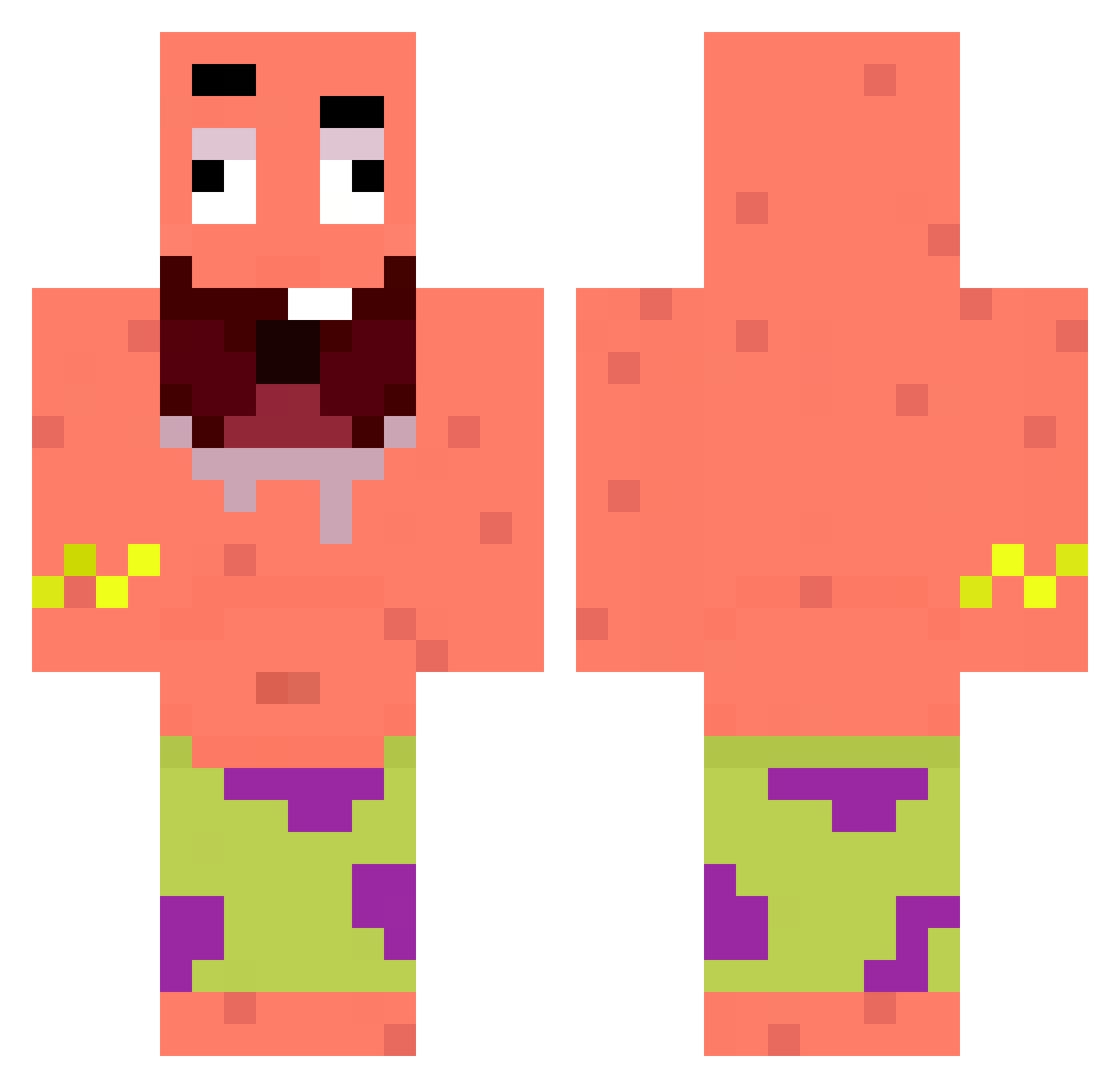
Current Minecraft skin of the player xavielpro08, loaded from the official Mojang API. Rotate the 3D model with your mouse or finger, then download the skin as a PNG file and use it in Minecraft: Bedrock Edition or Java Edition for free. When xavielpro08 changes their skin, this page updates automatically and the old skin stays in the history below.
Other players with this skin (365)
xavielpro08 was the 352nd player we have seen with this skin, first spotted on 15.11.2026. The same skin was seen on these players. Open a nickname to see their current skin and skin history.
 ayzammm qtiisla N4tzz ZenithStrike Milan_la_castagn SpLucas777 ligionmaster45 RobertoGM9 oCammm Yun_zc Jack_dwire DonDy2021 GhostWolf0417 Blender_CWL ElviSteckaso Roxxon_distroyer CinarGani DJ_ARBYS C_arrot1313 yimpo Aryzee xqwgamer kaildeb Hezhar SMILEYJAVA harmlesscombossx Sycron_ diegojijij julicastte551 SoyNuevo1705 zazahut Cleafy PAPRASHAYKA smiley_wiley DONGJUN26 mer_lock Poppularyooooo KIngBreezy2143 mijaaaaaaa RGSO mango0906 SEUS13217 bulu1213 kun_kun_114514 Theo_Eurofighter Lucas0077575 Stazian borystheking339 brokolica89 WillTVT Ac4ackerOnC4ack pepitono dover050 Juan151007 DortHit_o9lwcc9o skinnyjeans69 WolfBro4 elmaspro1234 Morroc666 lolkek271
More Patrick Star Minecraft skins
See all 712 Patrick Star skins
How to install the xavielpro08 skin
- Press the Download button above to save the skin as a PNG file.
- Minecraft: Bedrock Edition (PE): open the Dressing Room from the main menu (or tap your character → Edit Character), go to Classic Skins → Owned, press the + (new skin) button, choose the downloaded PNG and pick the Classic (Steve) model. Works on PC and mobile; consoles cannot import custom skins.
- Minecraft: Java Edition: open the Minecraft Launcher, go to the Skins tab, click New Skin, load the PNG, pick the Classic (Steve) model and press Save & Use. You can also upload it at minecraft.net → Profile → Change Skin.
The skin does not show up after import - what should I do?
Restart Minecraft and open the Dressing Room again - imported skins sometimes appear only after a restart. Also make sure you selected the imported skin and picked the Classic (Steve) model.
Which model should I choose, Classic or Slim?
This skin is designed for the Classic (Steve) model. If you pick the wrong model, the arms of the skin will look stretched or squeezed.
Is the skin of xavielpro08 free to download?
Yes. Press Download, save the PNG file and use it in Minecraft: Bedrock Edition or Java Edition - no payment or registration needed. The skin also works on multiplayer servers and Realms.
More skins
Looking for more? Go back to all Minecraft skins and check the top skins of the week, month and all time, or find any player's skin by nickname.