
xAdrom - Minecraft Skins & Skin History
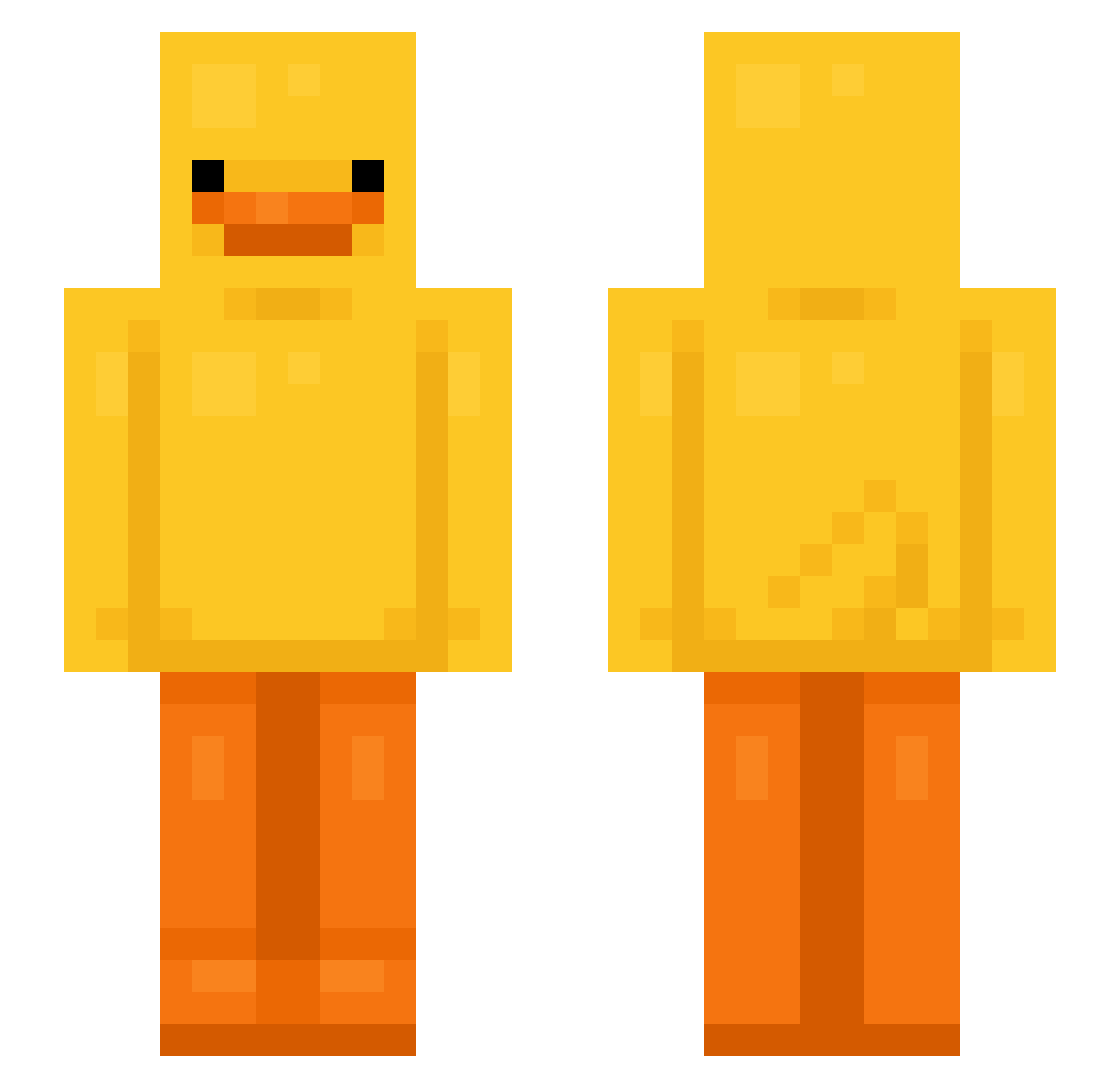
Current Minecraft skin of the player xAdrom, loaded from the official Mojang API. Rotate the 3D model with your mouse or finger, then download the skin as a PNG file and use it in Minecraft: Bedrock Edition or Java Edition for free. When xAdrom changes their skin, this page updates automatically and the old skin stays in the history below.
Other players with this skin (799)
xAdrom was the 659th player we have seen with this skin, first spotted on 24.10.2026. The same skin was seen on these players. Open a nickname to see their current skin and skin history.
 neverstopp OfficerRawr Light_966 Yamsaregood ronaldo213 mleb_A xqkz Stirling2018 Jhayliene XueRyin Champzilla11 zigmunte Corbin1122 wolfbrother158 manuelmovistar hurryup001 0_0_b lama7503 chris38379 dyddkadl2010 Mr_FiestaTime HitFox YORIZUMI kky8456 ah061223 hajixiong madameswag ratdoy thiago20600 Pedrorgr YungPupp Pap3r_scierny fy1_axye_ljb chezbrgr_1 Davi143 yxugxxi Illoduck Ysabrat NuggetsKahl Te4_pro4naa bdjdnd Taternater08 Nevascazxz chiaa17 Pardal19 AdAmVoK09 hipek185 krxxkamila h_seo9 ratdegouts Fourth0 xXEmilioXx1 CasperJay kittycait525 ChlebJestGIT jelmyxx FireDrag0n Yodachick1 not_1uan FIRE_KATBOY3000
More Bird Minecraft skins
How to install the xAdrom skin
- Press the Download button above to save the skin as a PNG file.
- Minecraft: Bedrock Edition (PE): open the Dressing Room from the main menu (or tap your character → Edit Character), go to Classic Skins → Owned, press the + (new skin) button, choose the downloaded PNG and pick the Slim (Alex) model. Works on PC and mobile; consoles cannot import custom skins.
- Minecraft: Java Edition: open the Minecraft Launcher, go to the Skins tab, click New Skin, load the PNG, pick the Slim (Alex) model and press Save & Use. You can also upload it at minecraft.net → Profile → Change Skin.
The skin does not show up after import - what should I do?
Restart Minecraft and open the Dressing Room again - imported skins sometimes appear only after a restart. Also make sure you selected the imported skin and picked the Slim (Alex) model.
Which model should I choose, Classic or Slim?
This skin is designed for the Slim (Alex) model. If you pick the wrong model, the arms of the skin will look stretched or squeezed.
Is the skin of xAdrom free to download?
Yes. Press Download, save the PNG file and use it in Minecraft: Bedrock Edition or Java Edition - no payment or registration needed. The skin also works on multiplayer servers and Realms.
More skins
Looking for more? Go back to all Minecraft skins and check the top skins of the week, month and all time, or find any player's skin by nickname.