
wtsBrian - Minecraft Skins & Skin History
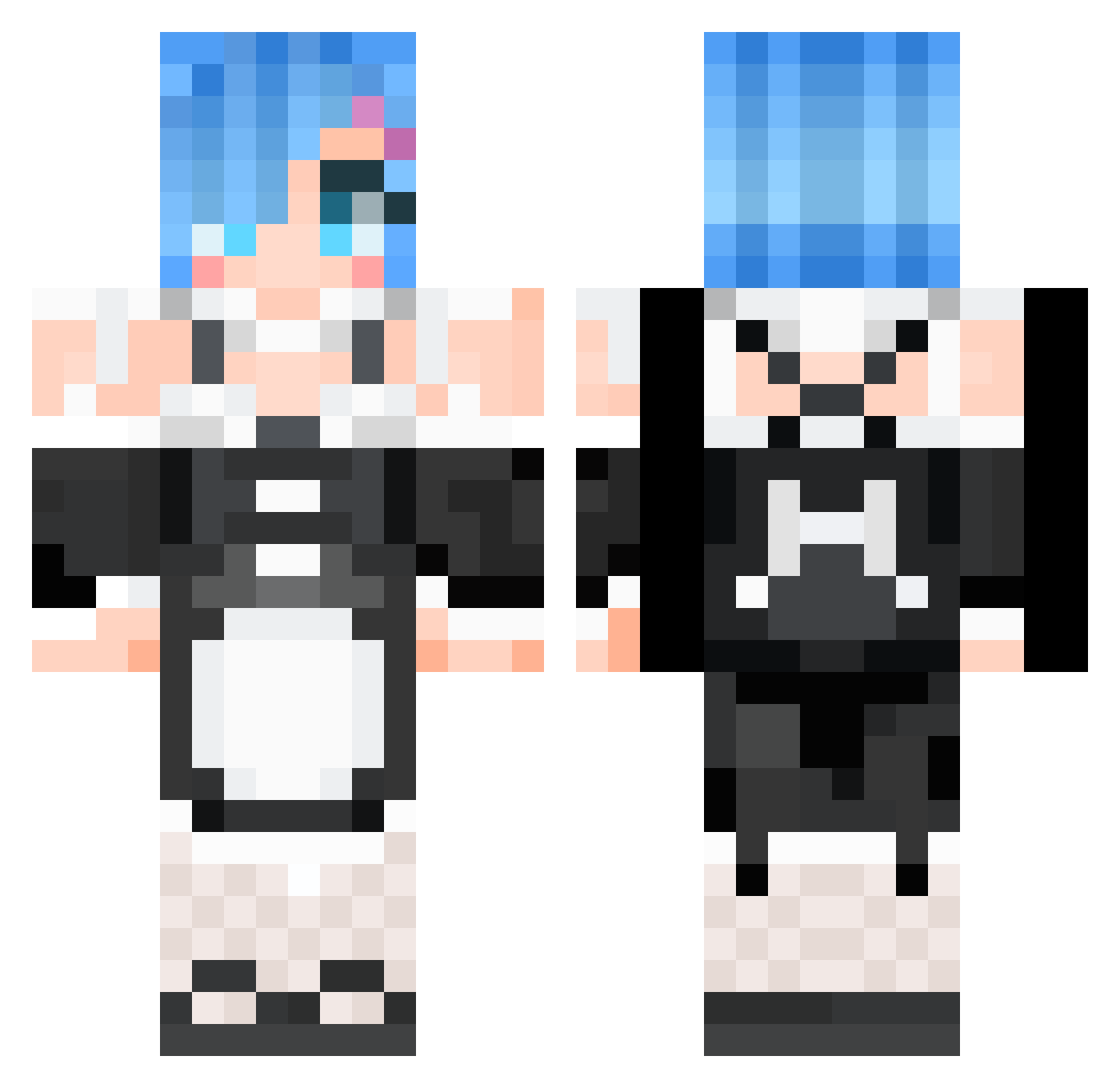
Current Minecraft skin of the player wtsBrian, loaded from the official Mojang API. Rotate the 3D model with your mouse or finger, then download the skin as a PNG file and use it in Minecraft: Bedrock Edition or Java Edition for free. When wtsBrian changes their skin, this page updates automatically and the old skin stays in the history below.
Other players with this skin (530)
wtsBrian was the 92nd player we have seen with this skin, first spotted on 12.08.2026. The same skin was seen on these players. Open a nickname to see their current skin and skin history.
 Tompkins0805 _JAcker qr1ps DoodleAnime cart_sin Sorry4MySins TanikazeRiku Evie0906 Chu8chups Whitney_Woods RamuneNeko Mikochan814 R0XYyyyyyy RafaXD9500 Take0ffYourPants hahaloserrs xxsxxsn
 OverDoseStudios YFB6134 BRGeeeeeee Kookee_ GreenWolf79 LilyOfMarch linlin1013 lsprr gokevin87940 NBbuddy Neet_2110 Maxim2404 Kerys71 NiuRouOvO Dosom GayAnimeBooty Nerinh YIJAGOGO Leon409 Eljovencito 308SummerwalkPL GlizzyGobbler03 YKY_KING hectorgolf JUMYENG junsik3121 Joey8c yomisyi Anggimoddi23 Bigpie90 Cofeeeeee Dopetyan karen2424 CaptCrackHead sityu014 unsadzach Pclipse NoodleDaddy9595 Cravenlock SkunNito qoa546 Sonyaz marusyo
More Rem Minecraft skins
How to install the wtsBrian skin
- Press the Download button above to save the skin as a PNG file.
- Minecraft: Bedrock Edition (PE): open the Dressing Room from the main menu (or tap your character → Edit Character), go to Classic Skins → Owned, press the + (new skin) button, choose the downloaded PNG and pick the Classic (Steve) model. Works on PC and mobile; consoles cannot import custom skins.
- Minecraft: Java Edition: open the Minecraft Launcher, go to the Skins tab, click New Skin, load the PNG, pick the Classic (Steve) model and press Save & Use. You can also upload it at minecraft.net → Profile → Change Skin.
The skin does not show up after import - what should I do?
Restart Minecraft and open the Dressing Room again - imported skins sometimes appear only after a restart. Also make sure you selected the imported skin and picked the Classic (Steve) model.
Which model should I choose, Classic or Slim?
This skin is designed for the Classic (Steve) model. If you pick the wrong model, the arms of the skin will look stretched or squeezed.
Is the skin of wtsBrian free to download?
Yes. Press Download, save the PNG file and use it in Minecraft: Bedrock Edition or Java Edition - no payment or registration needed. The skin also works on multiplayer servers and Realms.
More skins
Looking for more? Go back to all Minecraft skins and check the top skins of the week, month and all time, or find any player's skin by nickname.