
wthnk - Minecraft Skins & Skin History
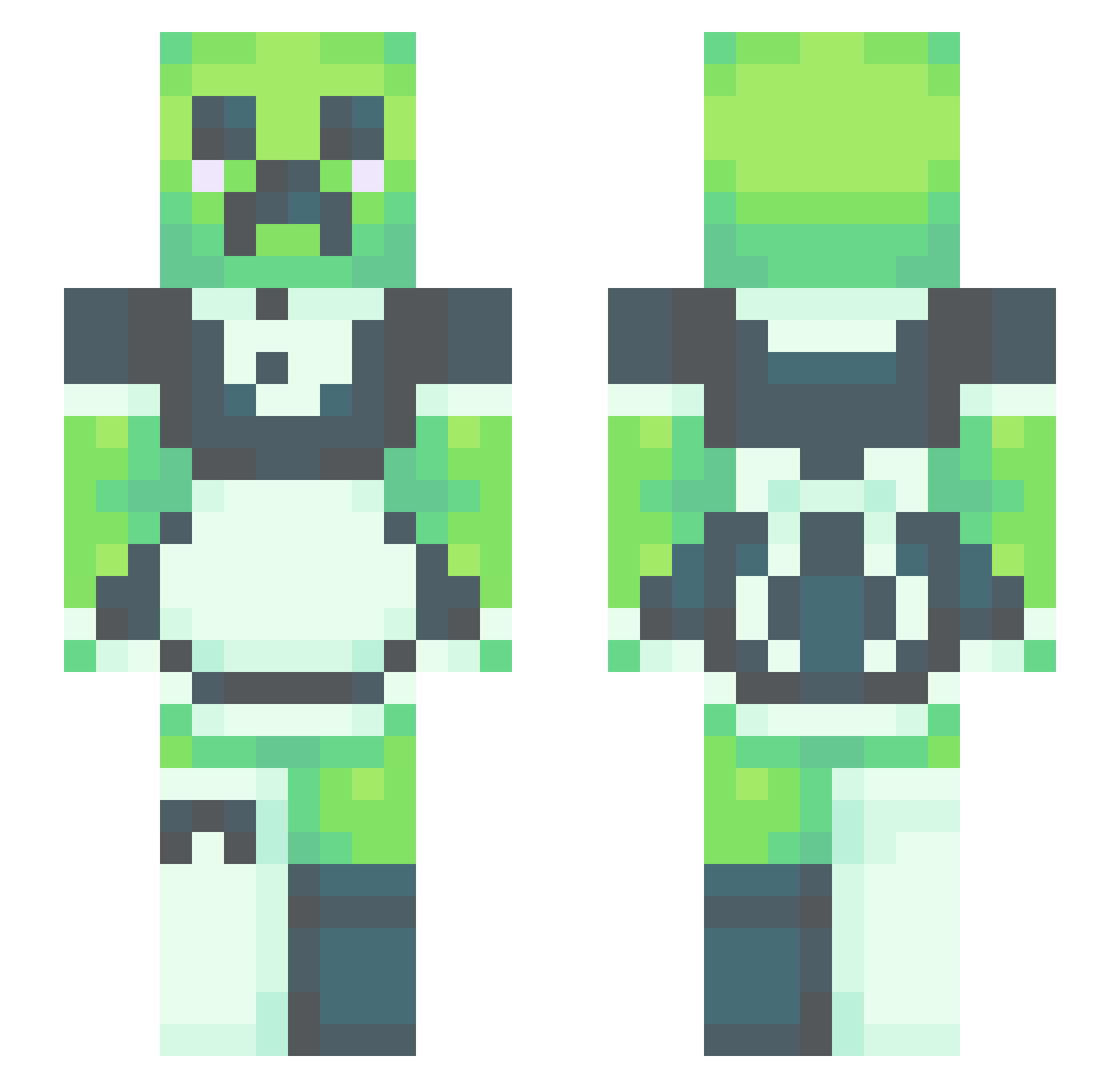
Current Minecraft skin of the player wthnk, loaded from the official Mojang API. Rotate the 3D model with your mouse or finger, then download the skin as a PNG file and use it in Minecraft: Bedrock Edition or Java Edition for free. When wthnk changes their skin, this page updates automatically and the old skin stays in the history below.
Other players with this skin (531)
wthnk was the 39th player we have seen with this skin, first spotted on 31.07.2026. The same skin was seen on these players. Open a nickname to see their current skin and skin history.
 xbleachy VA69420 ninanino3o HazourdousNoodle NoLand4U PrinceQuincyLee baconman42069 Confused_Enby_ runrun114514 Huntt_ stlze Koquan untiltheendofus lacieb2 Sonictherat0001
 SolaceDior alley702cat PonGuRa Laskaa420 Keithboy2304 Noobek_1845 sajanamin DaveyJownz MintTeaTime zaarazaa xXJOLLYJokerXx Eushine Tima556 Noni69 StalDolf GrahamCRKRz bowie7934 shaik semicolontres JadeCommando Geo_man_Z woohwe JupiterJohn5 Matsolsen1 DSpine13 benita0109 OatsOnABoat d4zt TwoUnicorn Charmer13 Gamerdudebro6969 ZARIFAD Robert5678 MisterZike Funkmeister9 sgabriela VerboseTrash Slixrr tokkihoshi WMinecraft theguitarboi KyotoKyoto H4GUM3 StrangerOnline nujes
More Maid Minecraft skins
How to install the wthnk skin
- Press the Download button above to save the skin as a PNG file.
- Minecraft: Bedrock Edition (PE): open the Dressing Room from the main menu (or tap your character → Edit Character), go to Classic Skins → Owned, press the + (new skin) button, choose the downloaded PNG and pick the Slim (Alex) model. Works on PC and mobile; consoles cannot import custom skins.
- Minecraft: Java Edition: open the Minecraft Launcher, go to the Skins tab, click New Skin, load the PNG, pick the Slim (Alex) model and press Save & Use. You can also upload it at minecraft.net → Profile → Change Skin.
The skin does not show up after import - what should I do?
Restart Minecraft and open the Dressing Room again - imported skins sometimes appear only after a restart. Also make sure you selected the imported skin and picked the Slim (Alex) model.
Which model should I choose, Classic or Slim?
This skin is designed for the Slim (Alex) model. If you pick the wrong model, the arms of the skin will look stretched or squeezed.
Is the skin of wthnk free to download?
Yes. Press Download, save the PNG file and use it in Minecraft: Bedrock Edition or Java Edition - no payment or registration needed. The skin also works on multiplayer servers and Realms.
More skins
Looking for more? Go back to all Minecraft skins and check the top skins of the week, month and all time, or find any player's skin by nickname.