
wojzj57 - Minecraft Skins & Skin History
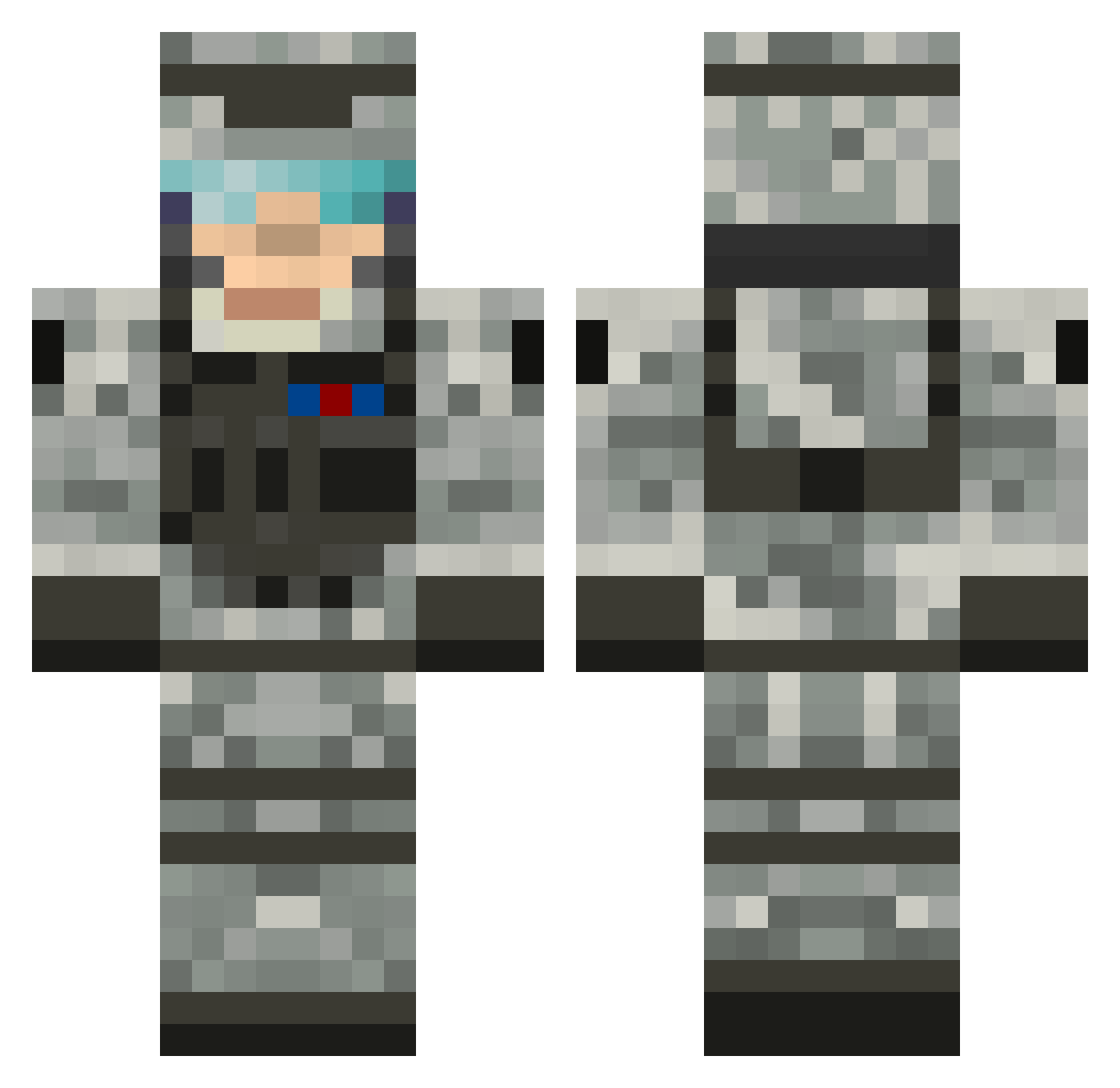
Current Minecraft skin of the player wojzj57, loaded from the official Mojang API. Rotate the 3D model with your mouse or finger, then download the skin as a PNG file and use it in Minecraft: Bedrock Edition or Java Edition for free. When wojzj57 changes their skin, this page updates automatically and the old skin stays in the history below.
Other players with this skin (70)
wojzj57 was the 20th player we have seen with this skin, first spotted on 19.08.2026. The same skin was seen on these players. Open a nickname to see their current skin and skin history.
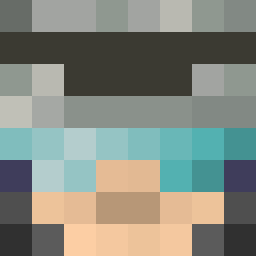 520184 Destro351 sigma3817 ImEstonian niklas6298 WhodoSmith deng131 ccyQAQ Kreminator13 maannik davitr Shayzen fast_dot glamisjames beastlyskills2 x153 General_Dane ImMadlife NightZtalker sjjjjddd13 prosimon80 F2C1 Qvario PANZERDIVISION05 ShenYijue KadeLarson09 Tybor123 CommanderBlack9 Pedrovlongo Knorman ruike33 Bigcapitalist HigeTideX PipalT1234 RyZe2003 Arrdream Zumo_zip rodmedin Dietarytobby 69Armytiger humourous_k klartexten LilKjay YyYeeeeeeeeee G002184 hunterino7734 shijieji MCDbeats Shr3der4214 twister01 Malajevich2008 DiamondSlayer189 Kagashi2006 Jack3107 Clubmaniac2 fredtherabbit Benimus_Prime21 Gulagy YXH Chicco_VB
More Camo Minecraft skins
How to install the wojzj57 skin
- Press the Download button above to save the skin as a PNG file.
- Minecraft: Bedrock Edition (PE): open the Dressing Room from the main menu (or tap your character → Edit Character), go to Classic Skins → Owned, press the + (new skin) button, choose the downloaded PNG and pick the Classic (Steve) model. Works on PC and mobile; consoles cannot import custom skins.
- Minecraft: Java Edition: open the Minecraft Launcher, go to the Skins tab, click New Skin, load the PNG, pick the Classic (Steve) model and press Save & Use. You can also upload it at minecraft.net → Profile → Change Skin.
The skin does not show up after import - what should I do?
Restart Minecraft and open the Dressing Room again - imported skins sometimes appear only after a restart. Also make sure you selected the imported skin and picked the Classic (Steve) model.
Which model should I choose, Classic or Slim?
This skin is designed for the Classic (Steve) model. If you pick the wrong model, the arms of the skin will look stretched or squeezed.
Is the skin of wojzj57 free to download?
Yes. Press Download, save the PNG file and use it in Minecraft: Bedrock Edition or Java Edition - no payment or registration needed. The skin also works on multiplayer servers and Realms.
More skins
Looking for more? Go back to all Minecraft skins and check the top skins of the week, month and all time, or find any player's skin by nickname.