
wodefa789 - Minecraft Skins & Skin History
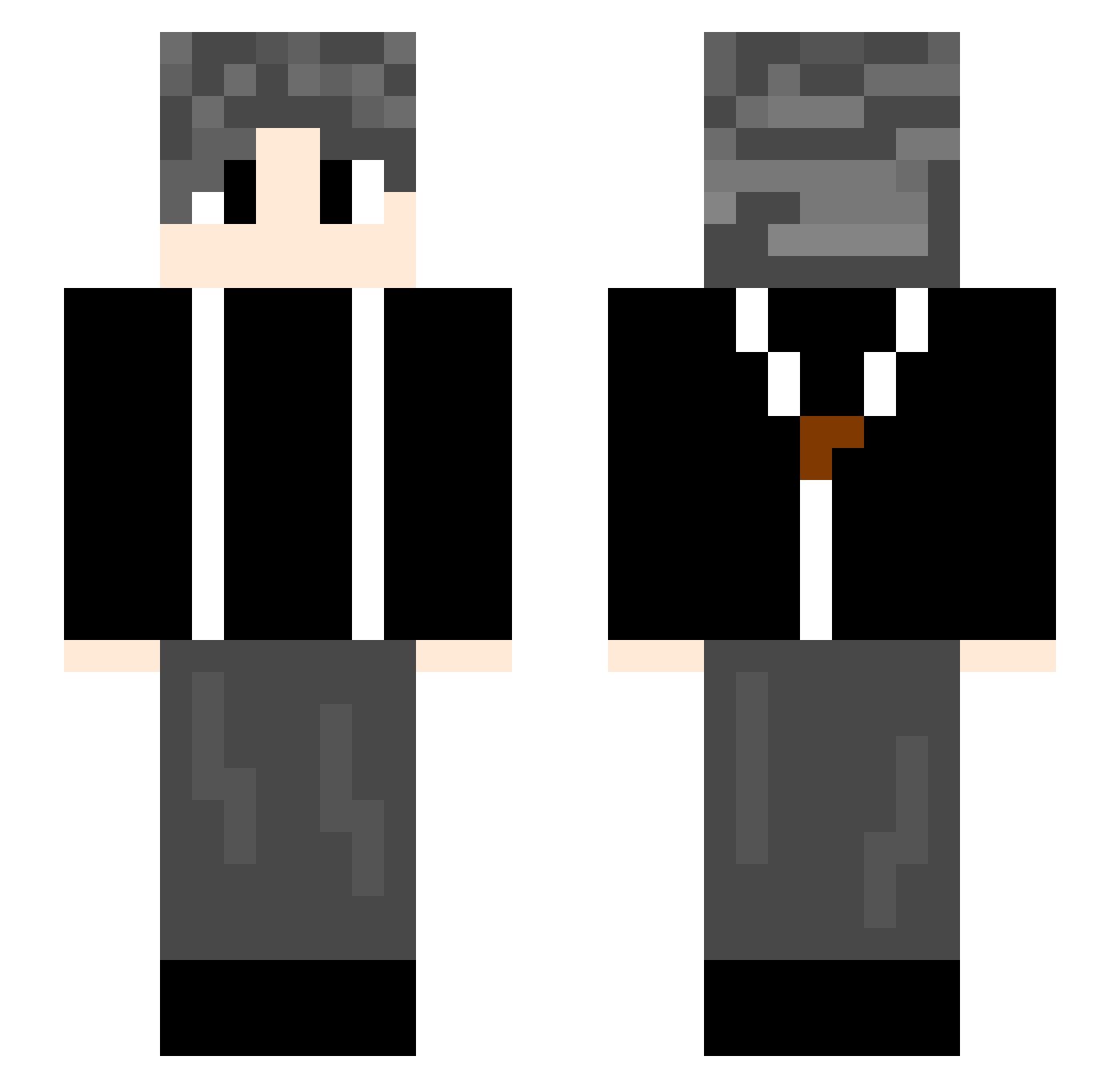
Current Minecraft skin of the player wodefa789, loaded from the official Mojang API. Rotate the 3D model with your mouse or finger, then download the skin as a PNG file and use it in Minecraft: Bedrock Edition or Java Edition for free. When wodefa789 changes their skin, this page updates automatically and the old skin stays in the history below.
Other players with this skin (844)
wodefa789 was the 810th player we have seen with this skin, first spotted on 14.11.2026. The same skin was seen on these players. Open a nickname to see their current skin and skin history.
 luokun eddievan Niko_0719 sebastek122 Fatebai XDohYss lizhe226 coke_brother zzzzyz _D27 MSH884 caixukn xzaizhi mengdaochangtiao ZDSNAiKUN PFL625 YeLuo_ dpx147 SAKURA0987 realaFaker Skyawn LsY00 123sskkyy Backwin FriesCola NCG00d Staywhere IKUN_ST djqnb666 jiamindy LouisYsC tillllllon qingfeng7735 SndyO kingoffruits1 VisedGryphon460 lbu890 zhxh kennard131 91LY ChowelLee sbyuyu QuionsK bydepic SH1ROMONESY Jfengs CY66666CY xhzq666 Fore3ter zhanghongyu666 xiaxue_le XiShaGUA Zyyhh huy144 LY_Hui bbaicahaoren kuailian LIHAOHAN JY1021 XiaogangzzZ
How to install the wodefa789 skin
- Press the Download button above to save the skin as a PNG file.
- Minecraft: Bedrock Edition (PE): open the Dressing Room from the main menu (or tap your character → Edit Character), go to Classic Skins → Owned, press the + (new skin) button, choose the downloaded PNG and pick the Slim (Alex) model. Works on PC and mobile; consoles cannot import custom skins.
- Minecraft: Java Edition: open the Minecraft Launcher, go to the Skins tab, click New Skin, load the PNG, pick the Slim (Alex) model and press Save & Use. You can also upload it at minecraft.net → Profile → Change Skin.
The skin does not show up after import - what should I do?
Restart Minecraft and open the Dressing Room again - imported skins sometimes appear only after a restart. Also make sure you selected the imported skin and picked the Slim (Alex) model.
Which model should I choose, Classic or Slim?
This skin is designed for the Slim (Alex) model. If you pick the wrong model, the arms of the skin will look stretched or squeezed.
Is the skin of wodefa789 free to download?
Yes. Press Download, save the PNG file and use it in Minecraft: Bedrock Edition or Java Edition - no payment or registration needed. The skin also works on multiplayer servers and Realms.
More skins
Looking for more? Go back to all Minecraft skins and check the top skins of the week, month and all time, or find any player's skin by nickname.