
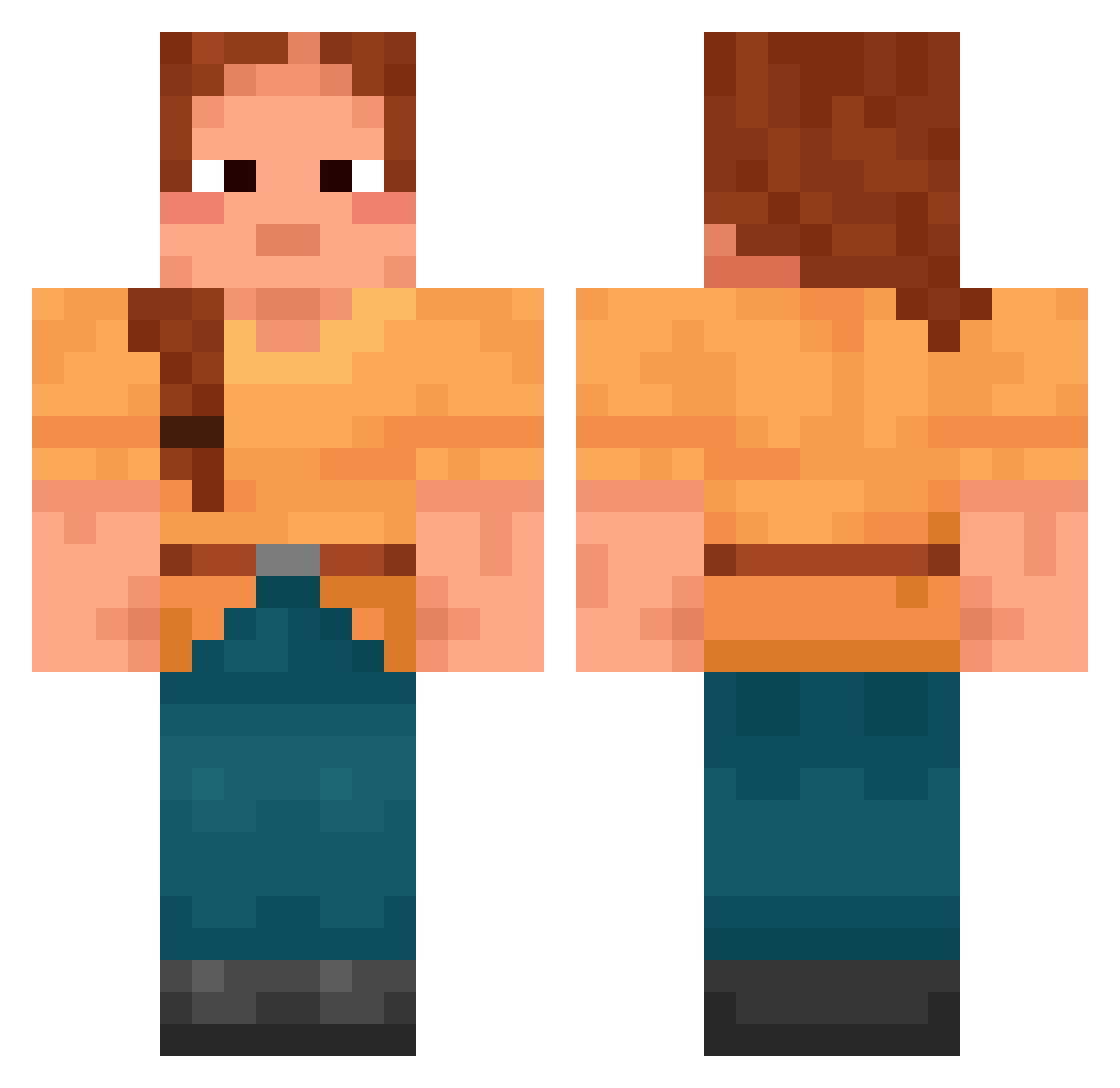
Current Minecraft skin of the player witham, loaded from the official Mojang API. Rotate the 3D model with your mouse or finger, then download the skin as a PNG file and use it in Minecraft: Bedrock Edition or Java Edition for free. When witham changes their skin, this page updates automatically and the old skin stays in the history below.
Other players with this skin (1393)
witham was the 1291st player we have seen with this skin, first spotted on 12.10.2026. The same skin was seen on these players. Open a nickname to see their current skin and skin history.
 kekkaa hsuuu_ Tenaciously Hickories Stanze Blackspeg InterCulture Majson2013 Agnostus Curcumin joaogabriel0201 flachy_no1 IBack0ut pilottom555 emerita hyne sxrrxl_ khshim0107 Dandler SrStroncio69 BoomEcks Decarbonated leleozin denizritus CaSpeQ Heterocera manelle_02 coerenza Meysan spiloma Lilusss Shadowier Luedal SinMinHo Mucrones choonsic Rickylick kittysniffer87 ridder444 ttvpoa Jasetin CasperSpek Drillmaster slocs6 MissionMcFigs MahirEffects_ RickNobody34 Queen_Thicccyyy Surer Idkmyname2788 Adular Isrask le_lapinou_fr Dav1d05 a000h SUZUNz Awag GhostieMC CuteBabyHippo rlaxo_h
More Cottagecore Minecraft skins
See all 5487 Cottagecore skins
How to install the witham skin
- Press the Download button above to save the skin as a PNG file.
- Minecraft: Bedrock Edition (PE): open the Dressing Room from the main menu (or tap your character → Edit Character), go to Classic Skins → Owned, press the + (new skin) button, choose the downloaded PNG and pick the Classic (Steve) model. Works on PC and mobile; consoles cannot import custom skins.
- Minecraft: Java Edition: open the Minecraft Launcher, go to the Skins tab, click New Skin, load the PNG, pick the Classic (Steve) model and press Save & Use. You can also upload it at minecraft.net → Profile → Change Skin.
The skin does not show up after import - what should I do?
Restart Minecraft and open the Dressing Room again - imported skins sometimes appear only after a restart. Also make sure you selected the imported skin and picked the Classic (Steve) model.
Which model should I choose, Classic or Slim?
This skin is designed for the Classic (Steve) model. If you pick the wrong model, the arms of the skin will look stretched or squeezed.
Is the skin of witham free to download?
Yes. Press Download, save the PNG file and use it in Minecraft: Bedrock Edition or Java Edition - no payment or registration needed. The skin also works on multiplayer servers and Realms.
More skins
Looking for more? Go back to all Minecraft skins and check the top skins of the week, month and all time, or find any player's skin by nickname.